
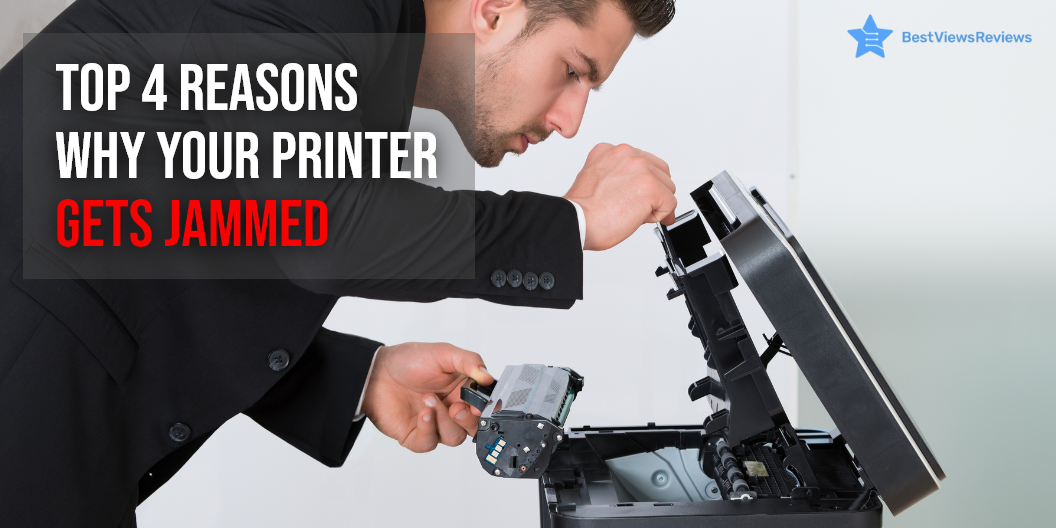
Printer Jam Causes and Solutions

printer jam

A printer is an output device that connects with your PC, tab, and phones for generating graphical printouts. This device is crucial for your day-to-day tasks. A functional printer is important for maintaining high productivity and efficiency. Most printers offer functions such as printing, scanning, faxing, and copying. They are convenient to use but regular usage can cause printer jam problems. The printer will malfunction as a result, causing time and productivity loss.

The reasons for the malfunctioning of printers are often minor and can be fixed with easy hacks. The common problems with printers are paper jams, low responsiveness, and streaky prints. You should know the causes and solutions of printer jams. You can also go for the laser printer like Brother Compact Monochrome Laser Printer have great reviews because it allows you smooth printing with no difficulty.

Common Cause of Printer Jam and How to Fix Them

Paper Jams  

Paper jam is a common issue that can occur if the papers are misaligned or overloaded on the paper tray.  

To resolve this, repeat the following steps: 

  • Open your tray and ensure that the paper is aligned
  • Remove the complete stack of papers and align it again properly
  • Ensure that you’ve loaded the sheets as per your printer’s paper capacity
  • Adjust the paper-type setting in your printer for using a different type of paper
  • Try to reboot your printer if all these steps do not resolve your issue.

Small pieces of paper can get stuck inside the rollers during the jam. Remove the duplexer and check inside the roller.

A model like HP DeskJet 2755e Wireless inkjet printer comes with HP+ that adds additional functionality to your printer, making it easier to print from any device or app with no paper jam.

Printer Driver Version  

The printer driver is the software that converts the data into a format that the printer can understand. You may encounter a problem if the version of your printer driver has become outdated. To fix this, download the new version and uninstall the older one to reestablish the smooth connection again.  

The reviews of the Epson WorkForce Wireless All-in-One Color Inkjet Printer are positive because it has both wired and wireless connectivity, making it easy to connect.

Overloaded Printer Queue  

A print queue is the list of printer output jobs. It maintains a log of pending and active printing jobs by storing the status in a reserved memory area. The queue can get confused if you delete, reorder or postpone your printer jobs. This causes your driver to halt its operations. 

Some quick fixes to resolve this issue include deleting the jobs, turning off your printer, and turning it ON again. You can also open Windows Services if you’re using Windows. Find the Print spooler option to stop all the jobs which might be confusing your printer.  

Clogged Printhead 

The printer ink can dry up in your printer head and clog the parts. You can consider cleaning your cartridge with a microfiber dishcloth absorbent. Let the cartridge get dry for reloading. You can also run the printhead cleaning option for using your software to resolve this problem. We recommend you go with only reliable printer brands.

How Do You Reset Your Printer?

The printer settings when changed can cause trouble while printing. Resetting your printer to the default setting is a good move. Follow the below-listed steps to reset your printer.

  • Find the menu option on the control panel of your printer
  • Click on the menu button and navigate using up/down arrow keys
  • Select the printer option.
  • Navigate to the reset printer option under the menu bar
  • Press 1 to select yes
  • Click on “reset all” and press okay

Conclusion

A printer is an important addition to your office or home workspace. Knowing the quick fixes to common problems like printer jams can help you save from the hassle of printer repair. These tips are effective on almost all printers. Read our blog to know more about common DIY printer repair hacks.

You should consider a few important factors while deciding on the final inkjet printer model.

BestViewsReviews rates and ranks hundreds of computer printers and inkjet printers based on build quality, ease of use, and portability.
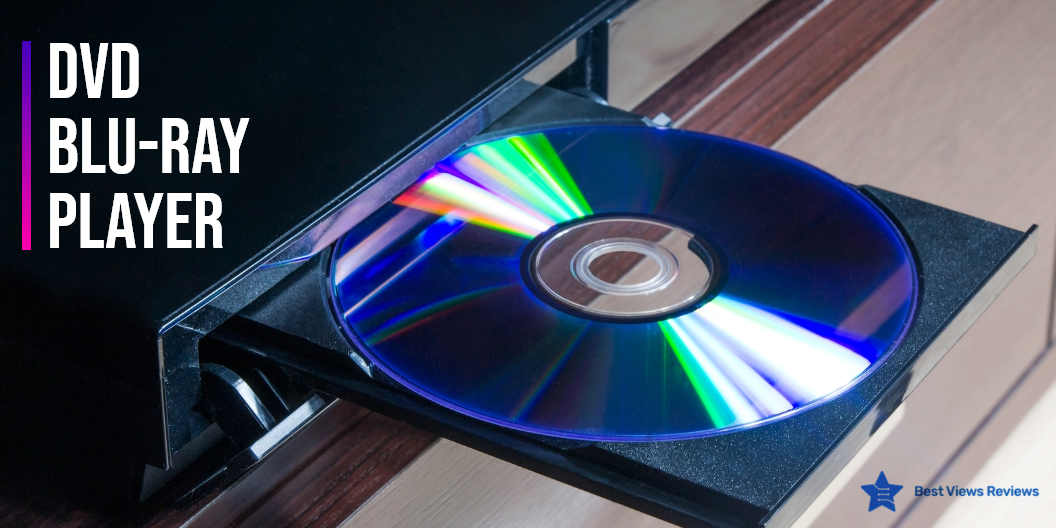
How To Choose Blu-Ray Player?

blu-ray player

A Blu-ray player is a stand-alone device that plays Blu-ray and DVD movie discs. This player is the perfect way to watch your favorite movie or show in 4K with a great viewing experience. It allows you to watch the content of your standard DVDs and Blu-ray discs to a beautiful, high-quality resolution, resulting in a great viewing experience. It is important to note that Blu-ray is the only HD disc format available in the market today. The majority of the Blu-ray players can conveniently play commercial Blu-ray discs and standard DVDs. This is because most of them contain a red as well as a blue laser that equips the Blu-ray to play two different formats easily.

DVD players are also great devices for watching movies. You can have a look at some of the best DVD players if you want a DVD player that is portable as well as durable.

Things To Look For While Choosing A Blu-Ray Player 

4K Upscaling  

Many Blu-ray players and A/V receivers can do 4K upscaling. 4K upscaling allows you to view your content in four times better quality as compared to the regular HD. DID A R Upgrade Mini Blu-Ray DVD Player’s reviews claim that it is portable and offers high definition picture quality. The stunning clarity and vivid pictures are absolutely a delight to watch.

3D Functionality 

Some Blu-pay players also offer 3D compatibility. This reduces the need of going to the theater. You can comfortably watch your favorite movie from the comforts of your home.

Wi-Fi

Blu-ray players also come with a wireless connectivity feature. This enables you to connect your Blu-ray player easily with any home theater without the use of any USB cord or other external connections. The customer reviews of OPPO Digital BDP-83 Blu-ray Disc Player show that it is one of the best Blu-ray players available.

Audio/Video Connections 

You should make sure that your selected player plays your DVD collection comfortably before finalizing your purchase. Go with a player that has a good rating for both audio and video connections. Most of the Blu-ray players specifically play Blu-ray CDs only but there are some players which contain both blue and red lasers. Such Blu-ray players can conveniently play both Blu-ray as well as DVDs easily. You can also find Blu-ray players like Tojock New Blu-Ray DVD Player with digital optical or digital coaxial audio connections.

Video Streaming Options

An internet-enabled Blu-ray player lets you enjoy video streaming features. Different players are compatible with different video services. Make sure to select a model that supports the movie services of interest to you. Universal 3D Blu-ray Player’s customer reviews say that this model is compatible with various devices. It comes with built-in dual 3.0 HDMI input options. You can enjoy these services even if your TV does not have internet capabilities.

Form Factors

Large players are great for bigger spaces like home theaters. You can also find sleek and compact players if you have a small space to keep them. They can perfectly fit into compact spaces like a bedroom or small TV setups. You can read our blog to know about 10 popular blu-ray players.

What Does A Blue-ray Player Do?

Blu-ray players are devices that can play Blu-ray discs. These players can also play standard DVDs or CDs. They can even play CDs burned with MP3 files. Blu-ray players provide better picture quality for playing old DVDs as compared to a basic DVD player. You can browse through our featured section to find some of the best Blu-ray players to make a better purchase.

Does A Blu-ray Player Require Internet?

Blu-ray players like G EO.YEAO Blu-Ray DVD Player do not need an internet connection for playing Blu-ray discs or DVDs. You might need an internet connection if you want to enjoy video streaming features on a blu-ray player. Smart players these days can also be connected to WiFi.

Conclusion

Blu-ray players are modern-day gadgets that offer a great resolution of 1920p x 1080. They come with features like increased disc capacity, enhanced connectivity, quick transfer technology, faster playback, and improved disc playing mechanism. Blu-ray players are gradually replacing the concept of DVD players entirely.

BestViewsReviews rates and reviews hundreds of best CD players and top-selling DVD players on the basis of their portability, design, and battery efficiency.