
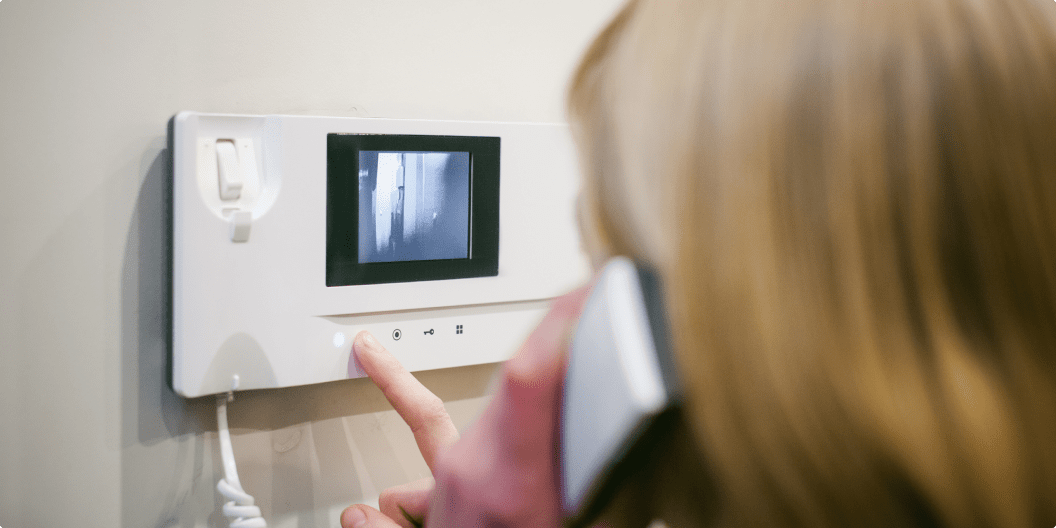
How to Install a Ring Video Doorbell

Ring Video Doorbell

Video doorbell devices are a significant investment to improve your home security systems. The best part about these devices is their easy installment and set up. This blog will thus, tell you simple ways on how to install a ring video doorbell on your front doors. This guide should help you install them easily, even if you are not a tech expert.

Installing a video doorbell often requires professional help. But with our exclusive guide and easy steps, installing them shouldn’t be a problem anymore. So, follow the below-mentioned steps to know how to install ring video doorbells.

Step-by-Step Guide for Installing a Video Doorbell

Gather Tools

The first thing you need to do is to gather your tools. Although most video doorbells come with a complete tool kit and instruction guide, it’s good to ensure you have all tools with you. Your tools should include screws, a screwdriver, and a charging cable. Else, if you are planning to install your video doorbell into the bricks, make sure you have a proper drill machine.

Charge the Battery

Once your doorbell is unboxed, you need to plug it into charging by using the provided charging cable. This may take about four to six hours, so be patient and wait until it fully charges. Once fully charged, the red glowing light will eventually turn green. And this is the time when you are ready to start with installation.  

Connect to Internet

Now, you need to connect your ring video doorbell to your home’s Wi-Fi network. Download the ring app for quick Wi-Fi set-up. The app will give you step-wise instructions and will help you establish a successful internet connection.

Shut Off the Power

After connecting to your Wi-Fi network, shut off the power supply of your house. This is because you have to be on the safe side while dealing with exposed wires. You can look for your home’s breaker box or mains power supply to shut down the power.

Remove Old Doorbell

If you have any old doorbell installed, consider removing it with the help of a screwdriver. First, start with removing the doorbell’s faceplate that will expose the screws. Now, unscrew the old doorbell carefully, without pulling off the power lines. Once the doorbell is out, separate these wires by loosening their screws.

Attach Mounting Bracket

To attach mounting brackets, ensure you have the hole and two power wires. Follow the below-mentioned pointers to attach mount brackets.

  • Open the ring app and go to the live video section.
  • Bring your doorbell in the position you want to install and check the pictures it shows in the app. Look if it shows the correct angle or not. In case the video-angle is not as desired, you can use angled mounting cameras to tilt the camera.
  • After positioning your doorbell, use level tools to ensure that the mounting brackets are placed straight. Also, mark the location of new holes using a pencil or color.  
  • Now, if you are going to install angled mounts, then screw them on the walls and then install mounting brackets. If you are not using angled mounts, you can directly install these brackets over your marked holes.

Attach Doorbell Wires

Loosen the screws present on the mounting brackets. Mostly the screws are near the holes where the wiring emerges. Now, wrap these wires around the screws and make sure the wires don’t touch each other. Once done, tighten the screws carefully and ensure the wires are properly connected.

Mounting Ring Doorbell

After completing the wiring, mount your ring doorbell in the designated place. Place your ring doorbell right above the bracket and push it forward to fit it perfectly.   

Restore Power

Switch ON the mains supply with the help of a breaker box and make sure all the connections are secured and well connected. If the entire set-up is works properly, cover the doorbell with its faceplate. Make sure to fasten two security screws under it.

Set App Preferences

Finally, you have installed your ring video doorbell. Now, you can set your preferences in your ring app. Adjust night vision settings and control the areas you want your camera to record. Besides, you can also filter your notifications and adjust motion detection settings.

Conclusion

Video doorbells are innovative security gadgets that people are increasingly preferring over other security measures like DIY home security systems. Their advance features combined with sleek looks makes them a popular choice. If you are someone looking to buy video doorbells, head over to Bestviewsreviews.com. We review and recommend only the best based on quality, popularity and performance.

Happy Shopping to all!
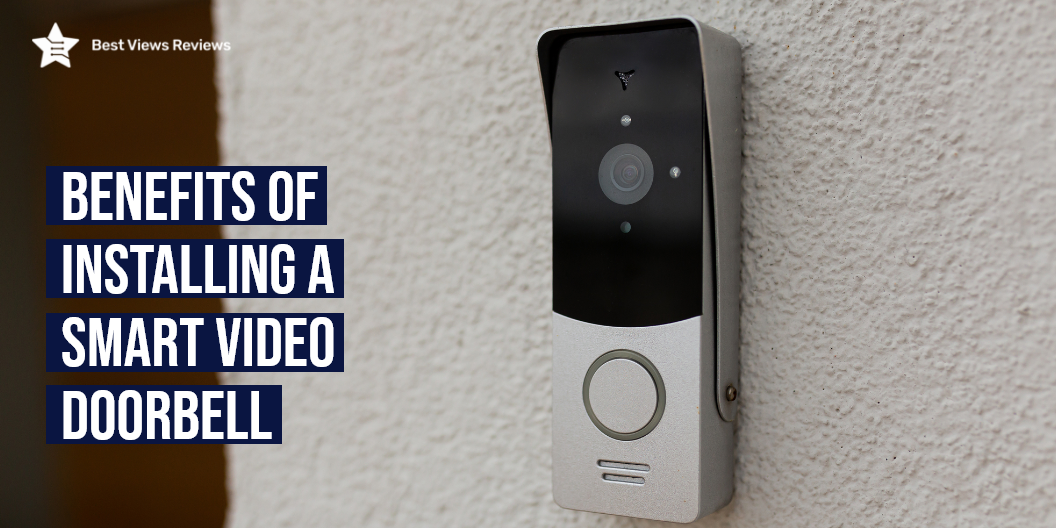
Benefits of Installing a Smart Video Doorbell

smart video doorbell

A smart video doorbell is an easy-to-install device that sends live video signals and records high-definition video when someone comes in its range. Some smart video doorbells also feature built-in microphones and speakers that help in establishing two-way communication. Installing these devices in your house doors can benefit you in several ways. Smart video doorbells allow you to monitor what’s happening at your front door 24/7 and have a live video feed to your phone.

Video doorbells have become an essential device for today’s homes. You can read our blog on video doorbells to learn more about them.

Benefits of Smart Video Doorbell

Deterring Burglaries

An effective safety system is the best way to keep your place safe and protected from burglars. Burglars usually stay away from houses that are equipped with smart video doorbells. This is because video doorbells can capture their faces and cause them an actual threat.

Providing Evidence

Smart video doorbells reduce the risk of robbery and vandalism and also appear to be the best reliable source of evidence. They record HD videos and clips that can show the whole incident clearly. They have become an integral part of any investigation due to their clear recording. Some doorbells also come with microphones and other advanced features. The customer reviews of the Geekee 1080P Security Wi-Fi Doorbell claim that it comes with a microphone and speaker that allows for 2-way audio and makes it easier to talk.

Monitoring Traffic

You can also keep a track of who entered your house and when with the right video doorbell. This way you will be able to keep a look over your housemates and other staff members like cleaners and gardeners.

Tracking Deliveries

Being able to track your delivery packages is another important benefit of installing video doorbells. Some video doorbells also have an alarming system that notifies you when the package is delivered to your front door.

Screening Visitors

Smart video doorbells allow you to screen visitors and guests coming to your house. XTU Doorbell Camera’s reviews show that it has a 166 wide-angle lens that lets you screen visitors properly. This can greatly benefit younger kids especially when they are left alone at home. You can prevent unwanted people from entering your house through this device.

Cost-Effective

The smart video doorbell like KAMEP Wi-Fi Video Doorbell Camera is a highly affordable and cost-effective solution despite having countless benefits and features. You can rest assured about the security of your place and solely focus on your productivity after installing them at your doors.

Night Vision

Many Video doorbells like eufy Security Wi-Fi Video Doorbell are equipped with night vision technology. It helps in detecting and capturing clear images even in dark. You get a clear view of a person standing at your door when the bell rings at night.

How Does Smart Video Doorbell Work?

The smart video doorbell works in a simple manner. It chimes ring like any other doorbell when its button is pressed. The doorbell’s wifi radio then sends an alert to the smartphones connected to it. You can then use your phone to stream the doorbell’s camera. It will give you a live video from different angles so you can know who is ringing the bell. Arlo Video Doorbell AVD1001’s customer reviews mark that it comes with a 180 degree viewing angle that allows head-to-toe view.

It is also important to know how to install a video doorbell to make it function properly. You can read our blog on installing a ring video doorbell to have better clarity.

Does Smart Video Doorbell Run All The Time?

Most of the smart video doorbells don’t run all the time. Their cameras record only when they are triggered. This happens when the camera detects motion. It then records a clip for a few seconds. There are some models available that record all the time as well.

Conclusion

Smart video doorbells are a cost-friendly investment in the security of your house. They make your regular tasks more convenient. You can see who is at the door without even moving from your place. All these benefits make smart video doorbells a must-have item. There are many more advantages offered by these doorbells. You can read through our blog on the benefits of installing video doorbells to know more.

BestViewsReviews rates and ranks hundreds of video doorbells and home security systems on the basis of their noise level, connectivity, and video output.