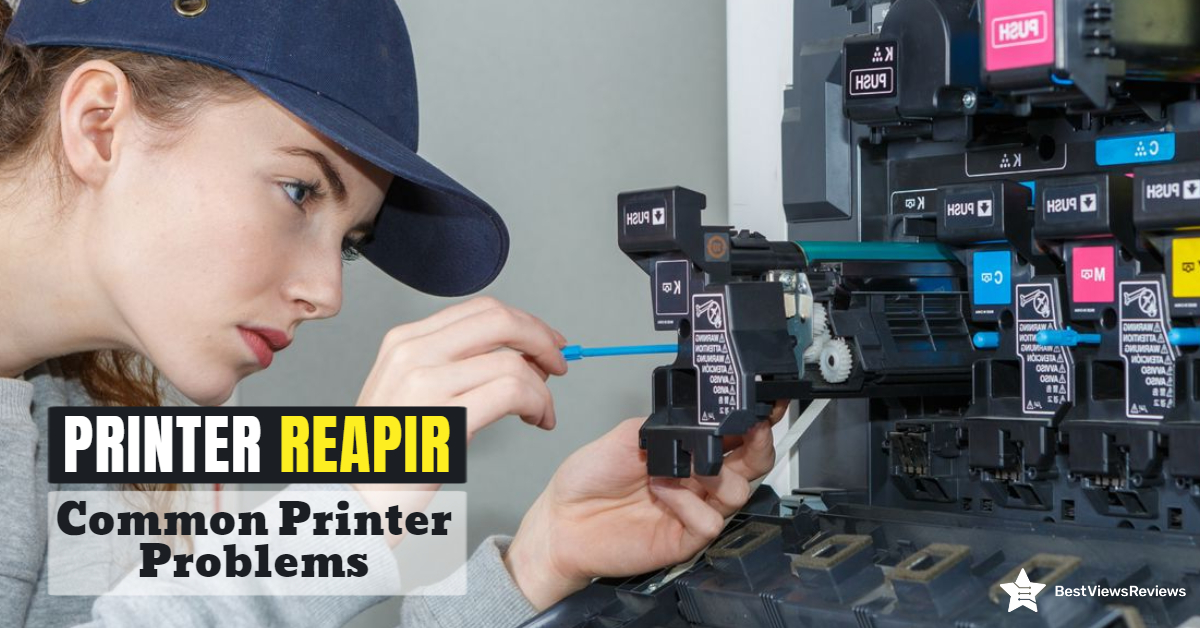
Businesses and households alike require printer repair services. The printer produces many items, including books, brochures, posters, and pamphlets. It can often experience common problems or can start malfunctioning. You can repair your printers even using basic troubleshooting methods in such cases. The printer’s improper operation can affect your productivity and work quality.
We have covered a variety of common printer problems and some easy printer repair methods in this blog. Reading this will help you fix your printer without any professional help.
What Are The Common Printer Problems And How To Troubleshoot These Printer Problems?
Printers can house so many problems but you can fix most of them with basic troubleshooting and printer repair methods. For example, when you are trying to print an important document, the printer can print blank pages. The printer can also take a long time to print your document. A list of common printer issues and the likely solutions are given below.
Printer Repair When the Printer Is Not Turning On
It can be a common problem with any branded printer. When the printer doesn’t turn on, it can be because of many reasons. First, you need to check if the wall outlet is working well. You can check it by plugging in some other electric device and see if it’s working. If your wall outlet is fine, you can try to restart your printer after 30 to 45 minutes. The problem can also be in your printer’s power cord.
Paper Jam
Printers are great until they jam. Sometimes an overfill paper tray can cause a paper jam. It is also possible for these errors to occur if we feed the paper incorrectly. Foreign particles like dust can also cause it. To treat this problem, you can fan your printer to clear out all the dust or dirt. You can remove the stack of paper and re-insert them manually. Feed thick sheets or papers through a bypass tray. You can read through our blog to learn about printer jam causes and solutions.
Reviews of Brother Compact Monochrome Laser Printer show that this model is less prone to frequent paper jams.
Prints Slowly
It is possible for the printer to print slowly if there is a lot of printing going on. There may also be another reason, such as setting the output print quality above the standard mark or using the printer in duplex mode. You can reset your printer’s settings from advanced to basic. Make sure your printer doesn’t take remote print commands from multiple devices at the same time. The Epson WorkForce WF-3520 has got good reviews for printing from multiple devices like tablets, computers, etc.
Printing Faded Documents
All printers, including inkjet printers like HP DeskJet 2755e, are prone to become less productive as time goes on. The ink runs out, the print heads start clogging, and you can no longer print high-quality print copies. Faded prints can be because of low toner level, low-density settings, or print head blockage. You should check if your ink cartridge is fully loaded.
Increase the toner density settings of your printer. If your printer is still printing faded documents, the possibility is high that the ink cartridge is blocked. You can clean the ink cartridge 3 or 4 times at an interval of 2 hours. Once done, re-install the ink cartridge properly.
Printer Repair if Not Connecting to Wi-Fi
There are plenty of reasons a printer like Epson EcoTank ET-2760 may not be connecting to your Wi-Fi network, but the most common reason is that the printer is on a different network than your router. Put the printer on the same network and it should connect with no problems. You should also check your router settings and specs. Make sure it supports 802.11n and offers connectivity of a 5GHz band. The reviews of Canon Pixma TR150 claim that this device supports USB and cloud printing.
Printer Repair when Printing Documents With Streaks
Printing documents with ink streaks is a common problem that many people have experienced. The basic cause of this problem is the use of low ink cartridges or improper release of ink from the ink cartridges. You can replace your low-ink cartridges. If it doesn’t help, you can clean your cartridge and then reinstall it.
Conclusion
A new printer can cause several problems. It can get clogged, it can start printing with streaks, and many more. When you know simple fixes to these problems, your life becomes easier. We have explained some common problems and printer repair methods. Following them will help you keep your printers in a well-working state.
We suggest if your printers do not get fixed with basic troubleshooting, replace them with a new inkjet printer model. Read our informative buying guide on the best inkjet printers.
BestViewsReviews rates and ranks hundreds of printers based on tech support, value for money, ease of use.