
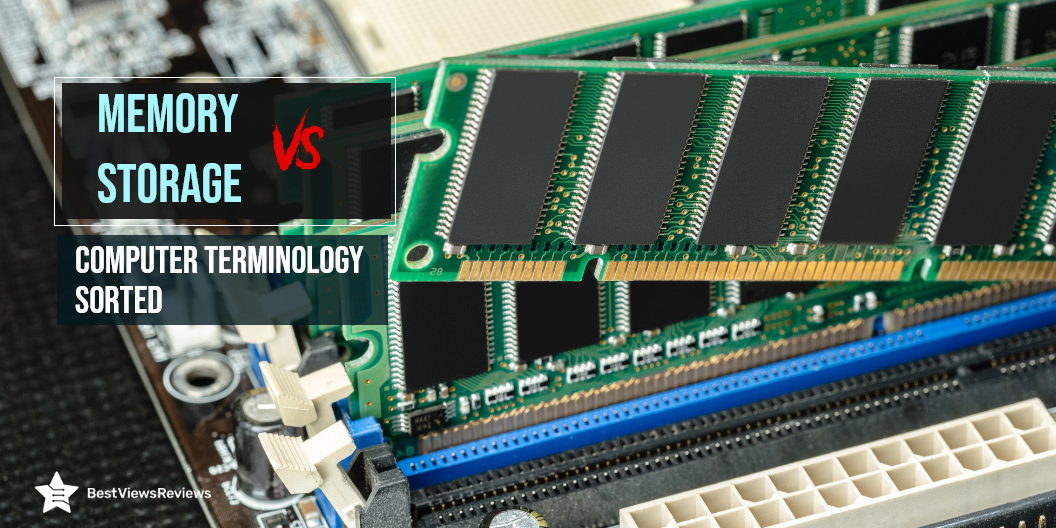
Computer memory vs storage is the basics of a computer, but comes with confusing concepts. Storage and memory are the two key components of PCs and computers. Both systems work together with a CPU on a PC or laptop to access and process data. Let’s learn how memory and storage differ in this blog post.
Memory Vs Storage: What is the Difference
RAM is the main memory of your computer. This is a workspace that computers use to complete their tasks. A lot of what you do on a computer uses RAM to store information while it’s working, such as opening an app, opening a document, or any action. Modern computers are pre-installed with 4, 8, 16 or more gigabytes of memory. Most laptops have 8GB of RAM, but the most powerful gaming laptops can have up to 32GB.
Computer storage is the means by which you can store and access data over a long period of time. Hard drives or solid-state drives are common types of storage. The various applications, operating systems, and files are stored in storage for an indefinite period of time. An ideal example can be memory cards that are external storage devices for long-term data storage.
Storage Vs. Memory
Data Retention
Memory, or the RAM, stores the data temporarily until the system is in use. The storage, however, keeps the data secure, even when your system is in ‘off’ mode. A good example of external storage is the Sunany USB Flash Drive 256GB.
Capacity
In general, the larger the memory module, the more you can have running at the same time. RAM capacities of 2-4 GB were standard for computers with Vista and XP. It is enough memory to run a single application. A storage device’s capacity like the Apple MFi Certified 128GB refers to the amount of disk space it offers. Data volume is a measure of how much data a computer system contains. An example would be a computer with a 500GB hard drive that has a 500GB storage capacity. Four 1TB drives provide 4 terabytes of storage on a network server. If you plan on buying RAM for your Mac system our blog is a must read to help you choose the best.
Cost
RAM is expensive than storage. A single GB of RAM can cost you approximately $8, whereas a single GB of storage will be available for as low as 10 cents. The capacity of RAM is limited as compared to storage like the Toshiba Canvio Basics 4TB
The best price for 500 GB and 1 TB computer SSDs is between $0.25 and $0.30 per GB, according to Amazon. We assume the cost of SSD storage for computers is approximately $0.25 per GB. HDDs cost 7.6 times as much per GB as LTO tapes, whereas the raw capacity of LTO tapes costs 12.5 times as much.
Speed
If you’re looking for a memory speed, choose DDR4 memory that runs at or close to 2,400MHz—or 2400MT/s, as it appears on the packaging or online. When buying DDR3 RAM, users should look for devices operating at least 1,866MHz, and closer to 2,000MHz.
Typically, a desktop hard drive (HDD) of a terabyte writes data at 80MBPs (megabytes per second) and a laptop hard drive writes at 60MBPs (megabytes per second). SSDs (Solid State Drives), are capable of greater speeds, from 300 to 500+ Mbps, depending on the model. A good example is WD 2TB Elements Portable External Hard Drive HDD.
Memory Vs Storage- Ideal Capacity
Application speed and performance are directly related to the amount of memory available in your system. RAM performance is determined by the speed of the memory as well as the capacity. RAM expands your PC’s ability to manipulate data. A low RAM capacity can cause your applications to run slowly. You can select from a variety of RAM capacities as listed below.
2-4 GB
One application can be run at a time with this capacity, and it is ideal for Windows XP or Vista.
4-6 GB
You can navigate the web, send e-mails, and work with Microsoft Office applications using this amount of RAM.
6-8 GB
It supports the simultaneous display of multiple apps at the same time and is suitable for casual games or multimedia files.
More than 8 GB
A memory of 8 GB or more is recommended for professional gamers and those who work with high-end multimedia files. Samsung’s Original 8 GB is rated in this category, given its efficiency and high performance.
Memory Vs. Storage- Final Verdict
To summarize, storage and memory are two separate concepts. People often confuse the terms “MEMORY” and “STORAGE” when using computers every day. They often use one term for the other. Memory and storage are both measured in the same units of measurement: bytes, kilobytes, megabytes, etc. Essentially, both memory and storage are places where you put data, but they handle it differently.
Memory and storage perform separate functions in a computer, despite their connection. Storage maintains long-term data and other files while memory meets temporary data access needs. The next time you hear a fellow novice saying that they have a memory of 500 GB, explain to them that it’s the storage instead. BestViewsReviews rates and ranks the leading computer memory and memory card readers options based on compatibility, build quality, and user satisfaction.