Get the Best Deals on Windows Laptop

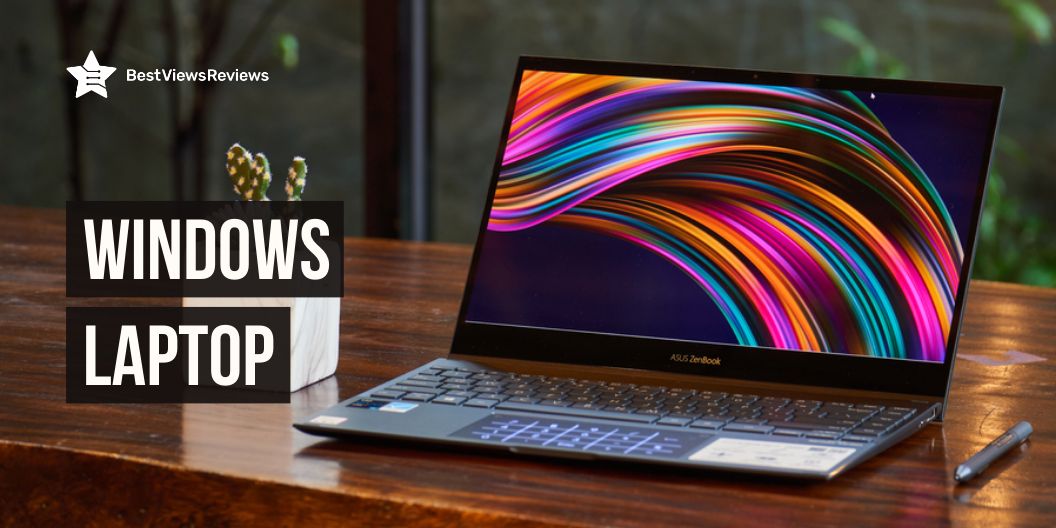
Windows laptop

If you are looking for the best laptop choice, then Windows is likely to be your top operating system option due to its wide range of features and reliability. Windows is also known for its user-friendly interface and design. It is also compatible with many applications and hardware which makes it an ideal choice for all types of users.

The ideal Windows laptop is a balance of power and versatility. It can not only handle routine productivity tasks but is also powerful enough to handle demanding jobs. As it offers you a powerful processor, plenty of RAM and storage, and high-end graphic options.

Modern windows laptops are great options for gamers, video editors, professionals, students, etc. As, they can handle tasks of video editing, 3D rendering, and gaming with ease. They come with the latest Intel Core processors, such as the Core i5 and Core i7 which offer you enough power for high-end tasks.

If you want a smoother response then you can also go for Core i9. These laptops are available in a variety of RAM options ranging from 4GB to 16GB. This allows you to multitask and provide smooth performance.

Windows laptops provide you great storage of up to 1TB of SSD or HDD, which allows for storing large amounts of data and programs. They also come with top-rated graphics cards from NVIDIA, AMD, and Intel which provide you the power to manage graphics-intensive tasks.

Some top-selling brands of Windows laptops are Asus, Dell, Lenovo, HP, Acer, Microsoft, and more. You can go through this guide further to know what aspects to keep in mind while buying the right Windows laptop.

How do I decide which Laptop is best for me?

Primary Use

Before buying a laptop, the important thing is to figure out what you need from a laptop. Do you need a laptop that is lightweight and portable for day-to-day tasks? Or a laptop with a large screen and a powerful processor for gaming or video editing?

If you are a student, you can go for a top laptop that is lightweight and has long battery life. The laptops in general can weigh up to 8 pounds, but you can go with models that have 4 to 5 pounds of weight. The lightweight makes it easy to carry and the long battery life helps you to take notes without having to worry about finding a power outlet.

For work, you will need a laptop that is durable and can handle heavy use. You will also need a laptop with a battery life of 6 to 8 hours so you can stay productive all day. However, if you are a gamer or require a powerful laptop for video editing, your focus point should be a strong processor and a large screen.

Processor

There are different processors that are well-suited for all types of users. Gamers and professionals such as architects and engineers need a Core i9 or a core i7 processor that can quickly and efficiently handle large amounts of data quickly and efficiently. Video editors also require a core i7 laptop that can manage complex video editing tasks. Whereas students can go for a core i5 or core i3 processor that can easily handle basic tasks such as word processing and internet browsing.

Size

The screen size of a windows laptop is between 15 inches and 17 inches. However, gamers and video editors should prefer larger screens for increased visibility and workspace, while students and professionals can go for smaller screens such as 14 inches displays that are portable and easy to use.

Battery Life

A laptop with long battery life is essential for long-time tasks. A gamer or video editor mainly uses demanding software that can drain a battery quickly. This means you need a laptop with long battery life for using heavy software. A top-quality gaming laptop provides you a battery duration of around 4 hours.

If you are a professional or student, you will need a laptop for delivering long presentations or taking notes for that you require a long battery life to complete them without interruption. Without doing heavy tasks, the best laptop can offer you 8 and 10 hours of battery backup.

Ports

The right ports on your laptop provide you more convenience. Students and professionals require an HDMI port as it connects your laptop to a TV or monitor which makes it ideal for watching movies or giving presentations. An Ethernet port is important for gamers as it provides you quick and easy connections to wired internet, which provides you smoother gaming experience. The multiple USB ports allow you to connect a mouse, keyboard, and external hard drive at the same time which is important for all.

Graphics

The best laptops mainly come with integrated graphics, which can be sufficient for basic tasks. However, if you are a gamer or a video editor you will need a laptop with a quality graphics card. You can go for NVIDIA, and AMD graphics cards as they are great for managing heavy games and software without any lag or other performance issues. They offer you great features as they support multiple monitors, advanced shading and lighting effects, and more.

Students and professionals can use the in build graphics card or can go for Intel ones because they offer great performance and features. Intel graphics are known for their great visuals, so professionals and students can take advantage of this to create stunning visuals for their projects.

Keyboard and Touchpad

A good keyboard and touchpad can make or break your experience with a laptop. Whether you are a gamer or a student, all require a quality keyboard and touchpad for smoother and faster operations. Before buying, make sure your keyboard is comfortable to use and has all the features you need. Moreover, choose a touchpad that is responsive and easy to use.

Build Quality

Build quality is important because it can affect the performance of the device. If you are a gamer, video editor, professional, or student, you need a laptop that can handle your demanding workload. A laptop with poor build quality will create problems like overheating, which can lead to decreased performance and even damage to the components.

Storage

All need laptops with plenty of storage space to save their files and access them quickly and easily. If you need a laptop for gaming or video editing, then you will need at least a 1TB hard drive. For a professional or a student, at least a 250GB hard drive is important. And if you just need a laptop for basic tasks such as browsing the internet and checking email, you can use a smaller hard drive.

What causes Laptop damage?

The laptop can not always run smoothly and that is why knowing the cause of the problem or the damage will help you diagnose or prevent that action. Laptop damage is caused by hardware failure, software issues, or physical rough usage. The specific problems related to battery, memory, and screen can have separate reasons. 

  • The keyboard sometimes can stop working because the dirt particles cause obstruction. You can also check the keyboard drivers if the problem still occurs. 
  • Battery-related issues can be caused because of overcharging or using a damaged charger. If the battery is damaged, you will need to replace your battery.
  • The blue screen of death (BSOD) problem can be caused because of hardware as well as software issues. You need to check faulty drivers and memory space to see if this is the cause. The other reason for BSOD can be the overheating issue. Make sure the laptop fan is working properly. 

How can I make the Laptop run faster?

  • You can regularly clean up your hard drive by removing unnecessary files.
  • To help improve performance you can also defragment your hard drive.
  • Make sure that you have the latest version of your operating system and also ensure that your drivers are up to date.
  • You can use a faster web browser like Google Chrome and Microsoft Edge browser for the best results.

Why my Laptop is slow?

There are many reasons why your laptop might be running slow. It could be due to a lack of memory or storage, a virus or malware infection, or because it is an old model.

One way to potentially speed up your laptop is to increase the amount of RAM. The laptop processing speed mainly increases with RAM speed. Adding more RAM to your laptop will make it faster because your computer will be able to access data stored in memory more quickly. So, upgrading your RAM is a smart place to start if you want to speed up your laptop.

Conclusion

The windows laptop is a great choice for people who want a reliable and affordable laptop. It offers great features that make it a perfect option for students, gamers, and businesses. Always look through the specifications as per your requirement to choose the right laptop for yourself.

BestViewsReviews also helps you find the best touch laptops and top laptop sleeves on the market by rating and reviewing them on the basis of quality, convenience, and durability. Get unbiased, honest reviews of products before you buy.

Best Lenovo Ideapad: The Ultimate Range of Laptops

lenovo ideapad

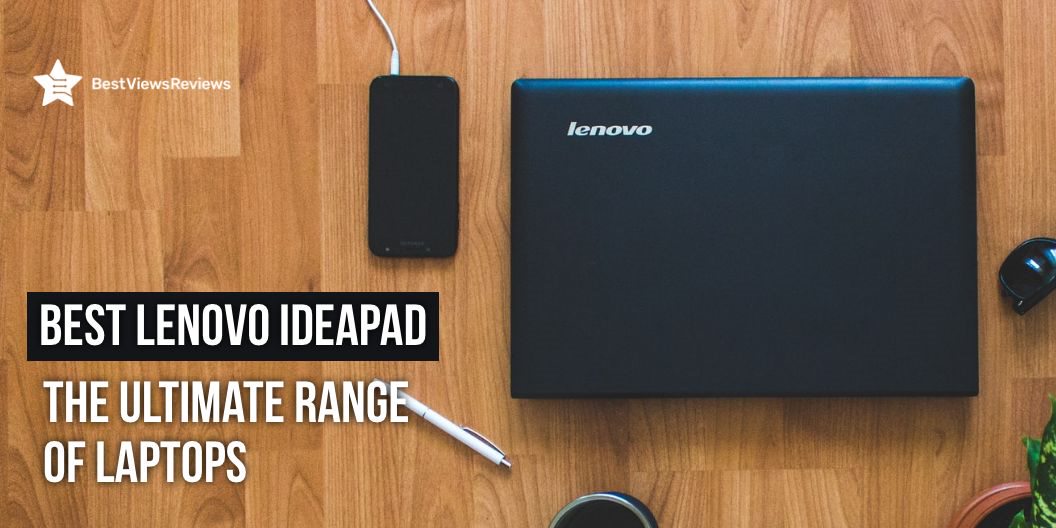
Lenovo is one of the most well-known brands in the technology sector. It offers a range of personal laptops, tablets, smartphones as well as smart televisions. It has a total of six laptop series – ThinkPad, ThinkBook, IdeaPad, Yoga, Legion, and Chromebook.

Lenovo Ideapad is designed for those who want a powerful and affordable machine that can handle basic computing tasks. The Ideapad features a 14 to 15.6-inch display and an Intel Celeron processor. It comes with 4GB to 16GB of RAM, and a 500GB hard drive. It also has a built-in webcam, HDMI output, and three USB ports. This type of lightweight laptop is good for students. Read our other blog and know everything about the top laptops for college students.

Best of Lenovo Ideapad

Lenovo Ideapad L340 Gaming Laptop

The reviews of Lenovo Ideapad L340 Gaming Laptop are good because it is equipped with the latest NVIDIA GeForce GTX 1650 graphics for power-efficient gameplay. This model comes with a 9th Gen Intel Core™ i5 processor and offers a quick start and lag-free game launches. It comes with Dopoundsy audio technology that offers clear audio output. It comes with a 15.6-inch screen that delivers a stunning full HD IPS Display with 1920 x 1080 resolution.

Lenovo IdeaPad Gaming 3 – 2022

Lenovo IdeaPad Gaming 3 – 2022 has got good reviews because of its powerful 7th Gen AMD processor. It offers seamless multi-tasking and gaming experience. The 15.6-inch display with HD resolution also offers crisp visuals on the go. This model has 256GB storage that provides you shorter boot-up times and faster data transfers.

Lenovo IdeaPad FHD Laptop

Lenovo IdeaPad FHD Laptop comes with an anti-glare display that prevents harsh light and gives less stress to your eyes. This model has a 2-cell lithium-ion battery that offers a longer run time. It has a 4.55 lbs lightweight design that makes it easy to carry around. This laptop is also good for gaming as well as streaming high-quality videos.

Lenovo IdeaPad 5 Laptop

The reviews of Lenovo IdeaPad 5 Laptop show that it is a powerful laptop and also good for daily use. This model has a high-quality 15.6-inch display with a 1366×768 screen resolution. It also has a good battery life on one charge it will work for 8 hours. This laptop comes with a 0.3MP webcam with Dual Array Microphones for convenience. It has Quad Core Processor that offers high speed.

Choosing The Best Laptop As Per Your Needs

Screen Size

One of a laptop’s best qualities is its ability to fit into a laptop bag and travel with you wherever you go. Always look for laptops with smaller screens and lightweight designs for portability. The usual screen size for a laptop is between 13 and 15.6 inches. Always think about how you will be using your laptop and choose a screen size accordingly.

Processor

The two main types of processors are Intel and AMD. Intel processors are faster and more expensive, while AMD processors are cheaper and usually good enough for most people’s needs.

Look at the clock speed while choosing the processor. The higher the clock speed, the faster the processor. You’ll also want to think about the power processor uses. A laptop with a high-powered processor will generally be more expensive and have shorter battery life.

Memory

Memory is important for a laptop because it stores all of the information that you are working with. A laptop with good memory helps you to store more information. Most laptops have between 4 and 16 GB of memory. You should consider getting a laptop with at least 8 GB of memory. A laptop with 16 GB of memory or more is ideal for video editing or gaming.

Storage

The usual storage for a laptop is between 128GB and 1TB. You can always look into external storage options if you need more storage. Before buying a laptop think about how you’ll be using it and what kind of files you’ll need to store. That will help you determine how much storage you need and what kind of storage is best for you.

Security

The usual security for a laptop is a password. You should also consider other security measures, such as a biometric reader. It helps to prevent unauthorized access to your laptop. You should also consider security when choosing a laptop bag. Some laptop bags have special security features, such as a lockable compartment to prevent your laptop from being stolen.

Windows Vs Chromebook Lenovo Ideapad

Lenovo’s Ideapad line of laptops is hugely popular and for good reason. They offer a great balance of features, performance, and price.

Windows laptops are more versatile since they can run any software that’s available for the platform. Chromebooks are limited to apps that are available in the Chrome Web Store.

Windows laptops also tend to be more expensive than Chromebooks. This is because Microsoft licenses Windows to manufacturers, and Chromebooks are based on open-source software that’s free to use.

A Chromebook Ideapad is a great choice for general use like for browsing the web or for light productivity. A Windows Ideapad is the better option if you need a more powerful machine for the best gaming experience or heavy-duty work.

Lenovo Ideapad or Lenovo Thinkpad: Which is Better

The top Lenovo Ideapad laptops are designed for general use, while Lenovo Thinkpads are designed for business use.

Ideapad is usually cheaper and has fewer features than Thinkpads.

Thinkpads are known for their durability, while Ideapad is not. Ideapad typically has better battery life than Thinkpads.

Lenovo Ideapad laptops are usually smaller and lighter than Lenovo Thinkpad laptops.

Both laptops are excellent in their roles. Decide for which purpose you required a laptop if you need a laptop for business purposes then consider Lenovo Thinkpad or need a laptop for daily use then Ideapad is a good option.

Why Choose Lenovo Ideapad

Value For Money

The Lenovo Ideapad is a reliable and affordable laptop. It has different features that make it a great value for your money. It includes long battery life, a large screen, and a comfortable keyboard. It’s also lightweight and portable, making it a great option for students.

Best For Everyday Use

Lenovo Ideapad is some of the best laptops you can buy for everyday use. They’re well-built, powerful, and come with a great warranty. A model like Lenovo IdeaPad 3 Laptop comes with a 15.6-inch screen that makes it portable. Lenovo IdeaPads should definitely be on your list if you’re looking for a great all-around laptop.

Long Battery life

Yes, the Lenovo IdeaPad has long battery life. It has one of the longest battery lives of any laptop on the market. It can last up to 12 hours on a single charge. You can easily use it all day long without having to worry about recharging. Ideapad comes with a power-saving mode that can help extend its battery life even further.

Conclusion

The Lenovo Ideapad is a great laptop for anyone in the market for a new computer. It has all the necessary features of a standard model, plus a few extras that make it a great choice for a laptop. The Ideapad is lightweight and has a great battery life, making it ideal for travel. It also has a large screen and a backlit keyboard, making it easy to use in low-light conditions.

The 4k laptop can take your gaming experience to the next pro level. Take a look at our other blog and get the best options for 4k laptops.

BestViewsReviews helps you find the best laptops and top-rated touchscreen laptops on the market by rating and reviewing them based on quality, convenience, and durability. Get unbiased, honest reviews of products before you buy.

Early Access to Holiday Season Deals On Chromebooks

chromebooks

Amazon prime day early access sale is a great time to snag deep discounts on all sorts of tech products, including Chromebooks. There are some exclusive deals on Chromebooks this holiday season that will save you up to 150 dollars. This sale includes a number of best-selling brands ranging from Acer, Lenovo, ASUS, SAMSUNG, and more. You can even find Chromebooks at a 60% discount so don’t miss the chance to save big. Explore different brands and find the right Chromebook deal for yourself.

What Are Chromebooks?

Chromebooks are a type of laptop that runs on the Google Chrome operating system. These devices are known for being lightweight and affordable, and they can be used for both education and business. Chromebooks are easy to use you just have to log in with your Google account and your get access to all of your files and apps in the cloud. Another benefit of Chromebooks is that they work on a Linux foundation so it is difficult for viruses and malware to infect a Chromebook.

Chromebooks Deals From Lenovo, HP, ACER, ASUS, and more

SAMSUNG Galaxy Chromebook

SAMSUNG Galaxy Chromebook comes in a compact, light design with an 11.6-inch display. This model is available at 12% off during the sale so you can save up to 30$. It also offers multiple layers of built-in virus protection to ensure you always have the latest security protection. This model is made to handle bumps and drops. It also comes with a battery that quickly recharges over a USB-C charger.

Lenovo – 2022 – IdeaPad Flex 5i – 2-in-1 Chromebook

Lenovo – 2022 – IdeaPad Flex 5i – 2-in-1 Chromebook comes with a 13″ FHD touchscreen. This device works best for you to browse online, listen to music, stream movies, or video chat with friends. This model also comes with enhanced stereo speakers and a built-in amplifier that’s certified by Waves Audio. You can watch and stream shows and videos with its amazing narrow bezels and wider viewing angles on the Full-HD IPS display.

Lenovo Chromebook Flex 5 13″ Laptop

The customer reviews of the Lenovo Chromebook Flex 5 13″ Laptop claim that it comes with a built-in large-capacity battery that offers up to 10 hours of battery life. This model is a great option to get during the holiday sale as it is available at a discount of 63$. Its full high-definition display provides crisp-clear picture quality. This model is powered by an Intel 10th gen Core i3 processor that ensures smooth working.

ASUS Chromebook CX1

ASUS Chromebook CX1 is available at a 12% discount during the holiday season sale. This model is durable and built to US Military grade standards. It comes with 64GB eMMC storage and 4GB RAM. This model offers up to 12-hour battery life and a 1920×1080 NanoEdge display. It is easy to carry and weighs just 3.2 lbs.

Acer Chromebook 512 Laptop

Acer Chromebook 512 Laptop is available at a huge discount of 60% during the holiday sale. This model has built-in virus protection, updates automatically, and boots up in seconds. It comes with the Google Play Store, so you can access a rich library of apps, games, music, movies, TV, books, magazines, and more. It also offers an additional 100GB of Google Drive space to ensure that all your files are automatically backed up.

ASUS Chromebook C203XA

ASUS Chromebook C203XA offers military-grade durability and a spill-resistant keyboard. This model is available at an unbelievable discount of more than 50%. It weighs only 2.6 lbs and comes with a battery life of up to 10 hours. The HD screen of this device has a durable 180-degree hinge that can be used to lay the screen flat which is better for collaborative settings.

Acer Chromebook Spin 311 Convertible Laptop

Acer Chromebook Spin 311 Convertible Laptop reviews mark that it comes with a 360° hinge that allows one to rotate it to any angle. This model features virus protection that blocks malware and potentially unwanted programs. It also comes with a built-in HDR webcam that enhances face-to-face chats and video conference experiences. You can save up to 90$ on this model during the holiday sale so don’t miss this amazing offer.

HP 2-in-1 Convertible Chromebook

HP 2-in-1 Convertible Chromebook comes with 2 USB ports that help in charging and data transferring. It features a quad-core processor that ensures fast and reliable performance. This device also offers a built-in 1366×767 HD display that offers high-definition video streaming. It comes with a 4 Gb Ram and you can save up to 70$ on this model.

How Much Do Chromebooks Cost?

A basic Chromebook can cost as little as $149 and a top-of-the-line model can cost as much as $1,199. Most Chromebooks fall somewhere in the middle, with prices ranging from $199 to $499. You can however take advantage of the holiday sale and buy Chromebooks at a discount of up to 50%. 

Should You Buy Chromebooks For Gaming?

Gaming capabilities are not typically associated with Chromebooks. There are a few Chromebooks that can handle basic gaming. Check out the Acer Chromebook 15 or Asus Chromebook Flip C302 if you are looking for a Chromebook that can handle gaming. Both of these are great options for basic gaming. A Windows laptop or MacBook may be a better choice if you are looking for a more powerful Chromebook for gaming.

Conclusion

Amazon’s holiday season sale provides a great opportunity to grab some of the latest Chromebooks at a discount. If you are in the market for a new Chromebook, this is a great opportunity to save money. These deals are even more affordable if you are an Amazon Prime member. It’s worth checking out these deals if you’re in the market for a new laptop for work or school, or just want to upgrade your current Chromebook.

Get the best reviews and ratings on the products you’re interested in. BestViewsReviews helps you make the right purchasing decision. Whether you’re looking for the top-rated laptops or the best touchscreen laptops, we’ve got you covered.

Best Selling 16GB RAM Laptop In 2023

16gb ram laptop

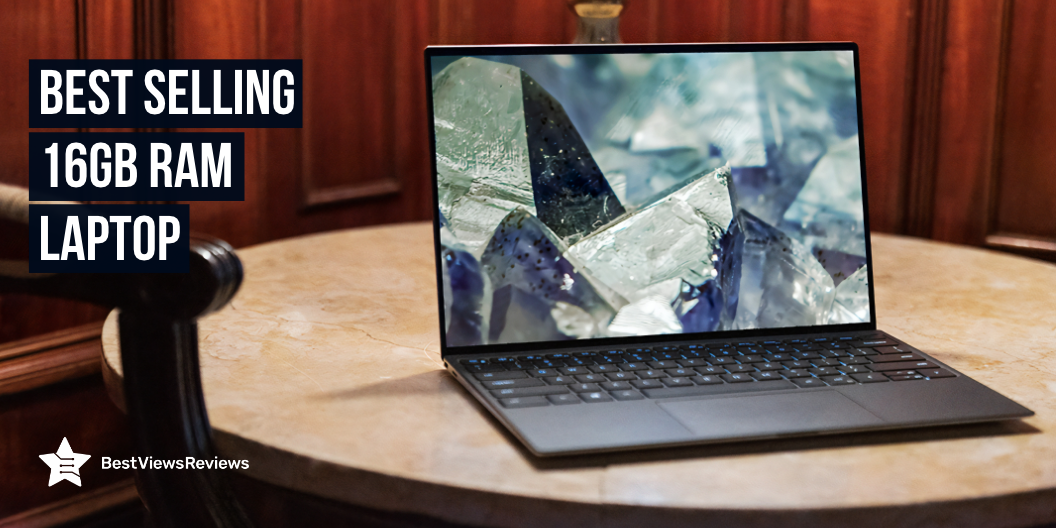
16GB RAM laptops are becoming more and more popular as users look for ways to improve their computing experience. These laptops offer a significant increase in performance. 16GB RAM laptop is a powerful machine that can handle demanding tasks. It is ideal for power users who need to multitask or for gamers who want to enjoy the latest games without any lag.

One of the most important benefits of 16GB RAM laptops is that they offer a significant boost in performance. Your laptop will be able to handle more tasks at once without slowing down. This is especially important if you use your laptop for resource-intensive tasks such as video editing or gaming.

It is good to go with the top-rated brands like ASUS. You can check our dedicated blog on Asus Rog laptops and know the best gaming laptop options.

Key Recommendations Before Purchasing A Best Laptop

Windows 10 vs. Mac vs. Chrome OS?

There are three main types of operating systems for laptops – Windows, Mac and Chrome OS. All three have their own pros and cons, so it’s important to choose the one that’s right for you.

Windows 10 is the most popular operating system for laptops. It’s easy to use and has a lot of features, making it a good choice for both home and business users. It can be prone to security threats and viruses. You can check ASUS ROG Zephyrus G15 that has good power performance.

Mac OS is a popular choice for creative professionals. Check the top-rated model Apple MacBook Pro which is designed for use with creative software such as Photoshop and Illustrator. It’s also generally more stable and secure than Windows, although it can be more expensive to buy a Mac laptop.

Chrome OS is a lightweight operating system that’s designed for use with Google’s Chrome web browser. It’s perfect for users who spend most of their time online, as it’s simple to use and secure. It doesn’t have as many features as Windows or Mac OS.

2-in-1

2-in-1 laptops are a type of laptop that come with a detachable keyboard. You can use them as either a traditional laptop or as a tablet. These laptops are becoming increasingly popular because they offer the best of both worlds. You can use them as a laptop for work and then detach the keyboard and use them as a tablet for entertainment.

2-in-1 laptops are a great choice for anyone who wants the versatility of a laptop and a tablet. You can use it as a laptop for work and then detach the keyboard and use it as a tablet for entertainment.

These laptops are available in a variety of sizes. The most popular size is the 13-inch. This size is enough to be used as a laptop yet small enough to be portable. You can get a 15-inch model if you want a larger screen.

Size

A laptop with 16GB of RAM is considered to be a high-end device and is often more than enough for even the most demanding users. There are some situations where 16GB of RAM may not be enough.

For example, if you are planning on using your laptop for gaming, you may want to consider upgrading to 32GB of RAM. Games are becoming increasingly more demanding, and 16GB of RAM may not be enough to run the latest and greatest games at their highest settings.

Similarly, if you are planning on using your laptop for video editing or other resource-intensive tasks, you may also want to consider upgrading to 32GB of RAM. 16GB of RAM is often enough for most users, but power users may find that they need more RAM to get the most out of their laptops.

Keyboard and Touchpad

There are different laptops on the market these days and it can be hard to know which one is right for you. You’ll want to make sure the keyboard is full-size. This means it will have a number pad on the right side, as well as all the other keys to use. Some smaller laptops don’t have a number pad, which can be a pain if you’re used to having one.

You’ll also want to make sure the touchpad is large and easy to use. Some touchpads can be small, so it’s worth checking out some reviews to see what other people think. Finally, you’ll want to make sure the laptop has a good range of ports. This means you’ll be able to connect to all your peripherals without any problems.

CPU

The central processing unit (CPU) is the heart of your laptop. It handles all the instructions your computer receives and carries out the commands you give it. So, when you’re shopping for a new laptop, it’s important to pay attention to the CPU.

A quad-core CPU is good for general use, while a six-core CPU is better for gaming and other resource-intensive tasks. The clock speed is measured in GHz (gigahertz) and determines how fast the CPU can carry out commands. A higher GHz means a faster CPU. Most laptop CPUs have clock speeds between 3.5 GHz and 4.0 GHz.

You’ll want to think about how long you want your laptop to last. A high-end CPU will require more power and generate more heat, which can shorten the battery life of your laptop.

Storage Drive (SSD)

A laptop’s storage drive is important for many reasons. It’s where you’ll store your files, your pictures, your music, your movies, and your work documents. And, if you’re working with large files, you’ll want to make sure you have a fast and reliable storage drive.

The 16GB SSD laptop like Acer Predator Helios is a good option for many users. It’s fast, it’s reliable, and it’s affordable. The 16GB SSD is a great option If you’re looking for a storage drive that can handle large files.

The 16GB RAM and 256GB SSD are both good options for a laptop. 16GB RAM will give you plenty of speed and power for multitasking and working with large files. The 256GB SSD will allow you to store your files, pictures, music, movies, and work documents.

Display

Liquid-crystal displays (LCDs) are the most common type of display used in laptops. They’re typically thin and light, and they consume less power than other types of displays. LCDs are available in a variety of resolutions, from low-resolution displays that are good for basic tasks like web browsing and email to high-resolution displays that are better suited for tasks that require more screen real estate, such as a photo or video editing.

LED displays are a newer type of display technology that’s becoming more common in laptops. LEDs consume less power than LCDs, so they’re often used in laptop models that are designed for portability. LED displays are available in a variety of resolutions, just like LCDs.

There are two main types of laptop displays: glossy and matte. Glossy displays have a shiny, reflective surface that can make images and text appear more vibrant. These displays can be more susceptible to glare and reflections in brightly lit environments. Matte displays have a non-reflective surface that minimizes glare and reflections, but they can sometimes make images and text appear less vibrant.

Touch Screen

A touch screen is a computer display that can be controlled by touching it with a finger or stylus. A laptop with a touch screen can be a great tool for students and professionals alike. There are some disadvantages to using a touch screen laptop that should be considered before making a purchase.

One of the main advantages of a touch screen laptop is the ability to use it as a tablet. The touch screen allows you to control the computer with your fingers and is great for taking notes or drawing. Many touch screen laptops also come with a stylus, that you can use for more precise control. Dell is the big brand name in the laptop world and if you are looking to buy one, check our blog on Dell touchscreen laptops to know more.

Ports

Most laptops have a variety of ports that allow you to connect to external devices. The most common ports are USB ports, VGA ports, HDMI ports, Ethernet ports, 3.5mm audio jack, and slots for an SD card. You can usually find the port symbols on the side of the laptop.

If you’re not sure what a port is for, you can consult the manual that came with your laptop or does a quick search online. You can also look at the specifications to find out what ports are on your laptop. The port symbols and their functions are usually listed there.

Knowing the different ports on your laptop can be helpful when you’re trying to troubleshoot problems or when you’re trying to connect to external devices. It’s also a good idea to know the port symbols so you can quickly identify them when you’re looking at the laptop.

Battery Life

A laptop’s battery life is one of the most important aspects to consider when purchasing a new computer. After all, what good is a laptop if it can’t even last through a full work day? The average laptop battery life is around six to eight hours, but there are a few factors that can affect this number. The type of battery, the age of the battery, the type of laptop, how the laptop is being used, and even the ambient temperature can all play a role in how long a laptop’s battery will last.

For most people, a six to eight-hour battery life is more than enough. Some professional users need their laptops to last for twelve hours or more. You’ll want to make sure that you purchase a laptop with a high-capacity battery. It may also be a good idea to consider carrying a spare battery.

Does 16GB RAM Make a Difference In Laptop?

16GB of RAM will make a difference in your laptop depending on how you plan to use it. If you’re a casual user who only uses their laptop for browsing the web and checking email, you probably won’t notice a difference between 8GB and 16GB of RAM. You may notice a significant difference in performance with 16GB of RAM if you’re a professional user who uses the laptop for gaming or other resource-intensive tasks.

What Is a Good Amount of RAM For a Laptop?

Consider what you’ll be using your laptop for. If you’re a high-end user who likes to multitask or play demanding games, you’ll need 16GB RAM. Someone who just uses their laptop for browsing the web and checking email, 8GB RAM will be sufficient.

Take a look at the specs of the laptops you’re considering. More RAM will generally mean a higher price tag, so you’ll want to make sure you’re getting the most value of your purchase.

Is 16GB RAM Enough For Video Editing?

The amount of RAM you need will depend on the resolution and complexity of the project you’re working on, as well as the software you’re using. For example, if you’re working on a 1080p project with minimum effects, 16GB of RAM should be enough. You may need 32GB of RAM if you’re working on a 4K project with complex effects.

Similarly, the software you’re using will also impact the amount of RAM you need. For example, Adobe Premiere Pro is a resource-intensive program that may require more than 16GB of RAM for optimal performance.

Ultimately, the best way to determine how much RAM you need for video editing is to experiment with different configurations and see what works best for your specific workflow.

Is 16GB Of RAM Enough For Photoshop?

16GB should be plenty if you’re just doing some light photo editing. Check a model like Dell Inspiron 16 that allows smooth run of multiple applications. You may want to consider 32GB or more if you’re looking to do more intense work.

Is It Worth Getting 16GB RAM Laptop?

There are a few things to consider when deciding if 16GB of RAM is right for you. The first is what operating system you are using. Windows and MacOS can both benefit from having more RAM, especially if you are running multiple programs at the same time. Gaming laptops also tend to benefit from having more RAM as it can help to make the games run smoother. A model like Lenovo Legion 5 comes with octa-core processor for quick response.

Another thing to consider is whether you think you will need more than 8GB of RAM in the future. If you are planning on keeping your laptop for a few years, then it might be worth getting 16GB of RAM now so that you don’t have to upgrade later.

You can find the best deals on laptops with the selection of cheapest laptops on the market! Read on for the 5 cheapest laptops for beginner bloggers.

Conclusion

The top-rated 16GB RAM Laptop is a great choice for those who need a powerful and reliable laptop. It has all the features and specs that one would expect from a high-end laptop, and its 16GB of RAM can handle the most demanding tasks. Its performance is top-notch, and it works well with the demanding workloads without any issues. Mini laptops are easy to carry. You can also check top mini laptops for your convenience.

BestViewsReviews helps you find the best laptops and top-rated touchscreen laptops on the market by rating and reviewing them based on quality, convenience, and durability. Get unbiased, honest reviews of products before you buy.

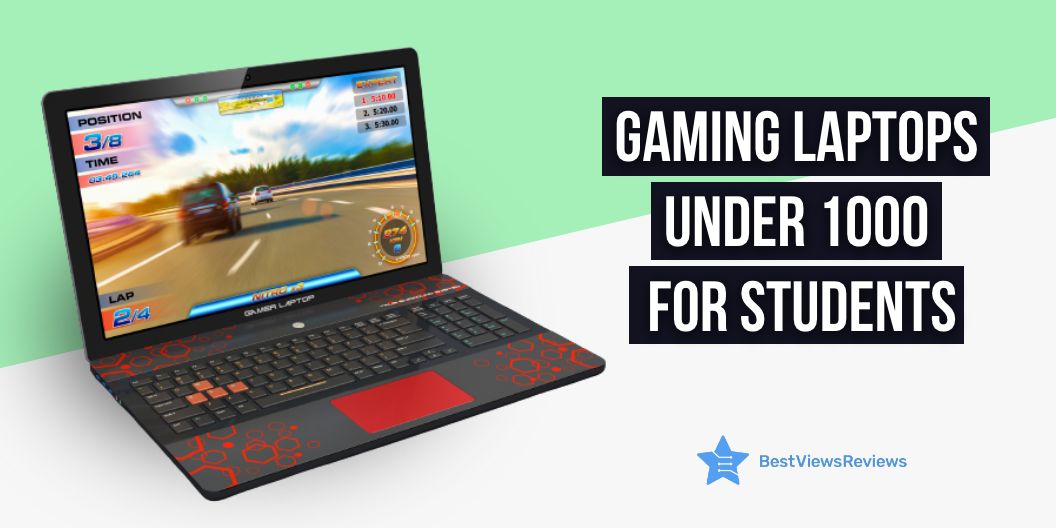
Gaming Laptops Under 1000 For Students: How to Maintain Them

gaming laptops under 1000

A laptop for students is a tool that allows them to study and learn more efficiently. It is a personal computer that is portable and easy to carry around. A gaming laptop is a laptop that is designed for playing computer games. Gaming laptops under 1000 dollars are usually more expensive than regular laptops because they have higher-end specifications. Many students are now using gaming laptops because they offer more features and benefits than regular laptops. Here are some of the features of gaming laptops that make them ideal for students:

  • Gaming laptops have powerful processors that can handle heavy workloads.
  • These laptops have high-end graphics cards that can render games in high quality.
  • They equip large displays that offer a great gaming experience.
  • The loudspeakers of these laptops provide an immersive gaming experience.
  • Gaming laptops under 1000 dollars have large hard drives that can store a lot of games.

It is important to take care of gaming laptops because they are a big investment. They can be expensive and if they are not properly taken care of, they will not last as long. You can continue reading to know how to maintain your new gaming laptop.

How Do You Maintain a New Gaming Laptop?

Keep Your Gaming Laptop Clean

It is important to keep your laptops clean, but the stakes are even higher when it comes to gaming laptops. A gaming laptop is a high-performance machine that needs to be able to handle intense gaming sessions. If your gaming laptop under 1000 dollars is dirty, it can impact its performance and even shorten its lifespan.

First, let’s start with the basics. When you’re cleaning your gaming laptop, you’ll want to avoid using harsh chemicals or abrasive cleaners. These can damage the delicate components of your top-quality laptop. Instead, opt for a gentle cleaner or a mild soap.

Next, pay special attention to the keyboard. Gaming laptops like top HP Pavilion Gaming 15-Inch Laptop have backlit keyboards, which means that dirt and dust can accumulate on the keys and affect the lighting. To clean your keyboard, you can use a can of compressed air to blow away any dirt and dust. Alternatively, you can use a damp cloth to wipe down the keys.

Finally, don’t forget to clean the screen. The last thing you want is for dirt and fingerprints to ruin your gaming experience. To clean your screen, you can use a soft, dry cloth or a microfiber cloth. Avoid using any harsh cleaners, as they can damage the screen.

By following these simple tips, you can keep your best-reviewed gaming laptop clean and performing at its best.

Gaming Laptops Under 1000 Dollars: Protect From Dust and Dirt

Your gaming laptop is your portal into another world – a world of adventure, excitement, and challenges. But to keep your gaming laptop in top condition, it’s important to protect it from dust and dirt.

Here are some tips on how to protect your gaming laptop from dust and dirt:

Keep it covered. When you’re not using your gaming laptop, make sure to cover it with a dust cover or similar product. This will help keep dust and dirt from accumulate on the surface of your laptop.

Keep it in a cool, dry place. Avoid storing your gaming laptop like MSI GF65 Thin 9SD-004 15.6″ 120Hz Gaming Laptop in humid or dusty environments. If you must store it in such an environment, make sure to put it in a case or bag that will protect it from the elements.

Avoid Overheating Your Under 1000 dollars Gaming Laptops

It is a well-known fact that laptops tend to overheat quite easily. This is because they are small and compact, and thus, the heat generated by the components is not dissipated efficiently. This problem is compounded in gaming laptops, which tend to have even more powerful components that generate even more heat.

There are some things that you can do to avoid overheating your gaming laptop. First and foremost, make sure that you are using a laptop cooling pad. This will help to dissipate the heat generated by the laptop, and will also help to keep the air around the laptop cooler.

Another thing that you can do is to keep the laptop in a well-ventilated area. This will help to keep the air around the laptop cooler, and will also help to prevent the build-up of dust, which can also lead to overheating.

Use Your Gaming Laptop Only For Gaming Purposes

It’s a well-known fact that many people love playing video games. In fact, gaming is one of the most popular pastimes in the world. And, with the advent of powerful gaming laptops, it’s easier than ever to get lost in your favorite games.

It’s important to remember that a gaming laptop is a tool that should be used for gaming purposes only. That means that you shouldn’t use it for work, school, or other activities that don’t involve gaming.

There are several reasons why you should only use your gaming laptop for gaming. Gaming laptops are designed specifically for gaming. They have the powerful processors and graphics cards that are needed to run the latest games. Using your gaming laptop for other activities can lead to it getting damaged or not working properly.

By using your gaming laptop only for gaming, you can be sure that it will last for a long time. So, if you’re looking to get the most out of your gaming laptop, make sure you use it only for gaming.

How Do Gaming Laptops Under $1000 Compare to Desktop Gaming PCs?

Gaming laptops under $1000 compare quite favorably to their desktop gaming PC counterparts. For one, gaming laptops under $1000 are typically outfitted with some of the latest and greatest mobile hardware. This means that you’ll be able to enjoy smooth and responsive gameplay on even the most demanding of games.

Additionally, gaming laptops under $1000 tend to offer great value for money. You’ll often find that they include features and components that are simply not available on desktop gaming PCs, such as high-resolution displays and built-in graphics processors. So, if you’re looking for a great gaming experience without breaking the bank, a gaming laptop under $1000 is definitely worth considering.

What to Avoid When Buying a Gaming Laptop Under $1000

There are a few things to avoid when looking for a gaming laptop under $1000. Firstly, make sure that the laptop has a dedicated graphics card. Many cheaper laptops will have integrated graphics, which will not be powerful enough to run most games smoothly. Secondly, avoid laptops with a TN panel – these panels have poor viewing angles and generally lower image quality. Instead, look for an IPS panel for the best image quality. Thirdly, make sure that the laptop has at least 8GB of RAM. 4GB of RAM may be enough for some games, but 8GB will ensure that you can run most games smoothly. Lastly, make sure that the laptop has a fast CPU. A slow CPU will bottleneck the performance of even the best graphics card.

What is the Average Cost of a Gaming Laptop?

A gaming laptop can cost anywhere from $500 to $2,000. The price will depend on the brand, specs, and features. For example, a high-end gaming laptop from a well-known brand like Alienware will cost more than a mid-range laptop from a less popular brand. The specs of the laptop will also affect the price. A laptop like top-reviewed Asus TUF FX505DT Gaming Laptop with a powerful processor, lots of RAM, and a high-resolution display will be more expensive than a less powerful model. Finally, features like gaming-specific keyboards and graphics cards can also add to the cost.

Is 4K gaming worth it? We break down the pros and cons of 4K gaming laptops to help you decide if the extra pixels are worth the investment.

Do Gaming Laptops Last Long?

The average lifespan of a gaming laptop is around 3-5 years. However, this can vary depending on a number of factors, such as how well the laptop is cared for and how often it is used.

Gaming laptops like Lenovo Ideapad L340 Gaming Laptop are generally more expensive than traditional laptops, so it is important to make sure that they are properly cared for in order to get the most out of them. One way to do this is to regularly clean the laptop, including the keyboard, screen, and ports. Another way to care for a gaming laptop is to keep it free of dust and other debris.

When it comes to how often a gaming laptop should be used, it is generally best to limit use to a few hours per day. This will help prolong the lifespan of the laptop by preventing overheating and excessive wear and tear.

If you’re looking for the best 144Hz laptop in 2022, you can read through our blog! We’ve got the latest and greatest laptops with 144Hz refresh rates, so you can enjoy the smoothest possible gaming experience.

Conclusion

In conclusion, top-reviewed gaming laptops under 1000 for students are definitely worth the investment. Not only do they have the latest and greatest technology, but they also offer great value for the money. With so many different models to choose from, there is sure to be one that fits your needs and budget.

So, what are you waiting for? Go ahead and get your very own gaming laptop today!

You can also go with the branded models like top-rated Asus Rog Laptops. With an Asus Rog laptop, you’ll get the power and performance you need to take your gaming and computing to the next level.

BestViewsReviews helps you find the best touch laptops on the market by rating and reviewing them on the basis of quality, convenience, and durability. Get unbiased, honest reviews of products before you buy.
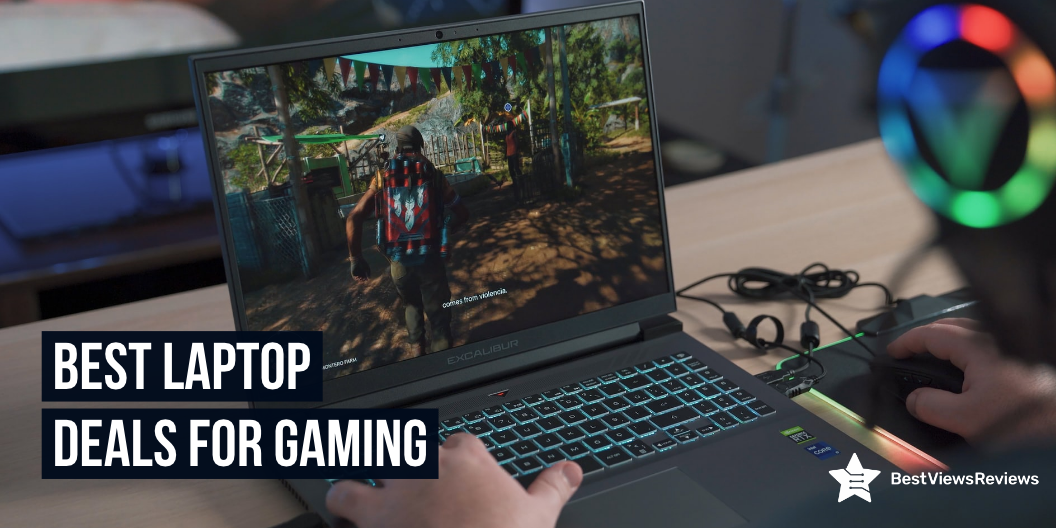
Best Laptop Deals for Gaming in 2023

laptop deals for gaming

It’s no secret that laptops are becoming more and more powerful. With each new generation, laptops can handle more demanding tasks and games. This means that the games that were once only playable on a desktop computer can now be enjoyed on a laptop. Laptops are portable computers that are smaller and thinner than desktop computers. They are easy to carry around with you and they are perfect for gaming. The best laptop deals for gaming will help you save money on your purchase.

This increased power comes at a price. Laptops are often more expensive than their desktop counterparts. This is especially true when it comes to gaming laptops.

But there is a silver lining. If you know where to look, you can find some great deals on gaming laptops. In this article, we will take a look at some of the best deals on gaming laptops for 2023.

So, if you are in the market for a new gaming laptop in 2023, be sure to check out this article. You might just find the perfect deal for you.

Factors to Consider Before Purchasing the Best Gaming Laptop

Keyboard

The keyboard of a laptop is one of the most important features to consider. It is the primary input device that is used to type, enter data and commands, and control various functions of the computer. The keyboard on a laptop is typically referred to as the keyset. There are four main types of keysets: Standard, Ergonomic, Multimedia, and Gaming.

Standard keysets are the most common and are typically found on general-purpose laptops. Ergonomic keysets are designed to provide a more comfortable typing experience and are often used by those who do a lot of typing on their laptop. Multimedia keysets are designed for use with multimedia applications and typically include keys for controlling audio and video playback. You can also go with gaming keysets for use with gaming applications. They also typically include specialized keys for controlling gameplay.

Display

A laptop’s display is important for several reasons. First, it’s the main way you interact with your laptop. Second, a good display can help improve your productivity. Third, a poor display can be a major source of eye strain.

So, which display is best for a laptop? That depends on your needs. If you’re looking for the best possible image quality, you’ll want an IPS panel. These panels can be more expensive. If you need a more affordable option, you may want to consider an LED-backlit LCD panel.

Do laptops have LED or LCD screens? That depends on the model. Many newer laptops have LED screens, which are more energy efficient. The LCD screens are still found on some laptops.

Graphics Card (GPU)

A laptop’s graphics processing unit (GPU) is another important component when it comes to gaming performance. You should know if there is a graphics card for laptops, and if so, which one is best?

In short, yes, there are graphics cards for laptops but the selection is more limited than for desktop PCs.

The best graphics card for laptops right now is the Nvidia GeForce GTX 1070. It’s a powerful card that can handle most modern games at high settings and resolutions.

If you’re looking for something cheaper, the Nvidia GeForce GTX 1060 is a good option. It’s not as powerful as 1070, but it’s still a capable card.

Processor (CPU)

A laptop’s processor, or CPU, is its brain.

The processor is the main chip in a computer that’s responsible for carrying out the instructions of a computer program. A faster processor can execute instructions faster, which can result in faster performance for certain tasks.

You might be wondering: is a CPU the same thing as a laptop processor? The answer is yes! A laptop’s processor is sometimes called a mobile processor or a notebook processor.

There are different types of processors, and the type of processor you need depends on what you want to use your laptop for. If you’re a casual user who just wants to check email and browse the web, you don’t need a powerful processor. But if you’re a power user who wants to do things like video editing or gaming, you’ll need a faster processor.

Some of the most popular processors for best laptops for gaming in 2023 are made by Intel and AMD.

When choosing a processor for your laptop or high-rated touch laptop, you’ll need to consider its speed or clock speed. This is measured in gigahertz (GHz). A higher clock speed means the processor can execute instructions faster.

Operating System

Laptops are one of the most popular personal computers on the market today. They are portable, which means they can be used anywhere, and they offer a wide variety of features to users. One of the most important features of a laptop is its operating system.

The operating system is the software that manages all of the hardware and software resources of the computer. It is responsible for the basic functions of the computer, such as starting up and shutting down, as well as more advanced functions, such as managing memory and running applications.

There are many different types of operating systems, but the most common ones used on laptops are Windows, macOS, and Linux. Windows is the most popular operating system for laptops, with about 85% of all laptops running on this platform. macOS is the second most common, with about 10% of laptops running on this platform. Linux is the third most common, with about 3% of laptops running on this platform.

The operating system you choose for your laptop will depend on your personal preferences and needs. If you are looking for an operating system that is easy to use and has a lot of features, Windows is a good choice.

Size

There are a few things to consider when purchasing a laptop and size is definitely one of them. But, what is a good size for a laptop?

There are generally three different sizes of laptops: small, medium, and large. Small laptops typically have screens that are around 11 or 12 inches. Medium laptops have screens that are around 13 or 14 inches. Large laptops have screens that are 15 inches or larger.

The screen size is not the only factor to consider when determining the size of the laptop. The overall footprint of the laptop, meaning the width and depth of the device, is also important. A laptop with a 15.6-inch screen may have a smaller footprint than a laptop with a 14-inch screen.

When deciding on the size of the laptop, it is important to consider how the laptop will be used. If the laptop will be primarily used for traveling, a smaller size may be more convenient. If the laptop will be used mostly at a desk, a larger size may be more comfortable.

Cost

A laptop integrates the core components and input/output features of a desktop computer. When buying a laptop for gaming, it is important to consider the cost of the laptop.

So, how much does a laptop cost? Well, that depends on a few factors, such as the brand, the type of laptop, and the specifications. For example, a basic MacBook Air starts at around $999, while a top-of-the-line MacBook Pro can cost upwards of $2,799. If you’re looking for a Windows-based laptop, you’ll find a wide range of prices, from a budget-friendly $200 Chromebook to a high-end $1,500 gaming laptop.

Generally, you’ll get more bang for your buck if you opt for a laptop with mid-range specs.

RAM

Ram, or random access memory, is a type of computer memory that allows data to be stored and retrieved in any order. A RAM chip contains a number of memory cells, each of which can store a single bit of data. The data in a RAM chip is volatile, meaning it is lost when the power is turned off.

Most laptop computers come with 4GB or 8GB of RAM, which is enough for most users. If you are a power user or if you plan to use your laptop for gaming, you may want to consider upgrading to 16GB or 32GB of RAM.

When shopping for RAM, you will need to decide on the type of RAM, the speed of the RAM, and the capacity. The type of RAM is determined by the type of motherboard in your laptop. The speed of the RAM is measured in MHz and the capacity is measured in GB.

Generally, the faster the RAM, the better. The speed of the RAM is not as important as the capacity. For most users, 8GB of RAM is plenty. If you are a power user or if you plan to use your laptop for gaming, you may want to consider upgrading to 16GB or 32GB.

Best Laptop Deals for Gaming

ASUS ROG Zephyrus G14 VR Ready Gaming Laptop

The top-quality ASUS ROG Zephyrus G14 VR Ready Gaming Laptop is a powerful and versatile machine that is perfect for gaming and other intensive tasks. It is equipped with a 14″ QHD 120Hz IPS display, an AMD Octa-Core Ryzen 9 5900HS processor, 40GB of RAM, and a 1TB SSD. The GeForce RTX 3060 6GB graphics card provides excellent visuals for gaming and other media, and the backlit keyboard is perfect for dark rooms. Windows 10 is the included operating system, and the HDMI cable ensures that you can connect to external displays.

Lenovo Legion 5 Pro Gaming Laptop

The best-reviewed Lenovo Legion 5 Pro Gaming Laptop is a combination of power and versatility that is perfect for any gamer. It is equipped with a 16″ WQXGA IPS 165Hz Display that provides the user, a great visual experience while gaming. This laptop also has a USB-C port, HDMI port, RJ45 port, WiFi 6, and an RGB keyboard. It is running Windows 11 and is ready to take your gaming to the next level.

MSI GS66 Stealth QHD Ultra Thin Gaming Laptop

The MSI GS66 Stealth is a powerful and lightweight gaming laptop that is perfect for gamers on the go. It is equipped with an Intel Core i7-11800H processor and an NVIDIA GeForce RTX 3080 graphics card, which will allow you to play the latest games with ease. The laptop also features 16GB of RAM, 1TB of storage, and a 240Hz refresh rate display, which will make your gaming experience even more immersive.

Alienware X17 R2 VR Ready Gaming Laptop

The Alienware x17 R2 is a VR-ready gaming laptop that comes with a 17.3-inch FHD 360Hz 1ms display. It is powered by a Core i7-12700H processor and 16GB of RAM. It has a 1TB SSD and an NVIDIA GeForce RTX 3070Ti 8GB GDDR6 graphics card to take on your intense, high-end gaming. This model also has Bluetooth and Wi-Fi 6 connectivity, as well as a USB-C port for easy connectivity. It runs on Windows 11 Home and is available in white.

Razer Blade 15 Advanced Gaming Laptop

The Razer Blade 15 Advanced Gaming Laptop 2020 is a powerful and great-looking computer. It has an Intel Core i7-10875H 8-Core processor that allows for quick processing. The Chroma RGB Lighting is a great addition and the Thunderbolt 3 support is handy.

Dell G15 5510 Gaming 15 Laptop

The Dell G15 5510 Gaming 15 Laptop is equipped with a dedicated NVIDIA GeForce GTX 1650 graphics card that will let you enjoy the latest games with ease. The Nahimic 3D Audio will give you an immersive gaming experience, while the backlit keyboard will let you play in the dark.

What are the Different Graphics Card Brands Best for a Gaming Laptop?

It’s no secret that graphics card brands matter to gamers. We all want the best possible gaming experience, and part of that is having a great graphics card. But with so many brands out there, it can be tough to decide which one is right for you. So, what are the best graphics card brands for gaming laptops?

Some of the top brands include NVIDIA, AMD, and MSI. You can usually find good deals on cards from these brands, and they offer a variety of different models to choose from.

Here are a few things to consider when choosing a graphics card brand for your gaming laptop:

1. Performance: This is probably the most important factor for most gamers. After all, we want our games to look and run great. So, make sure to do your research and choose a brand that offers great performance.

2. Price: We all have to budget for our gaming rigs, so make sure to choose a brand that offers a great bang for your buck.

3. Support: Choose a brand that offers great support in case you run into any issues with your graphics card.

4. Compatibility: Make sure to choose a brand that is compatible with your other laptop components.

How Do I Make My Laptop Faster for Gaming?

If you’re a PC gamer, you know that a fast laptop is essential for the best gaming experience. But what do you do if your gaming laptop is running slow? Luckily, there are a few simple steps you can take to make your gaming laptop run faster and improve its performance.

One of the first things you can do to improve your gaming laptop’s performance is to make sure that your drivers are up to date. Outdated drivers can cause all sorts of problems, including performance issues. You can usually find the latest drivers for your laptop on the manufacturer’s website.

Another simple step you can take to improve your laptop’s gaming performance is to close any programs that you’re not using. Having too many programs open at the same time can slow down your laptop and affect your gaming.

You can also try some basic troubleshooting steps to speed up your gaming laptop. For example, try restarting your laptop and closing any programs that you’re not using. If your laptop is still running slow, you can try deleting temporary files and clearing your cache.

How Long Does a Gaming Laptop Last?

Gaming laptops are powerful, with high-end graphics cards and processors, and often have a high price tag. So, how long do they last? A gaming laptop will last for several years, as long as you take care of it. The key is to avoid overheating the system, which can damage the internal components. Make sure you keep the laptop clean and dust-free and don’t use it in extreme temperatures. With proper care, your gaming laptop should give you up to 5 years of trouble-free gaming enjoyment.

Do gaming laptops last less than normal laptops? This is a difficult question to answer, as it depends on a number of factors. The type of games you play, how often you play them, and how well you take care of your laptop are all important factors. Generally speaking, a gaming laptop will last about as long as a normal laptop.

Are gaming laptops more durable? Again, this is difficult to say. Gaming laptops are designed to be powerful, and as such, they often have more fragile components. So, while they may be able to handle more abuse than a normal laptop, they are also more likely to break if they are dropped or otherwise mishandled.

How to Optimize Laptop for Gaming?

Laptops are usually either integrated into a folding case or have a separate Screen and Keyboard. You can use a laptop for work, school, or play. While most laptops come with basic hardware that is good enough for general use, there are ways to optimize your laptop for gaming.

Here are some ways to optimize your laptop for gaming:

1. Check for overheating and clean out any dust in the vents or on the fan blades. Overheating can cause performance issues and even damage your computer.

2. Make sure your computer has the latest drivers installed. Drivers are pieces of software that help your computer communicate with hardware, and they can be out of date.

3. If you are playing games that are resource intensive, you may want to consider upgrading your hardware. Things like a dedicated graphics card or more RAM can improve performance.

4. You can also try upgrading your operating system. A newer operating system can provide better support for new games.

5. Some games require specific settings in order to run properly. You can often find these settings in your computer’s settings menu.

Do You Need a Gaming Laptop with an RTX GPU?

As technology advances, so does the world of gaming. Some might say that gaming laptops are becoming more and more like personal computers, and in some ways, they are. There are still some significant differences between the two that need to be considered when making a purchase. So, if you’re in the market for a new gaming laptop, the question remains: do you need an RTX GPU?

The simple answer is: it depends. It really comes down to what games you want to play and how you want to play them. If you’re primarily a casual gamer who just wants to play the latest and greatest releases at lower settings, then you probably don’t need an RTX GPU. If you’re a more hardcore gamer who wants to experience the latest games at the highest settings, then you’ll probably want to consider opting for a laptop with an RTX GPU.

Of course, there are also other factors to consider when choosing a gaming laptop, such as the size and weight of the device, the battery life, the overall performance, and the price. If you’re specifically interested in the graphics performance of your gaming laptop, then an RTX GPU is definitely something you should consider.

Take Away

A gaming laptop will let you play a variety of high-end games conveniently. There are many benefits of buying a gaming laptop during the best gaming laptop deals. Firstly, you will get a powerful machine that can handle the demands of the latest games. This will allow you to save money as the prices of gaming laptops are generally lower when you choose from the best deals. It is good to know all about gaming laptops along with their features before you finalize your purchase.

You can also take advantage of the latest features and technologies that are only available in the latest models. BestViewsReviews is the ideal place to find reviews of top-selling 4K laptops along with the best laptop stands of 2023 and grab the best deals on branded and top-reviewed products.

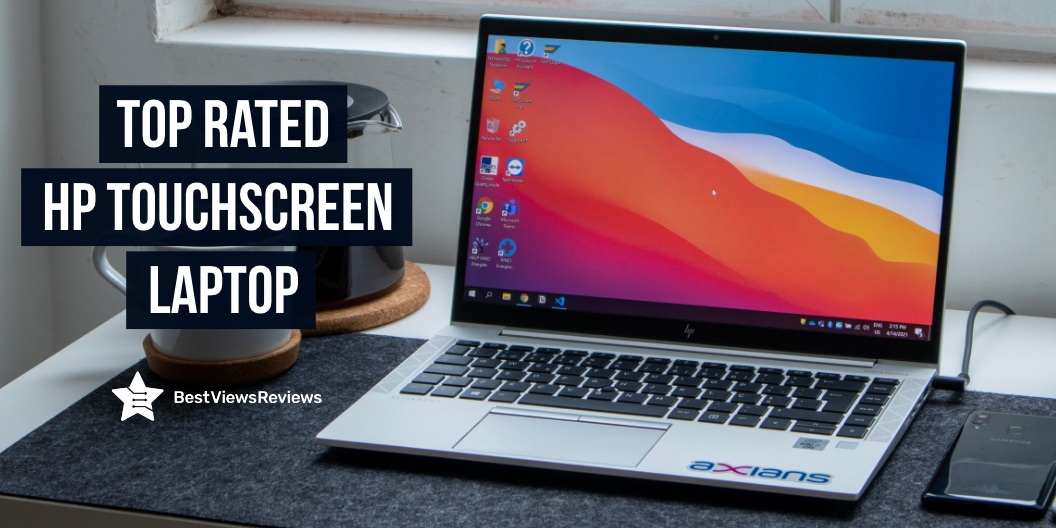
Best HP Touchscreen Laptop

hp touchscreen laptop

The HP Touchscreen Laptop is a computer that you can use by touching the screen with your finger or a stylus. There are many features of this computer that can be activated by touch, such as a virtual keyboard, zooming in and out of web pages, and selecting applications. You can also use the touchscreen to draw or paint. It can be confusing to decide between touch screen laptops and non-touch laptops. Read our blog touch screen laptops vs non-touch laptops and know which one is better.

How Does An HP Touchscreen Laptop Work?

Most touchscreen laptops from HP use capacitive touch, which senses the electrostatic field that your body creates to detect where your fingers are. The technology requires your finger to make pretty good contact with the screen. The typical touchscreen is made of a sheet of glass with a transparent conductive coating on top.

The conductive coating is usually indium tin oxide (ITO), which is conductive but also very brittle. Underneath the glass is a layer of ITO on top of a circuit board. The electrostatic field that your body creates distorts the field on the ITO when you touch the glass. It changes the way electricity flows through it. The circuit board beneath the ITO detects those changes and signals the computer that something was touched at that location.

What Are The Benefits Of Using An HP Touchscreen Laptop?

There are many benefits of owning an HP touchscreen laptop that makes it a great investment for anyone in the market for a new computer.

Portability

HP touchscreen laptops are easy to take with you wherever you go. It is easy to keep them in your bag and go, whether you are heading to the office or school or taking it on a trip. HP touchscreen laptops offer the perfect blend of portability and power, making them the perfect choice for anyone who needs a laptop that can go where they go.

Touchscreen Feature

You can use it for school projects, work presentations, or simply browsing the internet. The possibilities are endless and it makes life much easier when you can do everything with just a few clicks.

Price

HP offers a variety of price points for their laptops, so you can find one that fits your budget. There is an option for you, whether you are looking for a high-end model with all the bells and whistles or a more basic model.

Customer service and Support

You can rest assured that HP will be there to help you solve them if you have any problems with your laptop. They offer a variety of support options, so you can get the help you need when you need it.

Factors to Consider Before Buying An HP Touchscreen Laptop

There are several factors you should consider in order to get the best possible machine for your needs and budget. Here are eight of the most important things to keep in mind.

Operating System

The first thing you need to think about is what operating system you want. You’ll obviously want to stick with a Windows machine if you’re a Windows user. There are a few options to choose from if you’re open to using another OS.

Windows 10 is the latest version of Microsoft’s flagship OS, and it’s a great choice for most users. It’s fast, stable, and comes with a variety of built-in apps and features. You could also go with a Mac. macOS is the operating system that comes on all Apple computers, and it’s known for being very user-friendly. It’s also a good choice if you’re looking for a laptop that can double as a tablet, as many Macs come with built-in touchscreens.

Processor

The processor is the brain of your computer, so you’ll want to make sure you get a good one. You’ll want an Intel Core i5 or i7 processor if you’re looking for a Windows machine, Mac, and a Chromebook. Check a model like HP 15.6″ HD Touchscreen Laptop comes with 10th generation Intel Core i3 processor offers smooth and fast interface.

Display

The display is another important factor to consider when choosing a new laptop. You’ll want to make sure you get a large enough screen to comfortably work on, but you don’t want to get too big of a screen. Gaming laptops come with 4K displays. Take a look at our blog on gaming laptops and know if Is 4K gaming laptop is worth buying or not.

Battery life

One of the most important factors to consider when buying a new laptop is battery life. It’s important to think about how you’ll be using your laptop. You won’t need as much battery life if you’re only going to be using it for light tasks like browsing the web and checking email as someone who plans to use their laptop for more power-hungry tasks like gaming or video editing.

Best HP Touchscreen Laptop to Buy

HP 2-in-1 Convertible Chromebook

The HP Chromebook is a great value for the price. It’s a powerful little machine that can handle most of what I need for school and work. The only downside is that it’s a little small, but it’s still a great machine. I would recommend this to anyone looking for a new Chromebook.

HP Pavilion x360 14 Convertible 2-in-1 Laptop

The HP Pavilion x360 is a versatile and powerful 2-in-1 laptop that’s perfect for students and busy professionals. It has a 14″ Full HD touchscreen display that is perfect for working on assignments and browsing the web, and the Intel Core i5 processor and 8 GB of DDR4 RAM provide plenty of power for multitasking. The 512 GB SSD provides plenty of storage space for your files and photos, and Windows 10 Home ensures smooth and responsive operation. The backlit keyboard is a great feature for working in low-light conditions, and the integrated graphics card ensures smooth and realistic visuals.

HP Chromebook x360 14-inch HD Touchscreen Laptop

The HP Chromebook x360 has a 14-inch HD touchscreen display and is powered by an Intel Celeron N4000 processor. It has 4 GB of RAM and a 32 GB eMMC drive. The Chromebook x360 runs on Chrome OS and comes with an integrated CPU speed of 2.6 GHz.

HP 15 Laptop, 15.6″ HD Touchscreen

The HP 15 Laptop is a great choice for everyday use. It has a 15.6″ HD touchscreen display and an Intel Core i5-1135G7 processor that runs from 2.4GHz to 4.2GHz. It also has a 1 TB hard disk drive, a webcam, a backlit keyboard, an HDMI port, an RJ-45 port, and Windows 10 Home. The silver color looks great, and the KKE mousepad is a nice touch.

HP Chromebook x360 14a 2-in-1 Laptop

The HP Chromebook x360 14 a is a great 2-in-1 laptop for work or play. It has a 14″ HD display, an Intel Pentium Silver N5000 Processor, 4 GB of RAM, and a 64 GB eMMC. It also has a webcam and dual microphones, so you can stay connected with friends and family. The battery life is also good which allows you to use it for a long time without having to worry about it running out of power.

Conclusion

HP touchscreen laptops have a wide range of features. They can work faster and better than other laptops. The computers have high-quality graphics and high-definition videos. The laptop’s memory is very large, and they also have large hard drives. A laptop’s battery can run for 9 hours. Multiple ports are available for the laptops. Their touch screens are very sensitive, and they include great speakers HP True. You can also check our brand like dell. Read our blog and know dell touchscreen laptop is worth buying or not.

BestViewsReviews rates and reviews the best laptops based on quality, convenience, and durability.

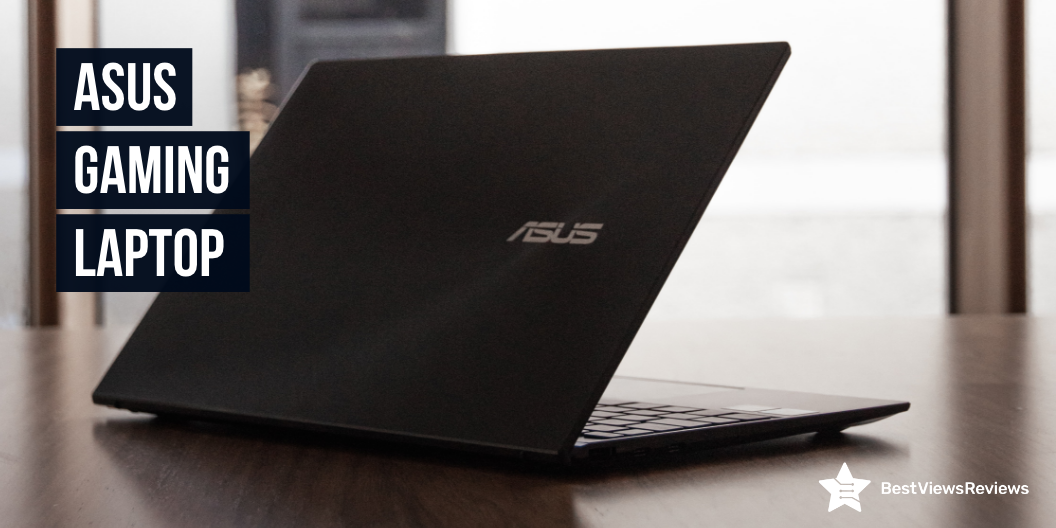
Best 5 Asus Gaming Laptop For 2023

Asus gaming laptop

Asus Gaming Laptop is a high-performance laptop that is designed for gaming. It is equipped with the latest technology and features that enable it to handle demanding games. Asus Gaming Laptop has a large display that gives you a clear view of the action, and a powerful processor that can handle the most demanding games. Asus gaming laptop also has a fast response time, so you can enjoy the game without any lag. Read our other blog and know the best gaming laptop of 2023.

What features make a good gaming laptop?

CPU and GPU

A good gaming laptop like ASUS ROG Flow Z13 should have a good combination of CPU and GPU. The CPU should be a high-performance processor such as an Intel Core i7 or an AMD Ryzen. This will help ensure smooth gameplay and provide plenty of power for gaming. The GPU should also be high-end, such as an NVIDIA GeForce RTX or AMD Radeon RX. This will allow for high frame rates and detailed graphics.

Memory and storage

Memory and storage are also important for gaming laptops like ASUS ROG Strix Scar 15. At least 8GB of RAM is recommended for gaming, although more is better. This will ensure that the games can run smoothly without any lag. The storage should be a combination of a fast solid-state drive (SSD) and a large hard disk drive (HDD). An SSD will ensure that the games load quickly and an HDD will give you plenty of space to store them.

Battery life

Battery life is also an important factor for gaming laptops. You want to make sure that the laptop can last for at least a few hours of gaming so you don’t have to constantly be near an outlet. Look for laptops with at least 8 hours of battery life when gaming.

Display-Size

A good gaming laptop should have a large display, preferably 15-17 inches, with a good resolution (1080p) and a good refresh rate (at least 60 Hz). This will ensure smooth gameplay and vivid visuals.

Ports and inputs

A gaming laptop should have multiple ports and inputs, such as USB-C, Thunderbolt 3, HDMI, and DisplayPort. This will allow you to plug in various gaming peripherals, such as a gaming mouse or headset, and connect to external displays.

We also have a detailed blog on the best gaming laptop for the ones who want to immerse themselves in the world of gaming.

How Much Does Asus Gaming Laptop Cost?

Asus gaming laptops like ASUS ROG Zephyrus are some of the most popular on the market and for good reason. They offer great performance at a reasonable price. The answer to that question depends on a few factors, such as which model you choose and where you purchase it from. You can expect to pay anywhere from $700 to $1500 for a good laptop.

The price will go up if you want a higher-end model with more features and better performance. Even the high-end Asus gaming laptops are still reasonably priced when compared to other brands.

We have also reviewed some of the best-selling laptops based on their performance and battery life for your convenience.

How much RAM does a gaming laptop need?

A gaming laptop needs at least 8GB of RAM to be able to handle modern gaming titles. However, 16GB of RAM is the recommended amount for optimal performance. This is because, with 8GB of RAM, the laptop will be able to handle most games with no major issues, but will struggle to run more intensive games or games while multitasking. With 16GB of RAM, the laptop will be able to handle more intensive gaming titles, multitasking, and streaming without any issues.

The customer reviews of the 2019 ASUS ROG claim that it offers 16GB 2666MHz DDR4 SDRAM memory for full-power multitasking and faster start-up times.

How do I troubleshoot my ASUS?

  • Check your power supply: Make sure the power cable is properly connected to the power supply and wall outlet. Additionally, check the power cord for signs of damage and replace it if necessary.
  • Check your connections: Check the cables and connections from your monitor, mouse, keyboard, and other peripherals to your ASUS. Make sure all connections are secure and tight.
  • Check for software updates: Check for updated drivers, firmware, and software for your ASUS. Download and install any available updates to ensure your system is running the most current version.

What are the 7 troubleshooting steps?

  • 1. Identify the Problem: First, identify the problem. Take a few moments to think about what may be causing the issue.
  • 2. Gather Information: Gather as much information as you can about the issue. This includes any error messages, recent changes to the system, and any other relevant information.
  • 3. Isolate the Cause: Once you’ve gathered all of the information, it’s time to start isolating the cause of the issue. This involves testing different components to see if the problem exists in all or is isolated to one.
  • 4. Establish a Theory of Probable Cause: After isolating the cause, you need to establish a theory of probable cause. This means developing a hypothesis as to what may be causing the issue.
  • 5. Test the Theory to Determine Cause: Once you have a theory, it’s time to test it to determine the cause. This involves running tests to see if the theory is correct.
  • 6. Establish a Plan of Action: Once the cause of the issue has been determined, you need to establish a plan of action. This involves deciding what steps need to be taken to fix the issue.
  • 7. Implement the Solution: Finally, it’s time to implement the solution. This involves carrying out the plan of action and testing to make sure the issue has been resolved.

Does gaming damage a gaming laptop?

Gaming laptops are designed to be powerful and durable, but that doesn’t mean they can’t suffer damage from gaming. Just like with any other laptop, excessive gaming can cause several problems that can damage the laptop, such as overheating, dust buildup, and physical damage.

Overheating is one of the most common problems associated with gaming laptops. When a laptop is running high-end games, the internal components can heat up quickly, which can cause the laptop to shut down or malfunction. To prevent overheating, gamers should make sure the laptop is well-ventilated and that the fans are running properly.

Does a gaming laptop last long?

Yes, gaming laptops can last long. They are specifically designed and built to handle the extra load from intensive gaming applications, and they are often built with higher-end components that are more durable and reliable than those found in standard laptop models. Some gaming laptops can even last for years with proper maintenance.

ASUS TUF Gaming A17 Gaming Laptop’s reviews show that its anti-dust technology effectively ejects dust to prolong the lifespan of the system.

Conclusion

Asus Gaming Laptop is a great choice for those looking for a powerful and portable computer. It has a large screen and a long battery life, making it perfect for gaming and other intensive tasks. You can also buy laptop bags to carry your laptops easily. The only downside is the price, which is high for a laptop. You can check our blog on 4K gaming laptops and know whether 4K gaming laptops are worth it or not.

BestViewsReviews rates and reviews the best touchscreen laptops and laptop stands based on quality convenience and durability.

Buying Guide On Laptop Riser

laptop riser

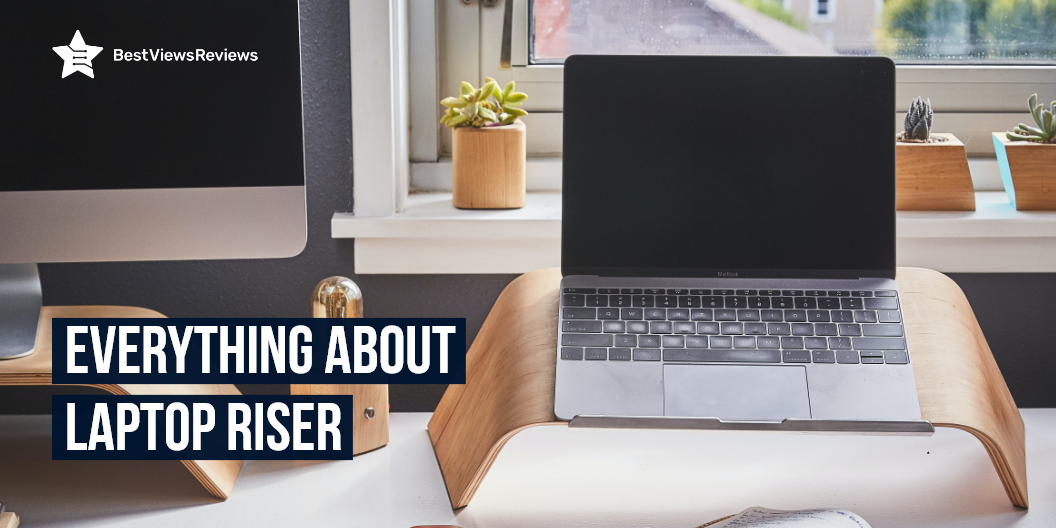
The laptop riser is a portable stand that attaches to the laptop’s palm rest. The riser helps the user to raise the laptop to a more comfortable viewing angle. This stand accessory maximizes comfort as well as improves productivity. A laptop riser is a convenient way of changing your body posture. A standing desk for laptops offers the best way to manage body pain and fatigue without compromising your work productivity. Read our other blog on laptop desks and know the best 5 options for yourself.

What Are The Reasons To Buy A Laptop Riser?

Better Typing Ergonomics

Laptop risers are an excellent way to improve your typing posture. They assist you in maintaining your wrists straight and elbows close to your body. This helps to prevent carpal tunnel syndrome and other repetitive strain problems. A laptop riser will raise your screen to eye level as well. Laptop risers also assist to prevent neck pain caused by looking down at your keyboard and then looking up to see the screen.

Brings the Laptop Screen to Eye Level

The laptop riser like LITEPRO mount riser allows you to bring your laptop closer to your eyes for improved vision. They also prevent neck discomfort caused by staring at a computer screen all day. Adjustable laptop risers are available in a variety of forms and sizes, allowing you to select the one that best suits your needs.

Prevent Carpal Tunnel

Carpal tunnel syndrome can be avoided by using a laptop riser. Carpal tunnel syndrome develops when the carpal tunnel is under too much pressure. Excessive typing, emailing, or other repetitive activity can aggravate the carpal tunnel, which is located between the hand and wrist. You can modify the keyboard’s height to get a better wrist elevation.

Reduce Back Pain

Back pain is reduced by using laptop risers. It causes back pain when the spine curves abnormally degree. A laptop riser raises your screen to eye level, eliminating the need to bend forward and arch your back to see it. This will reduce your back pain.

Take a look at a model like SOUNDANCE laptop riser which is a small compact stand that elevates your laptop 6 inches to eye level. It stops you from hunching over your screen and also reduces neck and shoulder pain.

Factors To Consider Before Buying Laptop Riser

Adjustable Angle

Changing the angle of your laptop screen can offer a more comfortable viewing experience. The angle at which your laptop is placed can improve your screen glare and also give your eyes relaxation. Always using one angle can cause pain in your eyes, so always change your angle every 30 mins. Laptop risers like SOQOOL Ergonomic Aluminum Laptop Riser also keep your laptop cool through heat dissipation.

Portability

You might be concerned about adding extra weight to your luggage if you use your laptop on the way. Laptop risers are lightweight and tiny so that you can slip them inside your laptop bag without being seen. A larger, more feature-rich design can be useful if you use your laptop always in the same place.

Check a model like Nulaxy Laptop Stand that is simple to put back together, and it fits wonderfully. You can effortlessly dismantle three components and carry them in your bag because of its easy-to-disassemble design.

Adjustable Height

The height adjustment allows you to change the height of your riser so that your back doesn’t hurt. They are comfortable for typing. There are many models that come with a height adjustment mechanism. You may choose one based on your budget. Some are more expensive and some are cheaper.

A model like LIFELONG Ergonomic Laptop Stand comes with adjustable height. You can adjust this model according to your comfort level. It can support 10-inch tablets to 17-inch laptops.

Advanced Features

Some laptop risers include one or more built-in fans to keep your laptop cool. Laptop risers can also assist you in organizing cords and storing a keyboard. Some models also have miniature built-in bulbs for usage in low-light situations.

The Boyata Laptop Stand comes with a Z-type design that allows it to absorb and discharge heat easily.

Are Laptop Risers Worth To Buy?

Yes, laptop risers are the perfect solution to prevent the bad posture and back pain that people often experience while typing. You probably want to have a comfortable, ergonomic place to work if you’re working on your laptop. Laptop risers can raise your laptop, and keyboard, to several inches, which makes your work more comfortable.

Reviews of Rain Design 10071 show that this model comes with an ergonomic design and holes for back cable management.

A laptop desk is a portable desk that is used as a stand for your laptop and other accessories. Check our other blog and know why should you buy a laptop desk.

Which Is the Best Material For A Laptop Riser?

The aluminum riser is a great choice for anyone looking for a sturdy, affordable, and easy-to-clean option for their laptop. It is stable and won’t break easily, which makes it a great choice for those who want a reliable option that won’t let them down. You can find this type of riser at most office supply stores or online makes it a convenient option for anyone in need of a new laptop riser.

You can check a model like Nulaxy laptop riser that is made of superior 5mm aluminum alloy and can handle laptops weighing up to 22 lbs. This laptop stand is made of excellent CNC cut aluminum alloy material that is easy to reassemble and fits flawlessly every time.

Conclusion

The Laptop Riser is a desk accessory that elevates your laptop, allowing you to work in a more ergonomic position. You can avoid neck and back pain that can come from hunching over your laptop by using a laptop riser. The Laptop Riser also gives you more desk space to work with, as well as provides better airflow to your laptop to help keep it cool.

A standing desk for office work is a piece of furniture that is designed to let you place your laptops and computer desktops at your preferred heights. Take a look at our blog on the standing desk for office and get the top 5 options for yourself.

BestViewsReviews rates and reviews the best home office desks and top-rated laptop stands based on quality, convenience, and durability.

Best Laptop For College Students 2022

Laptop for college

A laptop, also known as a laptop computer or notebook computer, is a compact, portable computer featuring a screen and an alphanumeric keypad. A laptop for college has become a necessity. It is suited for mobile use because it can be folded for traveling. It is an important electronic gadget for all college students. This is the reason laptops provide students with the flexibility and freedom they require to complete academic assignments at any time and from any location. For most people, the independence that laptops provide is a welcome perk. A laptop allows you to take your work with you wherever you go. In the best 4K laptops, you get high picture resolution that gives you a theater experience at home.

Best Laptop for College Students

Apple MacBook Air

The reviews of the Apple MacBook Air show that the long battery life lasts for almost 18 hours. The fanless design keeps the laptop cool and silent even during handling heavy tasks. It has a 13.3″ retina display that ensures realistic image quality. The laptop comes with an 8GB RAM memory that makes the device fast and responsive. These MacBook laptops for college students are made from 100% recycled aluminum enclosure and also save energy.

Acer Chromebook

The Acer Chromebook laptop has got good reviews because of its large HD screen that makes it easy to use. This touchscreen display comes with a stylus that makes this laptop for college students convenient to use and intuitive. It is a portable laptop that bends up to an angle of 145° and you can use it even while lying down. The battery life lasts for almost 8 hours allowing you to use it all day. This laptop has a powerful processor of 1.4 GHz Celeron.

Lenovo Chromebook

As per the reviews of the Lenovo Chromebook, it offers high-end features at an affordable price. The laptop has an 11.6 inch 10.9 point IPS touchscreen HD display. It has a sleek and stylish design that is less than 1 inch thin and bends for about an angle of 360°. You can use the Lenovo Chromebook laptops for college students in a tent, tablet, stand, and normal laptop modes. This laptop also has built-in antivirus software that offers extra protection.

HP Premium Laptop

The HP Premium Laptop has a powerful intel Celeron 2.8GHz processor. It has dual-core and 4-way processing is effective and offers high power. The 6.5mm thin and lightweight laptop is easy to use and highly portable. This laptop has a long-lasting battery that lasts for almost 9 hours. It has a true vision 720p HD display camera and an integrated dual array digital microphones. The laptop has an elegant pink color that makes it one of the ideal laptops for college students.

ASUS L510 Laptop

The ASUS L510 Laptop has a 3.59lbs lightweight design that makes it highly portable. This laptop has an 8 hours battery life that runs all day long. You can work on this laptop anywhere you need to. It has a 15.6″ full HD display and an 84% screen-to-body ratio. This provides for good picture quality and more usable space on the screen. The college laptop also comes with windows 10 pre-installed and you can upgrade to windows 11 for free whenever it is available.

Lenovo IdeaPad Flex 5

The Lenovo IdeaPad Flex 5 has a 14.0″ full HD touchscreen display. It has an AMD Ryzen 5 4500U Processor that is powerful and makes the laptop efficient for multiple uses. The Radeon graphics lets you have more productivity along with a good quality gameplay option. This laptop has a 10 hours battery life and comes with a Lenovo active pen. This makes the laptop portable and convenient.

How to Choose the Best Laptop for College?

Power

The power of any laptop depends upon its processors. Intel and AMD processors are used in laptops. An Intel Core i3 or AMD A-series A6 or AMD A8 processor would be adequate if you want to use your laptop primarily for college assignments, simple game titles, and applications. Laptops with Intel Core i5, Intel Core i7, or AMD A10 CPUs may be worth the extra money for students who do a lot of programming or use graphics-intensive software.

Most laptops now come with 4GB of RAM, which is ideal for everyday tasks like using Microsoft Office, browsing the web, and watching movies. If you’re willing to spend a bit extra, you might be able to find models with 8GB of RAM. Multitasking between heavy software becomes easier with more RAM.

Weight of Laptop

After you’ve decided on the hardware parameters for your laptop, there are a few more factors to consider, such as the design, size, weight, and display size. Look for a lightweight laptop if you plan on carrying your laptop to and from college on a daily basis. You can prefer a higher screen size if you’re staying in a hostel and using the machine full-time. You can also use it to view movies, play games with pals, read notes, and make presentations. A larger screen also means a broader keyboard, which is more comfortable to use.

Storage Solutions in Laptops

You might have a lot of things to store as a college student. Hard discs with capacity ranging from 500 GB to 2TB and beyond are standard in most laptops today. A 500GB hard drive will suffice for all of the software you’ll need to install, but you’ll need something larger if you want to play games and save movies. Don’t worry if you’re on a budget and have to settle for a 500GB drive. You can wait and purchase a larger external hard drive at a later date.

Battery life

A laptop’s battery is as vital as its processor and RAM. As a college student, you may need to transport your laptop to and from classes. You may not always have the opportunity to charge it while in college. A high-capacity battery can endure for hours. Examining the rating is one simple approach to determine the battery capacity of a laptop. The battery is commonly labeled as 3-cell, 6-cell, or 9-cell. This information is normally available at the merchant or on the manufacturer’s website.

Warranty

One year is the industry norm for new laptop warranties. Manufacturer refurbished gadgets have a wider range of warranties, ranging from three months to one year. When a warranty claim is filed during a valid warranty period, the equipment is typically delivered to the nearest manufacturer’s warehouse. This is where a warranty claim’s legitimacy is assessed, and free repairs are provided to consumers.

In this era of digital life and online education, laptops are necessary devices. Kids require laptops to attend classes, adults need laptops for work.

Conclusion

Purchasing a laptop for business, education, or recreation is necessary, given that laptops perform similarly to PCs despite their small size. Laptops offer the best of both worlds, with the portability of a tablet or mini-notebook and the bigger memory storage of a desktop for all of your files. You should research the features and specifications of the laptop before buying one. Brands provide many models of laptops, whether low-tech or high-tech. You should decide for yourself which one to choose touch screen laptops or non-touch laptops.

Time management is essential for students if they want to succeed in their studies and other fields. Glance over this blog that highlights the importance of time management for students.

BestViewsReviews rates and reviews hundreds of best products like laptops and touch laptops on the basis of their quality, features, and durability.