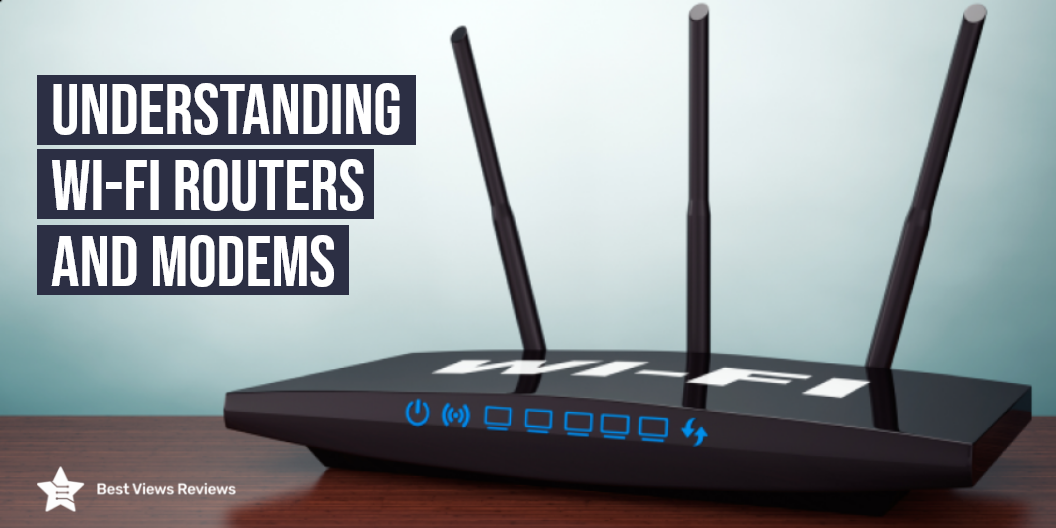
Modem and Router Combo: Everything You Need to Know

Modem And Router Combo

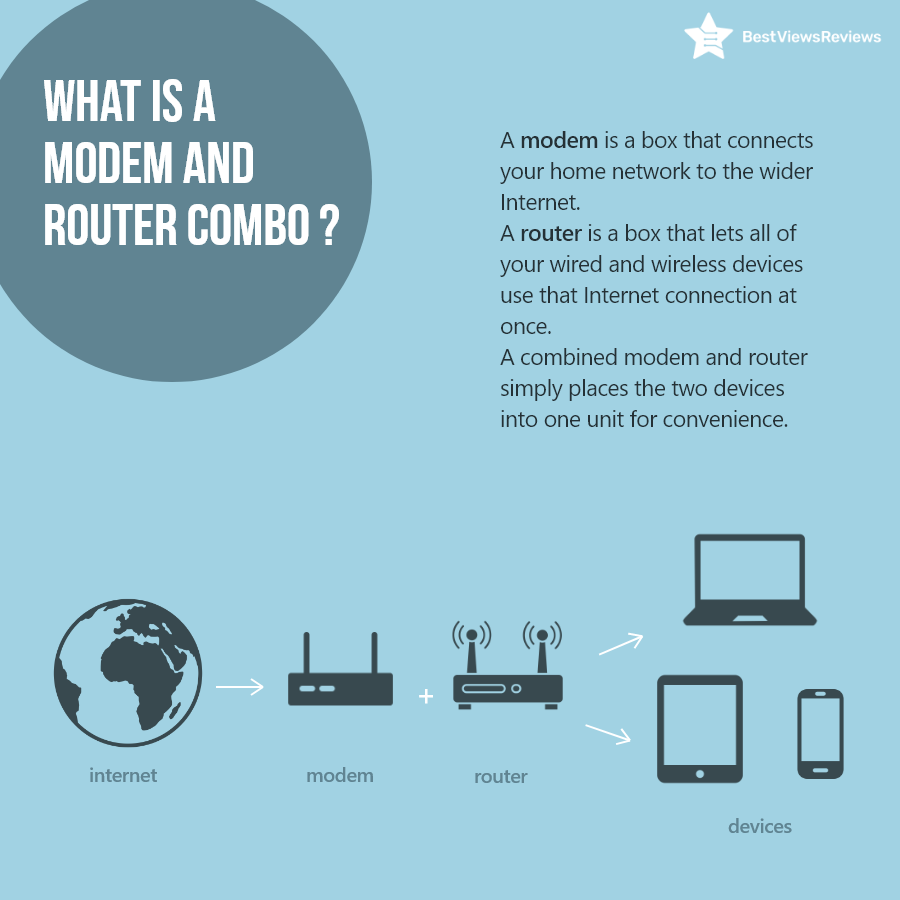
A modem and router combo is a single unit that offers the functionality of router and modem. This device takes the internet from the ISP network and then distributes it to different gadgets like laptops, tablets, and others. Buying a modem and router combo is a beneficial decision as you do not have to buy two devices separately. The combo units usually offer a good internet speed of up to 600 Mbps or more. They are easy to use and set up and you can use wifi connectivity to connect other devices.

Features to Look For

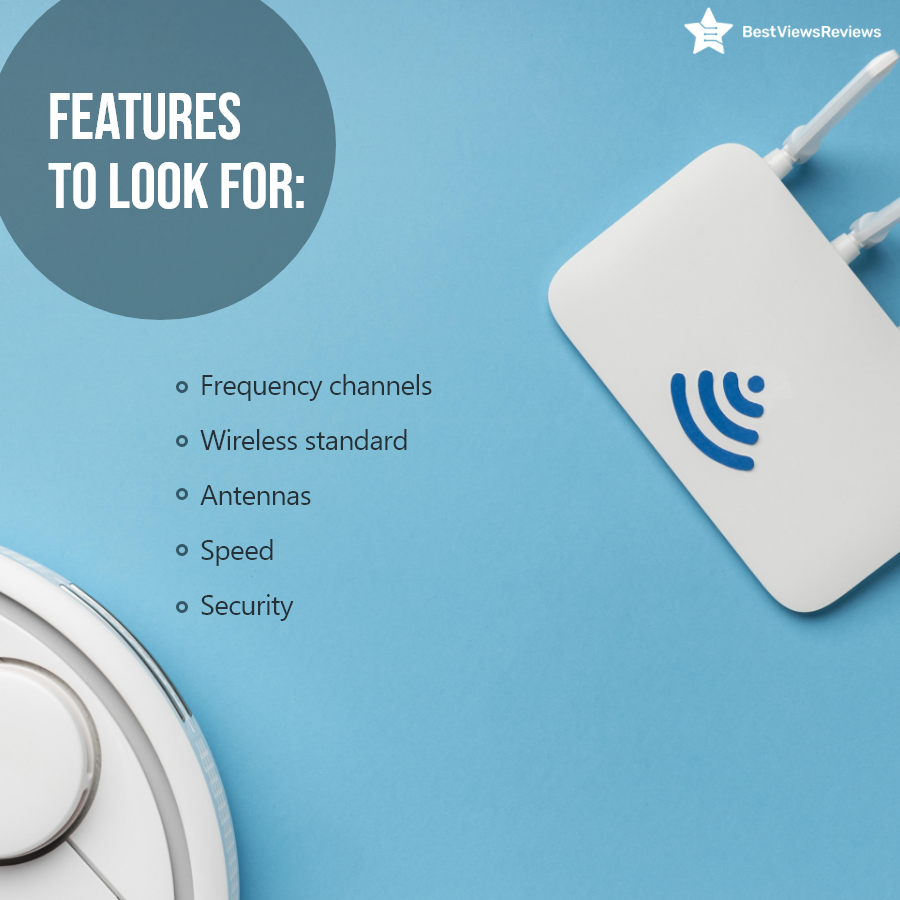
Buying the right combo model is important to enjoy an uninterrupted internet connection. You should look for features like frequency channels, wireless standards, antennas, and speed. The 2.4GHz and 5GHz frequency channels are common in most models. You can use 5GhHz bandwidth for fast speed connection. The latest wireless standard gives you a better connectivity range as well as speed. Look for the wifi 5 or 6 standards to get the best results. The Motorola MG7700 offers dual-band frequency channels of 2.4GHz and 5GHz.

Benefits of Modem and Router Combo

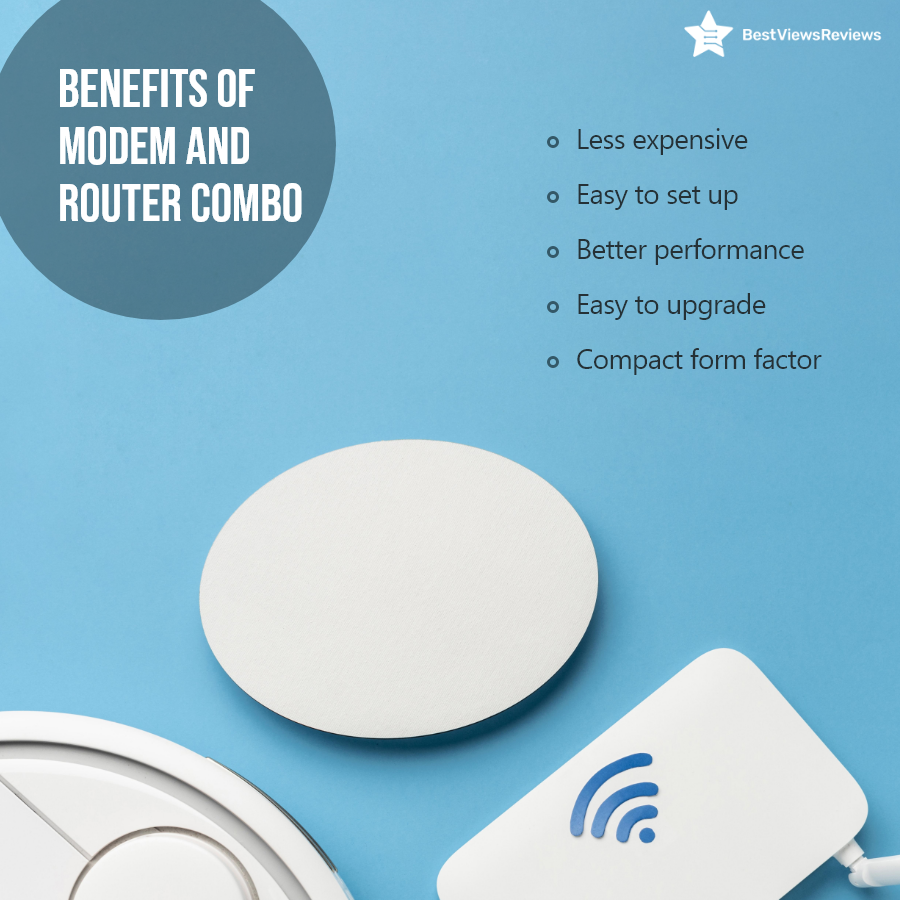
Modem and router combo like top-selling NETGEAR Orbi is an invaluable addition to your home or office space to fulfill your internet requirement. It is available at affordable prices, ranging from $99 to $400 and more. These combo units take less counter space and upgrading them is also easier than upgrading two separate units. They allow you to connect multiple devices to the internet effortlessly.

Conclusion: Market Overview

A router and modem combo is a must-have gadget to enjoy the convenience of using fast internet. The high-performance and easy-to-set-up features of router and modem combos make them a worthy purchase. These devices are gaining rapid popularity in the market because of their versatile usage and higher compatibility with other devices. This is leading to the increase in the overall market value of router-modem combos.

BestViewsReviews rates and reviews the best products on the basis of quality, convenience, and durability.

Modem vs Router: What’s the Difference?

modem vs router

Modem vs router has somewhat disappeared in today’s technologically fierce age, as most people buy both for all-around connectivity. The Internet and the world today run on information and communication technology. We have several devices such as a modem and router to make communication easier and to provide access. There are so many discussions about the difference between a modem and a router on the market that it’s essential to know what the two are and how they differ.

We will explore the two devices and the differences in their operations and applications in this blog post. You will likely want to know what you’re getting into before you get a new router. There are many confusing terminologies out there, and it can totally oversell some products. Don’t worry, though. This 2-minute article will help you understand the difference between a router and a modem. Read our blog to understand Wi-Fi routers and modems.

What Is a Modem and What Does it Do?

Modems are popular as a “modulator/demodulator” and “transceiver”, but they can have a variety of other names as well. Unlike routers, modems do not connect one computer to another. Instead, a modem can transmit and receive data over a telephone line. Modern modems can now connect via cables or fiber optics to improve the performance of the networks.

A modem like NETGEAR Cable Modem connects with an internet service provider (ISP) to receive analog signals and then converts those signals into digital form. Modems usually have three ports: one for the internet connection, one for power, and one for plugging in the computer or router.

What Is a Router and What Does It Do?

Routers like NETGEAR 4-Stream WiFi 6 Router (R6700AX) are computer network devices that route data packets, or datagrams, across connected networks. In simple terms, these devices sit between the local network and the Internet and ensure that data packets get to their destinations. With routers, you can connect networks with multiple devices and improve network efficiency by assigning each device a specific IP address.

You can use the ARRIS SURFboard SB8200 to divide a company’s network. That way, each of the company’s systems will have its own address. You can also manage each system individually from a single point of access.

Modem vs Router: What’s the Difference?

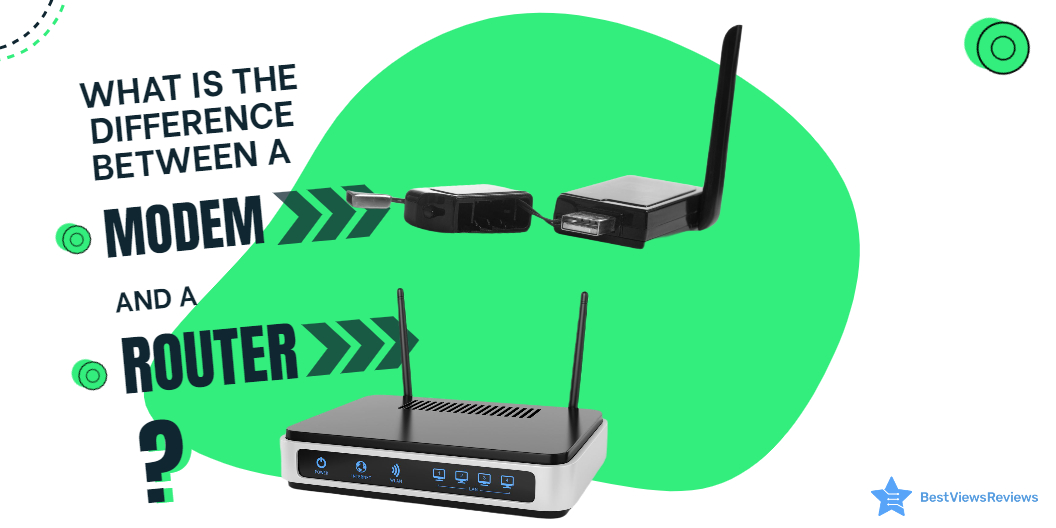
The modem is the gateway to your network; it’s the device that brings the Internet into your home or office. The router is the device that sits in between and distributes the network locally. It helps direct data from your modem to your devices, like computers, printers, and phones. By using a router, you can get a lot of benefits. You can, for example, send and receive data from and to the Internet more quickly, and you can do it more securely.

Do You Need a Modem or a Router?

When you are in the market for a new modem or router, you may wonder if you need both these devices or not. Well, the simple answer is yes. It would be best if you had both these devices. A modem and a router together can help you establish an active internet connection for multiple devices. The modem has only one LAN ethernet port. That means if you don’t buy a router, you will be able to connect to only one computer or laptop. You can easily set up multiple devices with best-rated routers.

Which Is Better: Modem vs Router?

There is no such thing as one being better than the other. Both devices perform different functions, and both offer distinct advantages. Nevertheless, if you purchase a modem only, you can connect to the Internet with any single device, and you can use it for multiple purposes. Alternatively, if you have only a router, you won’t be able to access the Internet. The reviews of Motorola MB8600 DOCSIS are good as they can support up to 1000 Mbps of internet speed.

The best-quality Speedefy AC2100 Smart Wi-Fi Router has dual-band gigabit Wi-Fi with a speed of 2100M (1733Mbps/5GHz + 300Mbps/2.4GHz). Using a dual-core processor lowers buffering and allows for faster online browsing, video streaming, and gaming.

Should I Rent or Buy a Modem and Router?

Modem and routers are undoubtedly an expensive investment, but they prove to be a cost-effective solution in the long run. Many companies are ready to offer their equipment for rent. The benefit of such equipment is that you get complimentary services and tech support too. But, monthly rental charges can cost you significantly high.

We recommend you buy your modem and router if you plan to use them for a long time. If you are going to use them just for several weeks or months, you can even consider preferring rented equipment too. Read our informative guide to buy the best modem and router combo.

When do I Need a Modem vs Router?

It solely depends on your purpose of use. If you are not planning to connect multiple devices to your internet connection, then just a modem will do the job well. But, if you are setting up a complete workstation with multiple devices and all of them require an internet connection. Then, in such a case, you need both devices. Remember, without a router; you can not distribute, manage and control your network.

You can also go with top-selling TP-Link AC1900 Smart WiFi Router. This model has got good reviews because of its dual-band frequency and a maximum speed of 1300 Mbps on the 5GHz band.

Conclusion

The router and modem are now a staple in most households too. It’s hard to imagine many offices and homes without them. Especially during the work from home scenes, routers and modems have been irreplaceable. So, whenever you are in the market for a new modem or the high-quality modem-router combo, make sure you know the difference between them.

You can troubleshoot Wi-Fi routers easily with a few simple hacks. Read our blog to know how to extend the Wi-Fi router.

BestViewsReviews rates and ranks hundreds of best modem and top-reviewed wireless routers on the basis of connectivity, installation, and build quality.

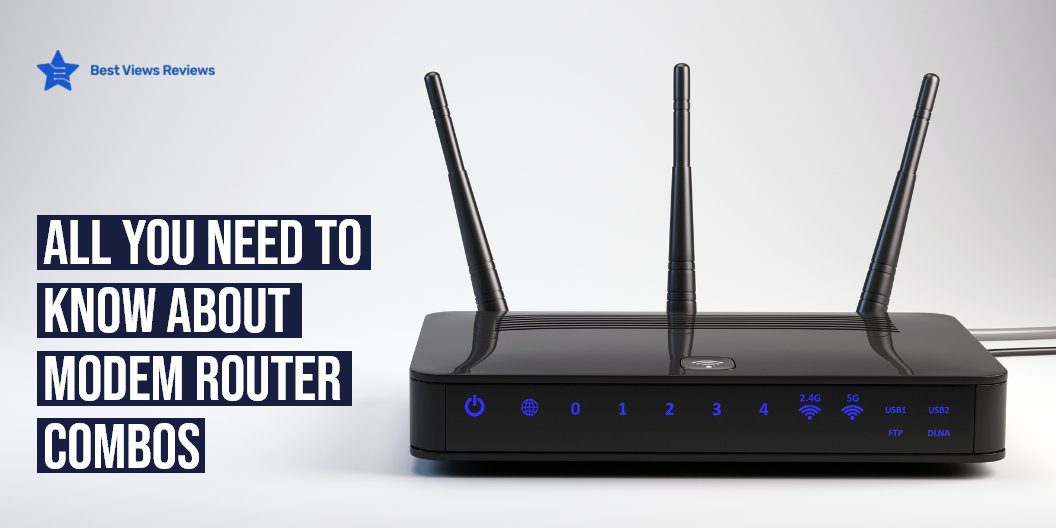
Understanding WiFi Router and Modem

wifi modem and router

A modem is a device that connects you to the internet whereas, a Wi-Fi router helps in distributing the connection to your laptop, PC, mobiles, and various other devices in your home or workspace. A router routes the data between multiple devices. Both Wi-Fi router and modem devices are different in operations and help in setting up an effective network connection. Modems are mainly responsible for fetching the signals from your internet service provider. It is important to know how these devices work before installation.

How Does WiFi Router and Modem Work?

A modem converts analog signals into digital signals and connects your network to the Internet. Your ISP provides you with a modem. The term comprises two words, ‘modulation’ and ‘demodulation’. It modulates and demodulates the network between your ISP and devices. Costing approximately $60, modems can be used in combination with routers too.  

The modem connects to the router by the WAN port, while it connects to the other devices wirelessly. Ranging from $100 to $200, Wi-Fi routers improve the speed of the internet provided to you. You might require repeaters too if you have a larger space. Repeaters help in distributing the internet network evenly around a larger space. They are in turn, connected to the main router.

The NETGEAR Orbi Built-in-Modem is a whole home mesh wifi system that you can use for up to 4,000 sq. feet of area. It has got excellent reviews for its high speed of up to 2.2 Gbps.

Where to Use Wifi Routers and Modems?

You can go with one modem like the top-selling Motorola MG7550 16×4 Cable Modem if your requirement is just to connect your PC to the internet. This saves money too. If you’re looking to connect multiple devices, consider going for a Wi-Fi Router. It’ll help you to efficiently use your internet connection despite interferences.

How to Connect Different Devices to Wi-Fi Router?

How to Connect Printer to Wi-Fi Router? 

  • Ensure that your Wi-Fi Router and printer are well in position and in the same range for a smooth and interference-free connection.  
  • Switch on your printer and connect it to the wi-fi network by putting in your SSID and password. This will ensure that your printer connects to Wi-Fi.  
  • Connect the devices to the internet and sync them with the printer for printing wirelessly.  

How to Connect Laptop to Wi-Fi Router?  

  • Open your default IP address in the browser.  
  • When prompted, key in your username and password.  
  • Pick a name or SSID for your router for future uses.  
  • Choose the security which might range from WEP to WPA2.  
  • Consequently, your laptop will now get connected to your Wi-Fi Router.  

How to Connect PlayStation or Xbox to a Wi-Fi Router?  

  • For a PlayStation or Xbox, open the home menu on it.  
  • Go to settings and select the Network option.  
  • Choose Set Up Internet Connection.  
  • Select Use Wi-Fi   
  • You’ll find a list of all the surrounding networks. Choose your SSID name from there. Enter the Wi-Fi password to connect.  

What is the Difference Between a Wifi router and a Modem?

Wifi routers and modems are important gadgets to get an uninterrupted internet connection, but both these gadgets have different roles. A modem is connected to a wide area network (WAN) to fetch internet with a public IP address. The router is used to route the path of internet supply to your local devices in the local area network (LAN).

Routers use private IP addresses but they take internet from the modem. You can not use routers without modems. You will need a router with a modem when you want to connect multiple devices to the internet. Read through our blog to know more about the difference between modem vs router.

Do I Need a Wifi Modem if I Have a Router?

The answer is Yes. The router takes the internet supply from the modem and then distributes it further. Both routers and modems have ethernet ports, but you can’t connect routers directly to your ISP connection. You will require a modem that can act as an interface between your router and ISP. Some router models let you transfer files in LAN via wifi but you will still not be able to access the internet without a modem.

Reviews of Speedefy AC2100 Smart WiFi Router show that this model has 4 ethernet ports and can offer you the wifi speed of AC2100.

Does Wifi Come From Modem or Router?

The wifi comes from the router and the modem is responsible for bringing internet from ISP. The market today also has many wifi-modem-router combos that are single devices with the functionality of both modem and routers. Modem like ARRIS SURFboard SB6121 passes the internet to the router, which then distributes the internet wirelessly to other LAN devices.

The NETGEAR Nighthawk Cable Modem Wi-Fi Router has got good reviews because of its USB, ethernet, and wifi connectivity. This combo device offers up to 1800 square feet of wireless coverage.

Conclusion

Going with routers requires proper maintenance. It’s advisable to place it in the center if you buy a Wi-Fi router. A well-planned position can connect all your devices easily. Make sure you keep your router in the open to avoid any obstructions. It’s also important to replace your modems and routers periodically. You should update the firmware periodically to avoid a breach of security. A simple reboot might solve all problems if your setup keeps on disconnecting from the internet. Read our blog to get wi-fi router troubleshooting tips.

BestViewsRevies rates and reviews the best products based on their quality, performance, and durability to simplify your buying process.