Inkjet Printers vs Laser Printers: Which One Is Right for You?

Inkjet Printers

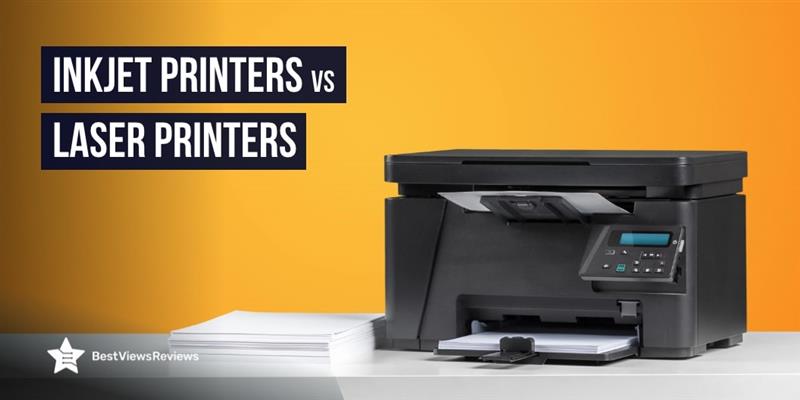
Laser and Inkjet printers are two of the most common printers available today, each offering distinct advantages depending on your needs. Inkjet printers can produce vibrant colors and fine details, making them ideal for photo printing and graphic-heavy documents. In contrast, laser printers are preferred for their speed, efficiency, and lower cost per page, especially when handling large volumes of text.

Whether you need to print high-quality photos, important documents, or professional reports, choosing the right type of printer can make all the difference. By understanding the differences between inkjet and laser printers can decide which one is best fit for your needs.

Understanding Inkjet and Laser Printers

Inkjet printers like Epson EcoTank Pro ET-5850 spray tiny droplets of liquid ink onto paper through microscopic nozzles, producing high-quality prints with vibrant colors and fine details. Their versatility allows them to print on various paper types, from plain sheets to glossy photo paper, making them a popular choice for home users and photographers. With multiple color cartridges (cyan, magenta, yellow, and black), inkjet printers deliver detailed and accurate color prints, making them ideal for photos, artwork, marketing materials, and documents where color precision matters.

Laser printers like HP Color LaserJet Pro use toner powder and a laser beam to create prints, which differs from inkjet technology. The laser beam forms an image on a drum, which is then transferred onto paper using electrostatic charges. Known for their fast printing speeds and ability to handle high volumes, laser printers are ideal for offices where efficiency and cost-effectiveness are key.

Key Differences Between Inkjet and Laser Printers

ParticularsInkjet PrintersLaser Printers
Print QualityEpson EcoTank ET-15000 excels at producing high-quality color prints, delivering sharp, detailed images and vibrant colors. They handle color gradients and subtle hues better, making them ideal for photos, artwork, and graphics-heavy documents.Brother HL-L3290CDW focuses on high-volume text printing, producing sharp, clear black-and-white text. While their color reproduction isn’t as vibrant as inkjet printers, recent models have significantly improved, offering more accurate color prints.
SpeedThey are compact and smaller in size, so they are ideal for home use or small offices. Many also offer all-in-one features like scanning, copying, and faxing, enhancing their versatility.Canon ImageCLASS LBP6030 is known for its speed, especially with large text volumes. Their toner and laser technology enable faster page production, making them ideal for high-demand office environments.
Cost per PageA major drawback of inkjet printers is the higher cost per page. Ink cartridges are expensive and deplete quickly, especially with frequent printing, leading to higher long-term costs.Laser printers have a higher upfront cost but a significantly lower cost per page. Toner cartridges last much longer, reducing the overall cost of printing over time.
Initial CostThey typically come with a lower initial cost, making them a budget-friendly option for home users and small businesses with limited budgets.They usually have a higher initial cost but offer better long-term value due to lower printing costs and greater longevity in high-volume settings.
Size and DesignThey are compact and smaller in size, ideal for home use or small offices. Many also offer all-in-one features like scanning, copying, and faxing, enhancing their versatility.They are larger and bulkier, taking up more space. However, their size has been decreasing, and many compact models are now available for home offices and small businesses.
Durability and MaintenanceThey require more maintenance as ink cartridges may dry out or clog if not used regularly. They also need more frequent ink refills and occasional cleaning for efficient operation.They are more durable and require less maintenance. Toner doesn’t dry out, and with fewer moving parts, laser printers are more reliable for environments where the printer isn’t used daily.

Are There Any Multi-Functional Printers That Combine Inkjet and Laser Features?

Some multi-functional printers combine inkjet and laser features, offering the best of both technologies. These printers handle various tasks, such as printing, scanning, copying, and sometimes even faxing. While less common than single-function models, some modern multi-functional printers use inkjet technology for high-quality color prints, such as photos and graphics, while utilizing laser technology for fast, efficient text printing.

These all-in-one devices are useful in environments where both color prints and fast, large-scale text printing are necessary. However, they are more expensive and may require more maintenance than single-function inkjet or laser printers. If you want both features in one device, a hybrid printer offers the right balance of quality, speed, and cost-efficiency.

Maintenance Tips for Printers

Inkjet Printers

  • Keep the ink cartridges clean: Regularly run cleaning cycles to prevent ink buildup and keep the nozzles free from clogs, especially if the printer is left unused for long periods.
  • Use high-quality paper: Always use the recommended paper type for your inkjet printer. Low-quality paper can damage the printhead and lead to paper jams.
  • Store ink cartridges properly: If you don’t use the printer often, store the ink cartridges in a cool, dry place to prevent them from drying out.

Laser Printers

  • Clean the toner cartridge: Dust and debris can accumulate on the toner cartridge. Clean it regularly to avoid printing issues.
  • Use quality paper: Poor-quality paper can cause paper jams and toner smudging. Ensure you use the correct paper type for laser printing.
  • Keep the printer in a dust-free environment: Dust can damage the sensitive components of the laser printer. Place the printer in a clean, dust-free area.

Commonly Asked Questions

1. Do laser printers require more toner than inkjet printers need ink?

Laser printers typically use less toner than inkjet printers use ink, particularly when printing high volumes. Toner cartridges for laser printers last much longer than ink cartridges for inkjets, allowing laser printers to produce more pages before needing a replacement. Since toner is designed for high-speed, high-volume printing, laser printers are more efficient for text-heavy documents.

On the other hand, inkjet printers tend to consume ink more quickly, especially when printing photos or color-rich documents. This results in more frequent ink cartridge replacements. However, the toner or ink used can vary depending on factors like print volume, the type of print job, and the specific printer model.

2. How does a printer’s print resolution impact output quality?

A printer’s print resolution directly impacts output quality by determining the sharpness and detail of images and text. Measured in dots per inch (DPI), higher DPI values result in more detail and clarity. Printers with higher DPI produce sharper images and smoother gradients, ideal for photos and fine text, while lower DPI may lead to less sharp prints with visible pixelation.

For those needing precise prints, such as photographers, a higher resolution is crucial. However, higher DPI can slow printing speeds and use more ink or toner. Balancing resolution and efficiency is key, depending on your printing needs.

3. Can a laser printer print high volumes of text without slowing down?

Yes, a laser printer Canon imageCLASS MF3010VP can handle high volumes of text without slowing down. Designed for efficiency and speed, laser printers excel in printing large jobs quickly. Unlike inkjet printers, which may slow down with higher volumes due to the ink application process, laser printers use toner and a laser beam to transfer images to paper, enabling fast and consistent printing.

This makes laser printers ideal for environments that require high-speed, high-volume text printing, such as offices or businesses. Their ability to maintain speed during large print jobs is a significant advantage over inkjet printers.

4. How do inkjet printers handle color gradients and subtle hues?

Inkjet printers handle color gradients and subtle hues exceptionally well by mixing ink from multiple color cartridges. By spraying tiny droplets of ink, inkjet printers create smooth color transitions, producing rich gradients and intricate hues. This ability makes inkjet printers perfect for printing images with soft color transitions, such as photographs or artwork, where precision and subtlety are crucial.

Furthermore, the precision of inkjet nozzles allows the printer to capture a wide range of shades and tones, reproducing even the most delicate color variations. As a result, inkjet printers are the preferred choice for projects that require high-quality color accuracy and detailed gradients.
Buying Guide on Dual Tray Laser Printer

dual tray laser printer

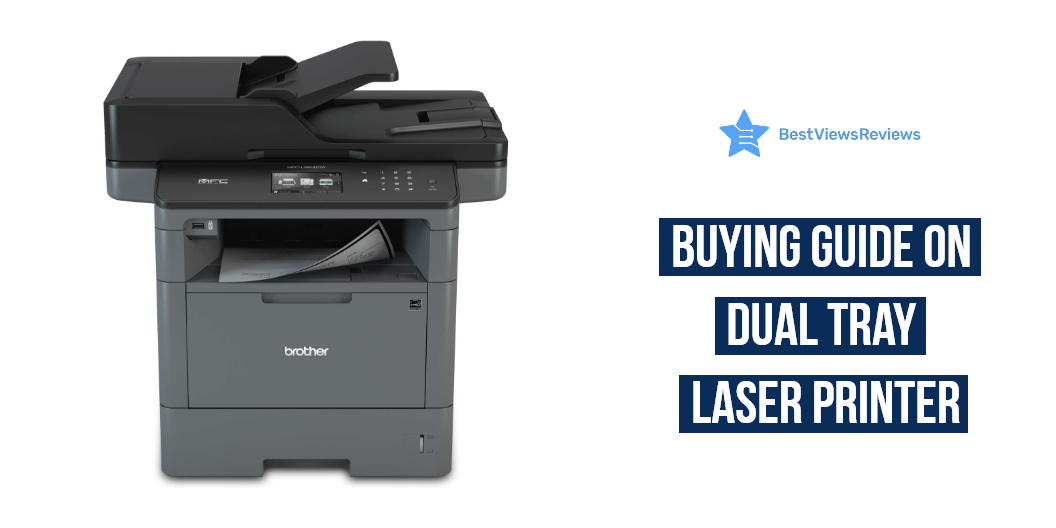
A dual tray laser printer is a printer that has two paper trays. This allows you to keep two different types of paper loaded at all times, so you can switch between them as needed. You can keep the regular paper in one tray and photo paper in the other. This can be a great time-saver, especially if you frequently print both types of documents.

Dual tray laser printers typically have a variety of other features that make them ideal for office use. They often have high print speeds, so you can get your work done quickly. They also tend to have large paper capacities, so you can print large jobs without having to stop to reload the paper. And, they usually have duplex printing capabilities, so you can print on both sides of the paper. A laser printer is a must-have output device in office spaces. Read our other blog on laser printers and know everything about them.

Factors to Consider While Purchasing a Dual Tray Laser Printer

There are several factors you need to consider in making the best decision for your needs when it comes to choosing a dual tray laser printer. Here are some important factors to keep in mind when shopping for a dual tray laser printer:

Monochrome or Color

One of the first things you need to decide when choosing a dual tray laser printer is whether you want a monochrome or color model. Monochrome printers are typically cheaper to purchase and operate, but they can only print in black and white. Color printers are more expensive, but they offer the ability to print in full color.

Types of Functions

Dual tray laser printers come with a variety of different functions, so you need to decide which ones are most important to you. Some of the most common functions include the ability to print on both sides of the paper (duplex printing), wireless connectivity, and automatic document feeders.

Connectivity

Another important factor to consider is how you will connect your dual tray laser printer to your computer or other devices. Most printers these days offer Wi-Fi connectivity, which allows you to print from anywhere in your home or office. You can save money by choosing a model with a USB connection if you don’t need wireless printing.

Ease of Use

Some models come with built-in software that makes it easy to get started, while others require you to install third-party software. You’ll want to choose a model that’s as easy to use as possible if you’re not particularly tech-savvy.

Are There Any Alternatives to a Dual Tray Printer?

There are some alternatives to dual tray printers that you can use in certain situations. One alternative to a dual tray printer is a single tray printer with a larger paper capacity. This type of printer can typically hold more paper than a dual tray printer, making it ideal for high-volume printing. Another alternative is a printer with an automatic document feeder (ADF). An ADF allows for multiple pages to be fed into the printer at once, which can be helpful when printing large documents. You can check the best-reviewed HP LaserJet 4250tn printer that comes with 3 paper trays as well as a 1,100-sheet standard input capacity.

How Do I Change the Default Print Tray on my HP Printer?

You can change the default print tray in the printer’s settings if you have an HP printer with dual trays. To do this, open the printer’s control panel and select the “Settings” or “Preferences” option. From there, you can choose the “Paper Handling” or “Paper Source” option, and select the desired tray as the default. Once you’ve made your selection, be sure to save your changes before exiting the control panel.

What is Tray 2 in HP Printer?

Tray 2 is an additional paper tray that can be installed on some HP printers. This extra tray can hold more paper, which is useful if you frequently print large documents. Many HP printers come with Tray 2 installed, but they can also be purchased separately and installed on compatible models.

The most basic question to ask when choosing a new printer is whether you should get a laser printer or an inkjet printer. Check our dedicated blog on Laser Printer vs Inkjet printer.

Best Dual Tray Laser Printer to Buy

Brother Printer MFC-L8850CDW Wireless Color Laser Printer

The reviews of Brother MFC-L8850CDW are good because it is a powerful and reliable wireless color laser printer that is great for any office or home. It features a built-in scanner, copier, and fax, and comes with Amazon Dash Replenishment Ready, so you can be sure your printer is always stocked and ready to go. It comes with fast printing speeds and high-quality output.

Brother HL-L8360CDWT Business Color Laser Printer

The Brother HL-L8360CDWT Business Color Laser Printer is a versatile and reliable printer. This printer is sure to meet all of your needs with wireless networking, automatic duplex printing, and mobile printing. It comes with a 50-page auto-document feeder that makes it easy to print, scan, and copy documents. It can print high-impact business documents at speeds of up to 33 pages per minute.

Brother Monochrome Laser Multifunction All-in-One Printer

The Brother Monochrome Laser Multifunction All-in-One Printer is the perfect printer for any office setting. It comes with a 3.7″ color touchscreen display that makes it easy to navigate the printer’s many features. The Brother MFCL5700DW allows you to connect via wireless devices and submit scanning and printing jobs remotely. This printer has a standard paper input capacity of 250 sheets.

Brother HL-L5200DWT Monochrome Laser Printer

The reviews of Brother HL-L5200DWT printer are good because of it comes with duplex printing, wireless networking, and dual paper trays. This printer has a print speed of up to 42 pages per minute and a high resolution. This type has a 250-sheet capacity and a 520-sheet capacity.

Brother HL-L6200DWT Wireless Monochrome Laser Printer

The Brother HL-L6200DWT monochrome laser printer is a great choice for your home or office printing needs. It features wireless connectivity, duplex printing, and dual paper trays, making it a versatile and convenient option. The Brother HL-L6200DWT also comes with Amazon Dash Replenishment ready, so you can be sure you always have enough toner on hand.

Conclusion

The dual tray laser printer is classified as an office product because it is commonly used in office settings. It is a printer that uses laser technology to print documents. This type of printer is typically more expensive than other types of printers, but it offers many benefits. One benefit of using a dual tray laser printer is that it can print at a faster speed than other types of printers. Laser printers typically produce higher quality prints than other types of printers. You can also check our blog for the best budget-friendly printer deals in 2022.

BestViewsReviews rates and reviews the best laser printers and top-rated computer printers based on quality, convenience, and durability.

Bluetooth Printer for iPhone: A Complete Guide

Bluetooth printer for iPhone

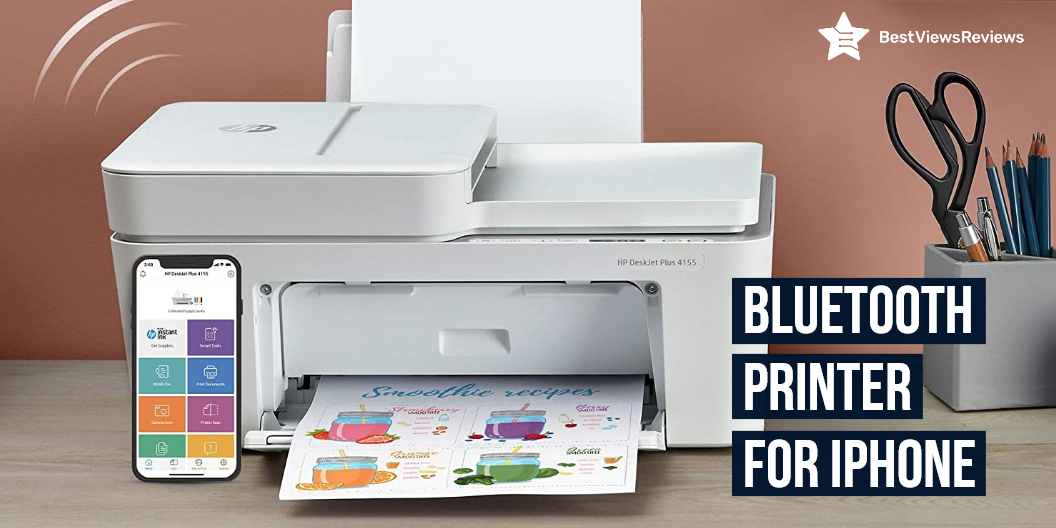
A Bluetooth printer for iPhone is a type of wireless printer that uses Bluetooth technology to connect to your iPhone. These printers are usually small and portable, making them ideal for use in home offices or small businesses. The inkjet Bluetooth printer comes with features such as printing, scanning, faxing, and copying and is perfect for small offices or homes. Read our blog on an inkjet printer and know the best options for yourself.

What Are The Best Bluetooth Printer For iPhones?

Brother Compact Monochrome Laser Printer

The reviews of Brother Compact Monochrome Laser Printer are positive because it features flatbed scan glass that offers quick copying and scanning. This model also has 250 sheet paper capacity that improves efficiency due to less time spent refilling trays. Its wireless technology allows you to submit print jobs from the laptop, smartphone, desktop, etc. It has a flatbed scan glass for rapid copying and scanning.

HP OfficeJet Pro 9025 Printer

HP OfficeJet Pro 9025 Printer has got excellent customer reviews because it features easy slide-off glass that helps increase productivity and saves time. This model offers two 250 sheets of full-ream paper trays that help high-volume jobs. It has self-healing Wi-Fi to reduce interruptions and maintains a stable and reliable connection. This small office printer offers faster printing at 24 pages per minute.

Epson EcoTank ET-3710 Printer

Epson EcoTank ET-3710 has a built-in colored display that offers easy navigation and operation. It comes with no-squeeze bottles that are uniquely keyed, which helps to prevent color mix-up. Its high-density print chip generates up to 40 million precise dots per second with optimal accuracy. This printer is small in size, perfect for homes and small businesses.

Brother MFCL2750DW Wireless Laser Printer

The reviews of Brother MFCL2750DW are good because it has built-in advanced technology that offers faxing, copying, and scanning capabilities. This model also features a touch to connect with NFC that provides added convenience. It comes with multiple features that streamline the office experience. It easily connects via wireless connections from your laptop, smartphone, desktop, and tablet.

PIXMA TS5320 Wireless Inkjet All-In-One Printer

The top-quality PIXMA TS5320 Wireless Inkjet All-In-One Printer is a great choice for your home or office. It features Bluetooth, Wi-Fi, and USB connectivity, so you can easily print from your favorite devices. The inkjet printing technology produces high-quality prints, and the compact design makes it easy to store and transport.

What Are The Factors To Consider Before Buying Bluetooth Printer For iPhone?

Price

Bluetooth printer for iPhone is available at different prices according to the features and brand. Make sure to set your budget before buying. Printers may vary between $200 and may go up to a few hundred dollars depending on the features. You can get an excellent printer with multiple capabilities for a few hundred dollars if you shop around.

Print Speed

The printing speed is one of the most significant elements to consider when purchasing a wireless Bluetooth printer. You will be more productive if you print at a faster speed. A variety of factors affect printing speed, including the type of printer, ink quality, paper type, and resolution. You can still get models with a printing speed of 30 to 40 pages per minute.

Print Quality

Laser printers are the highest-quality printers, but they are also the most expensive to purchase and operate. Print quality is influenced by a number of factors, including the printhead’s design, the printer’s driver, and the ink quality. The DPI (dots per inch) of the printer is the most important metric to look for (dots per inch). It describes how well a printer can reproduce the pixels in an image.

Wireless Connectivity

Wi-Fi and Bluetooth connectivity are also available on selected versions. Printers that support Google Cloud Print and Apple AirPrint are becoming more common. Bluetooth is ideal for printing from local mobile devices, while Wi-Fi and cloud capabilities let you print documents from afar.

How Does Bluetooth Printer For iPhone Work?

Bluetooth allows you to connect to a device like a printer without wires. Bluetooth uses radio waves to transfer data between devices, so Bluetooth printers connect to your iPhone using radio waves. These systems transmit data using low-powered radio signals at 2.4GHz. Bluetooth printer can print wirelessly from your computer. Check our other blog and know everything about bluetooth printer.

Benefits Of Bluetooth Printer For iPhone

Low Maintenance  

Bluetooth printers are dependable and low-maintenance options. The structure of the design is such that only the most basic elements are needed. This method can help you save a lot of money on part replacements. These printers have the advantage of saving both time and money in terms of repairs.

Convenient

Bluetooth printers are small and portable, allowing you to use them almost anywhere. You can also digitally store your documents for convenient access. It has a fast print speed, good print resolution, and easy connectivity.

Power Saving

Bluetooth printers use little power. They go into a low-power standby mode to conserve energy when they’re not in use. You can opt for such energy-efficient devices. It will assist you in reducing your energy costs.

Can Bluetooth Printer For iPhone Work Without Wi-Fi?

Not every wireless printer requires only one mode of communication. You can connect any wireless printer to your devices using wired cords. Any wired device will operate with a wireless printer. You should use cable connections if you want a solid and dependable connection while printing.

What Is AirPrint And How Does It Work?

Apple’s AirPrint technology allows customers to print anything without having to download or install drivers. This feature allows users to print wirelessly from their Mac, iPhone, iPad, and other AirPrint-enabled Apple devices on the same network.

AirPrint can be used in a variety of settings with varying needs. The device and printer interact over a similar network and print whatever the user desires with AirPrint technology.

Do All iPhones Have AirPrint?

Air Print is compatible with all iPads, iPhone 3GS, and later devices, and iPod Touch 3rd generation and later versions. It should operate with any version of Apple’s iOS mobile operating system starting with 4.2, while Apple recommends upgrading to the most recent iOS version for the best results.

Conclusion

Bluetooth printers are useful equipment if you need to print wirelessly. They are simple to pair with your iPhone and print in a flash. The advantage of having a Bluetooth Printer in your home or business is that you can go entirely wireless and print without having to stay in front of the device every time.

BestViewsReviews rates and reviews the best laser printers and top-rated computer printers based on quality, convenience, and durability.

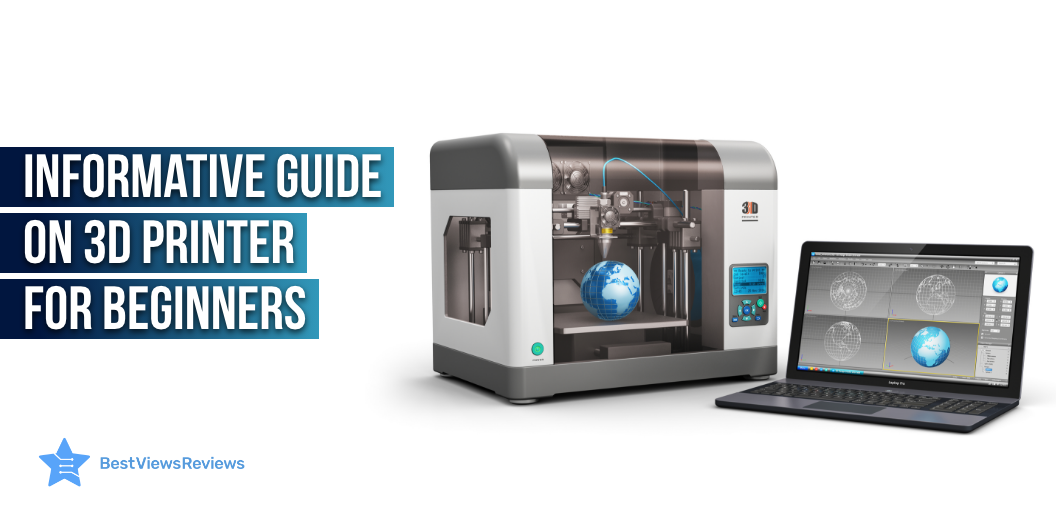
Informative Guide On 3D Printer For Beginners

3D printer for beginners

3D printers for beginners have become surprisingly reasonable and can be a huge benefit in more ways than you think. You can easily replace small elements from household appliances and devices that may be inaccessible to you otherwise with a 3D printer. There are a variety of 3D printers available that have a wide range of components and use different kinds of materials, so it’s important to understand your choices to find the best printer for your needs.

You can also read our blog on how does a 3D printer work to know more about these printers.

Best 3D Printer For Beginners

FlashForge 3D Printer

FlashForge 3D Printer’s reviews mark that its built-in heavy-duty z-axis guide rod ensures steady and precise movement. The integrated LCD screen and button board functions of this printer make it easy to operate. It features an acrylic cover that encloses the chamber to insulate and protect the prints.

QIDI TECHNOLOGY 3D Printer

QIDI TECHNOLOGY 3D Printer comes with redesigned UI interface that helps improve the print quality by 30 and speed by 20. The max printing temperature of this printer is 250C which can work well with PLA, ABS, and TPU. Its double Z-axis driver ensures more stable and more precise printing quality.

Creality Ender 3 3D Printer

The customer reviews of Creality Ender 3 3D Printer claim that it features a high-watt hotbed that offers fast heating to the printing platform. Its upgraded extruder design reduces the risk of a clogged nozzle and bad extrusion. This printer comes with a one-piece structure that fits in small spaces.

Voxelab Aquila 3D Printer

Voxelab Aquila 3D Printer features a semi-assembled design that makes it easy to set up. It comes with a resume printing function that automatically prints when the power comes on. Its carborundum glass platform enables the building platform to heat up in 5 minutes.

ANYCUBIC Photon Mono is also a nice model to consider if you’re looking to buy 3D printers.

Features To Look Before Buying 3D Printer For Beginners

Safety Features

 You can never be too safe when it comes to operating hot electrical equipment. Keep an eye out for safety components that will help your 3D printing experience. These features include things like automatic nozzle cooling when a print is complete. If the printer has a heated bed, look for an element that automatically shuts it off when a print job ends. Avoid harmful prints with excess filament by rejecting the nozzle automatically when a print is either paused or complete.

Print Resume Functions

There’s nothing worse than wasting a beautiful print halfway through its completion. Features like print resume make sure that your creations aren’t interrupted when unpredictable pauses occur. Your print job will resume where it left off with this feature instead of starting over.

Quality User Interface

A quality user interface can take your 3D printing experience from extraordinary to mind-blowing. Don’t waste time trying to navigate a menu with a rotary knob when you can use a touchscreen interface. This feature isn’t just limited to expensive printers. Even the most inexpensive FDM printers come with a touchscreen UI.

Heated Bed

You really can’t go back once you’ve tried a heated bed. The first few layers of your prints are essential to the foundation of your final object. A heated bed makes sure this foundation is well-formed, solid, and sticking in place. Finding the perfect temperature differs between filaments but you can find the sweet spot by experimentation.

Axis Adjustability

Fine-tuning your printer often involves tightening or easing the tension on one of the 3 main axes. Go for a 3D printer that offers easy access to belt tension adjustment. This will save you time that you will have to otherwise spend on removing components and making adjustments.

A printer for students is a great way to keep a paper trail for college, take notes, sign up for classes, and other important documents. Go through our blog on the best printers for students to learn more.

What Software To Look While Using A 3D Printer For Beginners?

3D printers utilize software from two major sources: the printer itself and the computer you operate to create 3D printer files. The software on your computer is a slicer, slicing is when you build a file to print.  Firmware is the software used by the 3D printer. Many 3D printers also use Marlin firmware, but there are other applications for different chips. 

Material Understanding While Using 3D Printer For Beginners

Another important point of consideration while using a 3D printer like ELEGOO Resin is the materials you will be using to print.  Some materials only work with specific types of devices, and every material has its pros and cons. Read below to understand:

Filament

FDM printers use plastic filaments to print things layer by layer. Different material kinds can have powerful effects on the final printed product. Filament materials come in many different types that can have specific use cases.  Two plastic print materials that are far more common than others are ABS (Acrylonitrile Butadiene Styrene) and PLA (Polylactic Acid).

ABS plastic is common in toys and consumer manufacturing. Beginners can benefit from the affordability and easy availability of ABS print materials.

PLA is an environmental-friendly solution. PLA is great for many things but is most common;y used in food storage and disposable items.

Resin

 Resin print materials are a bit more abstract than filament. Different manufacturers can have other names for their specific resins, but there are typically three resin quality categories to be aware of and they are standard, high grade, and medical grade.

Standard is the most basic type of resin material that is inexpensive yet still durable and an amazing solution for users needing to print sturdy objects frequently.

High-grade resins can have precise colors that make them more desirable for specific tasks. 

Medical-grade resins are dedicated to the highest quality print jobs. They are used primarily in the medical field, as the name would imply. 

Polaroid printers are also a great printing device. These printers print photos as they are taken using a self-developing film. Read our blog on polaroid printers to learn more about them.

Conclusion

3D printers have quickly become unremarkable at work and home. From small toys to machine parts, 3D printers can make amazing objects from a wide variety of materials. Purchasing a 3D printer can be a daunting task due to the different types of devices and complicated printing methods. The best place to start is to determine what you are going to print and how often you will be printing it.

BestViewsReviews rates and reviews hundreds of best 3D printers, top laser printers, and best inkjet printers based on their performance, controls, and build quality.

Know Everything About Laser Printers

laser printers

Laser printers are hardware devices that take input in a graphical form from the computer or other external gadgets and then use laser printing technology to print the data on paper or film. Laser printing technology is the advanced method of printing texts and graphics in high quality. This technology involves a laser beam passed on a rolling cylinder called a drum. The paper containing printed data is then heated for permanent fusion.

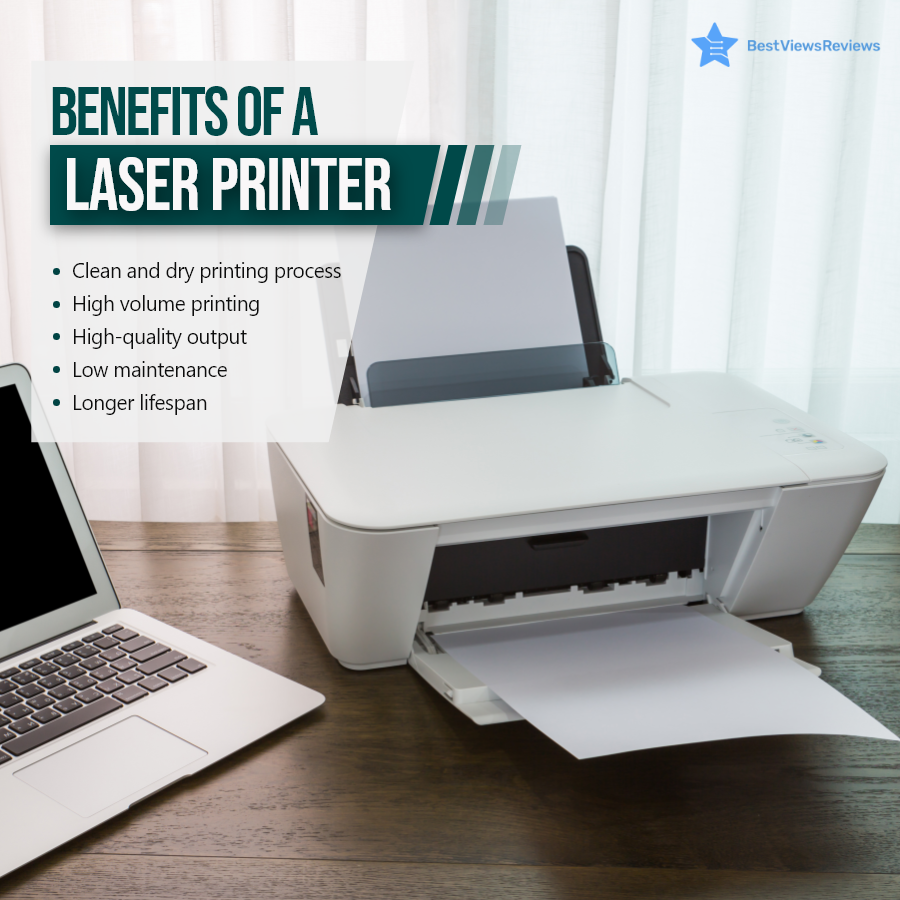
Benefits of a Laser Printer

A laser printer is an advanced tool to give you high-quality printouts of your assignments, reports, crucial documents, and more. This device is easy to use with an intuitive control panel and easy connectivity features. You can use this device to get high-volume printouts at an affordable price. The maintenance of this device is also low because of its less complex mechanism and reliable parts. Reviews of Brother HL-2270DW are positive because of its compact size and automatic duplex printing.

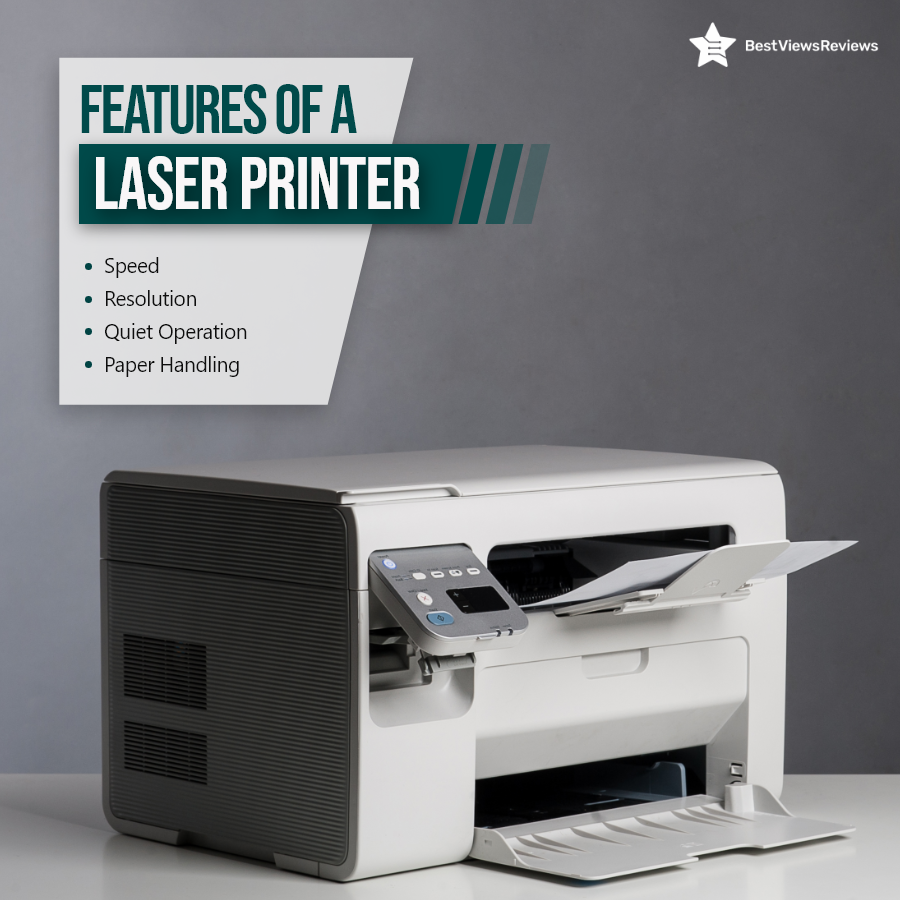
Features of a Laser Printer

Laser printers offer many features to meet your printing needs. You get good printing speed with laser printers. Some models like Canon imageCLASS LBP6230dw can even print up to 26 pages in a minute. This saves your time and effort. The other feature you get with most laser printers is the resolution. You can easily get printouts of 2400 x 600 dpi quality. Laser printers have a quiet operation and can easily handle multiple sheets and papers.

Conclusion: Market Overview

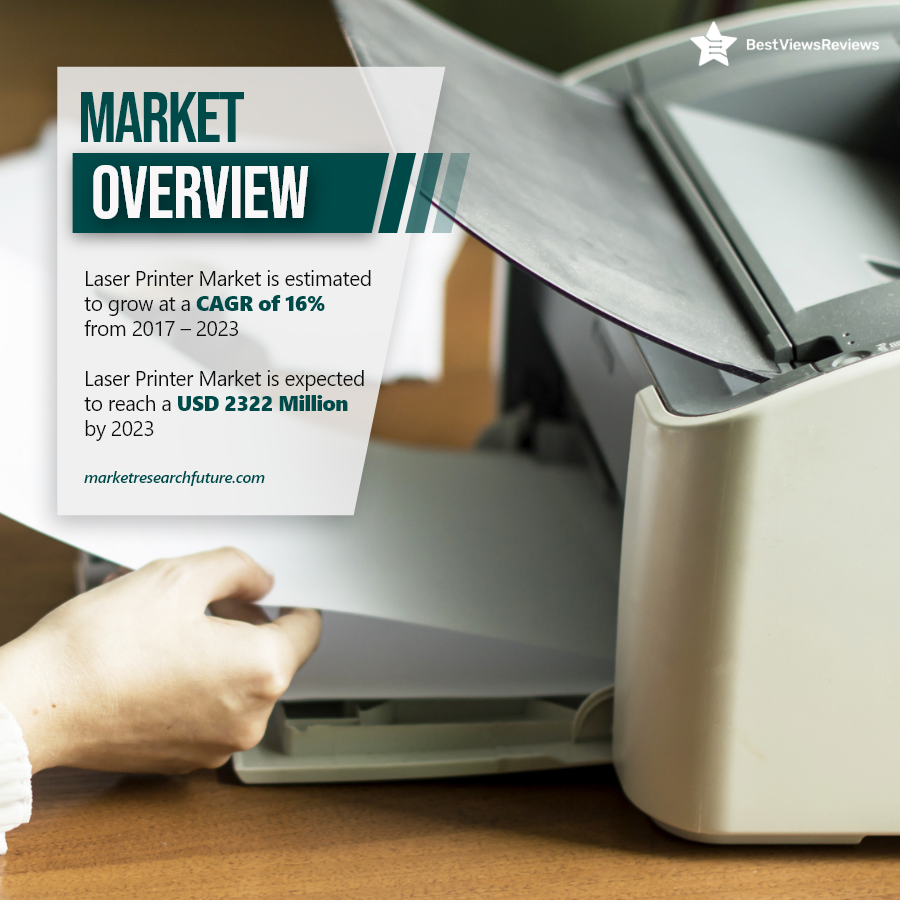
A laser printer is a must-have output device in office spaces. It is also beneficial for your college tasks. The market value of laser printers is increasing at a rapid pace. This is because of easy controls and high-quality printouts. You should make sure you buy the model after checking its print speed and sheet holding capacity of the paper tray.

BestViewsReviews rates and reviews the best computer printers on the basis of quality, convenience, and durability.

What is the Basic Difference Between Laser Printer and Inkjet?

inkjet vs laser printer

The most basic question to ask when choosing a new printer is whether you should get a laser printer or inkjet printer. The results of laser and inkjet printers are both good if you buy the right model. Both have their advantages and disadvantages, which will be helpful to you in making your decision. Read our blog on inkjet printers in order to better understand and learn about them. Our blog on Canon vs HP printers will also help you choose a printer as per need.

Laser Printer vs Inkjet

Inkjet Vs. Laser Printer: Process

Inkjet printers work on liquid ink, which is deposited onto the page with the help of a print head. The print uses many micro nozzles and the ink droplets transfer to the paper. The laser generates an electrostatic charge to transfer toner in laser printers. Heat bonds this power to the surface.

Inkjet Vs. Laser Printer: Price

The cost difference between the two printer types is one of the most important factors. Inkjet printers like the Brother HL-2270DW are less expensive than laser printers. Their technology differs from one another. Laser printers are complex devices and are therefore more expensive to manufacture. Inkjet printers tend to have a higher cost for ink replacement. The cost of printing black and white text on inkjet printers is around 5-10 cents per page. You can expect to pay up to 25 cents a page for color prints. Laser printers use more affordable toner cartridges. A laser printer can print black and white documents for less than 5 cents per page. The colored prints do not cost more than 15 cents per page. It is also easier to store toner cartridges, as they do not dry out when left out. 

Printing Technology

The fundamental definition of printing is the same for inkjet and laser printers. The placement of letters and images on paper — the two systems do this in quite different ways.

Inkjet printers like Canon LBP6000 use liquid ink that is deposited on the paper by a print head. This contains dozens of micro-nozzles. It prints by splashing small ink drops onto the paper. Depending on whether the ink is dye or pigment-based. The ink can either affect the color of the paper or dry as a deposit on the paper’s surface. Laser printers like HP LaserJet Pro M15w use toner, which is a powder.

Upfront Costs

Price plays a significant role in printer purchasing decisions. You may want certain features. The choice usually depends on your budget. The cost of inkjet printers is lower than laser printers. There is less complexity in the technology, and it is less expensive to manufacture. Most inkjet printers makers offer them at a loss. Buying a new printer like Brother MFC-J1205W is sometimes less expensive than buying a full set of fresh ink cartridges. Laser printers are rarely available for under $200, and even the most affordable ones cost $150 or more.

Inkjet Vs. Laser: Print Quality 

Inkjet printers are good for printing photos and images. This is due to dye and pigment-based ink. Laser printers require compatible papers for the best graphics. The Epson WorkForce WF-3520 laser printer does a better job printing text than an inkjet printer, as the ink may bleed with the latter. Smearing and drying of ink generally take a few seconds. 

Printer Speed

The printing speed of inkjet printers is slower, around 15 pages per minute. Laser printers, on the other hand, can print at speeds of up to 100 pages per minute. A laser printer’s faster speed makes it more suitable for use in an office setting.

Inkjet Vs. Laser: Printer Size

Compactness and portability are important while buying a printer and should be considered. Laser printers are generally larger and heavier. A small printer like the Canon Pixma TR150 is easier to fit if you have limited space. Laser printers have a large print drum and multifunction features that make them bulkier.

Key Takeaway

Inkjet printers are a better choice for occasional printing due to their low upfront costs. Inkjet printers are better for graphics and laser printers are better for text. An inkjet printer is a usually smaller and more compact than a laser printer. Our hope is that by comparing these parameters, you will be able to make an informed purchasing decision. 

Our blog on most reliable printer lists top printer brands that offer high-quality printers, reading through will help you choose the best one as per your needs. For more buying options, head over to BestViewsReviews. We rate and review the best inkjet and laser printers based on their quality, performance, and durability.

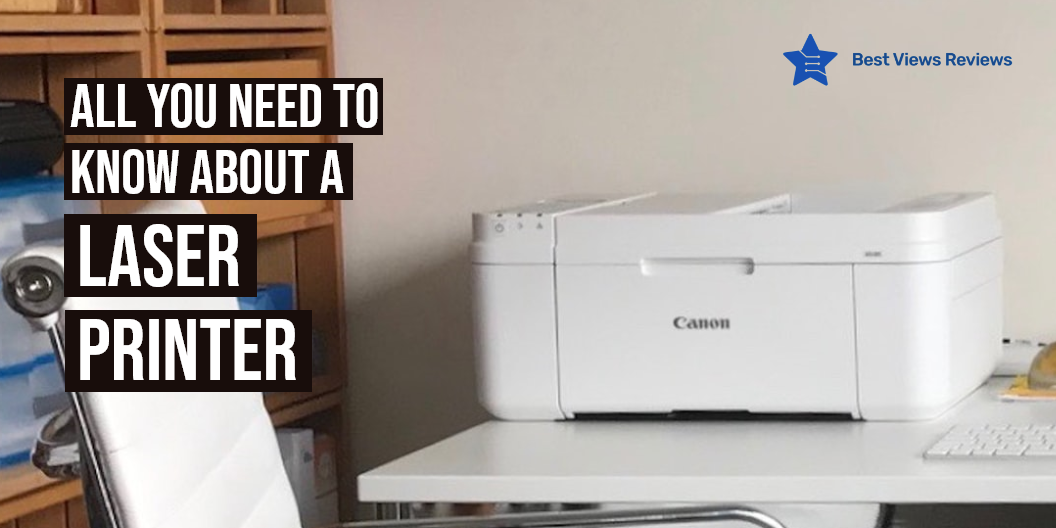
All You Need to Know About a Laser Printer

Laser printer

A laser printer is one of the many types of printers accessible today. Instead of ink, lasers use toners to duplicate an item, which is then transferred to paper. Businesses utilize laser printers as they have a reputation for being dependable. They are ideal for producing high-quality prints. We have a blog on Canon Vs HP printers that gives an informative comparison between the two of them. Get to know the product better by browsing through.

What Does a Laser Printer Do?

It is a type of computer printer that uses a non-impact photocopier. A laser beam uses electrical charges to “draw” the document on a selenium-coated drum. When you send a document to the printer. The drum rolls in toner, a dry powder type of ink after being charged. The toner sticks to the charged image on the drum.

A piece of paper is then covered with toner, and heat and pressure are employed to fuse it. After the page is printed, the drum’s electrical charge is removed, and the spare toner is collected. Monochrome laser printers are most common. Discover which printer delivers the best results in our blog on the most reliable printer.

Is it Worth Getting a Laser Printer for Home Use?

Performance

Laser printers are ideal for high-volume printing. The HP Pro M404n Printer is capable of printing several pages without issues. It lets you stay productive with reliable cartridges and saves energy. Better performances are, however, expected in the future, with a decrease in price.

Quality

Nothing compares to a laser printer in terms of sharpness and quality. It particularly delivers prints that appear sharp and precise. This is primarily due to the utilization of laser technology. The Brother Wireless Monochrome Laser Printer features to accommodate your evolving needs. A sheet paper capacity of the printer increases efficiency by reducing refills. Printers use toners that fuse directly into paper. This prevents streaks and smudges.

Speed

The laser beam used by laser printers moves at a very high rate, which speeds up the printing process. Laser printers are faster than inkjet or dot matrix printers. HP LaserJet Pro M29w Laser Printer enables convenient interaction with the essential system and task information. Laser printers are ideal if you require prints in large batches. It can print a minimum of 19 sheets of paper every minute.

Overall Cost

A laser printer has a greater initial cost, but it’s zero ink mechanism makes it affordable. The laser printers use toners and they may print more pages than an ink cartridge of the same price. For example, Canon Compact Laser Printer is cost-effective and multi-functional. Its paper input capacity helps improve efficiency with fewer refills.

Disadvantages of a Laser Printer

High Cost and Harmful Toners

A laser printer has a hefty initial investment. It may cost three times as an inkjet printer. That is why you will find inkjet printers commonly at home and for personal usage. New studies have indicated that the nanoparticles from toners can affect and irritate the lungs causing allergies. Check out our exclusive list of best-selling inkjet printers before making a buying decision.

Less Portable

Compared to an inkjet printer, a laser printer is typically heavier and larger. It contains an image drum and other delicate components. This restricts their portability, thus making them difficult to transport. The Brother HL-2270DW Compact Laser Printer is a compact printer. It fits almost anywhere. Its steel frame and long-life imaging components offer unparalleled durability. 

More Power Consumption

Even when turned off, a laser printer requires energy. The fuse element inside the printer might heat and release heat. It’s possible that the room and the surrounding environment will become hot gradually. The result is a higher power consumption. Newer printer models, however, include a “Power Saver” mode that helps the printer save energy.

Needs Compatible Paper

On a laser printer, you cannot use all types of paper. There are laser papers mainly for this purpose. If you use any low-quality papers, you run the risk of harming your printer. Heat-sensitive material may create printer jams.

Is Laser Printer better than Inkjet Printer?

Choosing between an inkjet and a laser printer was simple in the early days of digital printing. The high cost of printers and their lack of color capabilities discouraged people to go for laser printer models. The distinction between inkjet and laser printers has faded in recent years. A color printer produces higher-quality output than most low-cost inkjet printers. Choosing a monochrome printer is a good option if you print mostly text and color is not a necessity.

Conclusion

The need for a printer varies greatly between users. Some people print hundreds of pages per day, while others use a printer occasionally. A small inkjet printer is better for small spaces and offers good print quality. The replacement inks are also cheaper. A laser printer offers a fast and smudge-free printing process.

BestViewsReviews rates and ranks the leading laser printers and computers printers. The analysis is based on overall performance, print quality, and build quality.