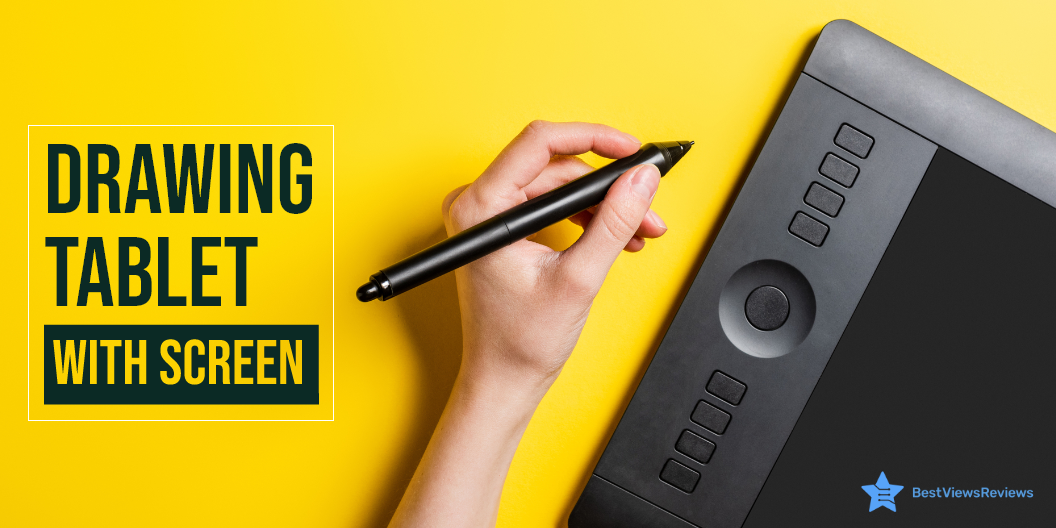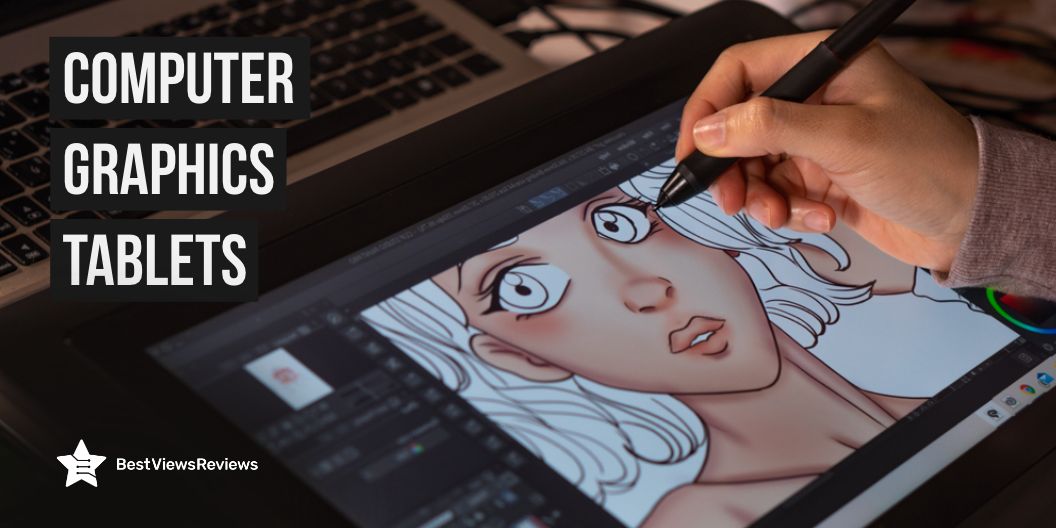
Do you want to take your drawing skills to the next level? If so, you should experiment with computer graphic tablets, that allow users to create pictures, animations, and graphics with a pen-like stylus, similar to how people draw with pencils. In a nutshell, it allows you to sketch digitally, which makes drawing even more exciting. Although drawing tablets have existed for many years, they are still quite useful today.
They have advanced significantly and drawing on them now feels similar to drawing on paper. In addition to digital art, these devices offer several advantages and can be used for a range of reasons such as e-learning, taking notes, completing assignments, and so on. However, before purchasing a graphic tablet, you need to consider a few factors, which we have listed below.
How do I choose computer graphics tablets?
Display Vs Non-Display
Many artists claim that using a display tablet allows them to sketch much faster. You can be more creative since you can see your work on the tablet’s screen rather than the computer screen. Non-display tablets, on the other hand, are less expensive, but they have constraints, and staring at the computer screen while drawing can be uncomfortable.
Compatibility
Aside from meeting your specific requirements, there are a few more factors to think about when purchasing a graphic tablet. One of the most crucial characteristics of any tablet is compatibility with your operating system. If you intend to use your tablet with a computer, laptop, or phone, make ensure that the tablet you choose is functional with your system.
Bluetooth and USB Port
A tablet with wireless connectivity like Bluetooth compatibility makes connecting to your operating system much easier. Many tablets include a built-in USB connector, allowing you to link your tablet to any USB-compatible device. Even if you prefer a wireless device, it is always a wise decision to look for a USB connection.
Pressure Sensitivity
Pressure levels are the number of unique points a digital pen tip can sense. The more pressure levels the pen offers, the more you may change the width of the strokes you create. The maximal pressure level for a tablet can detect is 8192.
Features
You should look for a graphic tablet with multi-touch technology to get the most value for your money. Also, other features to look for are an active internet connection, a battery-free pen, replaceable nibs, and interoperability with design tools. These features will enhance your drawing experience.
Is computer graphics tablets useful for students?
Yes, a graphic tablet is a practical and effective tool that can benefit students. It is a technical breakthrough that supports and improves teaching and learning methods. Using graphic tablets for studying helps students prepare for the future. This is because they can utilize new technology, updated materials, and awareness of current educational patterns. It contains laptop-like features such as bookmarking, being more accommodating than books, fast visualization, whiteboard writing, taking notes, doodling, and so on. All of these features can make students’ assignments more accessible and more interesting. It can relieve students’ stress and allow them to focus nicely on academics. Graphic tablets, in particular, are beneficial for arts and design students. Since they enable them to effortlessly create complex shapes and designs.
Can a graphic tablet be used without a computer?
While most graphic tablets only support Mac or Windows operating systems, certain graphic tablets support the Android operating system or have their operating system, eliminating the need to connect them to a computer.
Can a graphics tablet replace a mouse?
The answer is yes. Almost all graphic tablets come with a pen, so, they can easily replace the requirement for a mouse. Using a pen offers more natural movement than using a mouse, feels better in hand, and has an excellent grip, making your jobs easier.
Can you use a graphic tablet with a phone?
Yes, drawing tablet manufacturers such as VEIKK and XP-PEN have been developing drawing tablets that you can use on both desktops and Android systems as well. These tablets come with USB adapters to assure compatibility with a broad range of Android smartphones, and they perform just as well when paired with a standard computer.
What drawing tablets do professional artists use?
Wacom PTH860 Intuos Pro Digital Graphic Drawing Tablet
When it comes to graphic tablets, the Wacom Intuos Pro is the most popular, both among professional and budding visual artists. It offers excellent pen performance, allowing you to effortlessly sketch and create digitally, as well as a link to your Android and Mac devices. This model comes equipped with better resolutions, tilt responsiveness, increased pressure sensitivity, multi-touch gestures, and Bluetooth. It gives you two months of free access to applications like Adobe Effects and Premiere Pro once you purchase it. Wacom tablets are better suited for more intricate and sophisticated graphics, making them ideal for artists and designers.
XP-Pen Artist Display 24 Pro
The Artist Display 24 Pro features 23.8-inch 2K QHD graphics display, providing an expansive canvas and immersive clarity. It provides an innovative experience that defies all bounds, with twice the resolution of FHD displays and unmatched vibrancy. The Artist 24 Pro offers a USB-C to USB-C connection, so you can connect your iMac, Mac Book Pro, or Windows computer without the need for an adaptor. It allows you to sketch with a more exact cursor placement. It is suitable for both left and right-handed users and includes an adjustable stand, enabling you to modify the product’s angle to meet your requirements and draw with comfort.
Other Best computer graphics tablets
VEIKK A15 Drawing Tablet
The A15 drawing tablet supports Linux OS and ANDROID 6.0 in addition to Mac10.12 or Windows 10/8/7. The tablet has a battery-free pen and supports up to 8192 levels of pressure sensitivity. It contains 12 completely customizable express keys and works with Adobe Photoshop, Illustrator, Comic Studio, and a variety of other creative tools. It is incredibly simple to use, and the VEIKK tablet’s surface is exceptionally smooth, providing minimal resistance while sketching.
VEIKK A30 V2
Aside from drawing and sketching, the VEIKK A30 tablet can also be used for online education, photo/video editing, and other tasks. It is compatible with Windows, Mac, Android, and Linux operating systems, as well as a variety of design software. The device has 4 touch keys, a gesture pad, and 8192 professional pressure sensitivity levels. It is designed to assist both right and left-handers and includes a 10×6 ultra-large drawing surface that provides ample space for drawing. The VEIKK tablet also includes an additional 8 nibs, 1 tablet sheet, and an artist glove to simplify your job. It comes with a battery-free pen for an uninterrupted sketching experience.
XOPPOX Graphics Drawing Tablet
XOPPOX graphics tablet works with Windows XP, 7, 8, and 10, Android 4.4, and Mac OS 10.7.0. It has a battery-free pen with 8192 levels of pressure sensitivity for a smooth experience, 12 programmable shortcut keys, and 10 multimedia keys that are solely available to Windows users. It is also compatible with office applications such as Microsoft Word, Excel, and PowertPoint, and can be quite useful for online teaching and learning.
Wacom Intuos Pro Large
The Wacom Intuos Pro Large has a pressure-sensitive battery-free pen, touch gestures, and customizable buttons. Professional Wacom Intuos uses proven Pro Pen technology, allowing you to draw, design, and edit for hours. It is compatible with both Mac and Windows PC operating systems and can be effortlessly connected by Bluetooth or USB.
Conclusion
Graphics tablets are an excellent method to express yourself creatively. A drawing tablet is always useful, whether you are a newbie digital artist or a professional. These devices are highly versatile and user-friendly, so you will have no trouble using them. You only need to know a few functions, and then practice will make you perfect. If you’re still undecided if they’re worth buying, you should go ahead and buy one because they definitely are.
BestViewsReviews helps you find the best computer graphic tablets on the market by rating and reviewing them on the basis of quality, convenience, and durability. Get unbiased, honest reviews of products before you buy.