
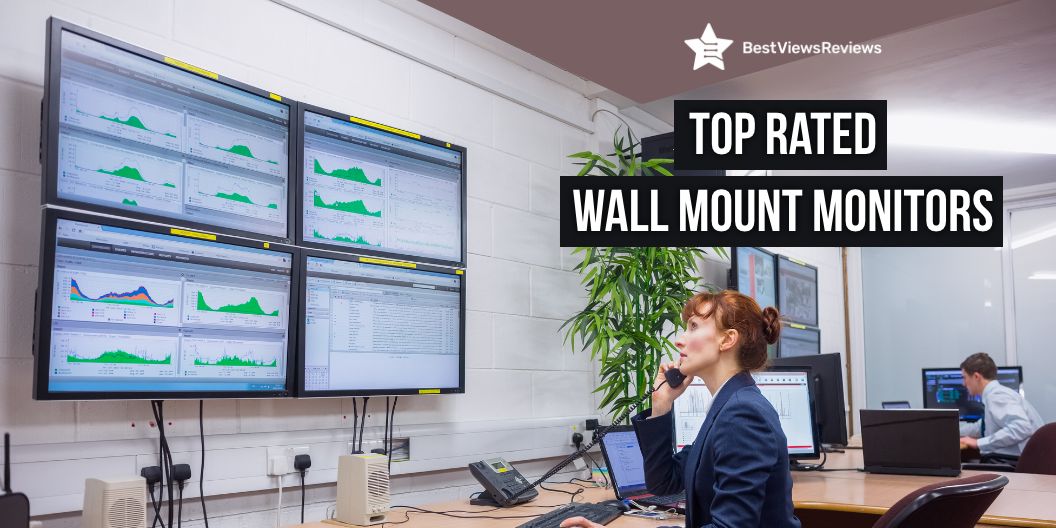
When it comes to setting up a functional and ergonomic workspace, a computer monitor wall mount can make a big difference. Not only can it free up desk space, but it can also help reduce eye, neck, and back strain by allowing you to adjust the monitor’s height and angle to your liking.
Wall mounts come in a variety of sizes and styles to fit any monitor, and can help to reduce glare and improve your viewing angle. There are a few things to keep in mind when choosing a monitor wall mount like size, compatibility, budget, etc. The right monitor wall mount can make a big difference in your workday comfort and productivity.
A TV stand with mounts is also a great way to display your television while keeping it safe and secure. You can also read our buying guide on TV stands with mounts to understand better.
Best-Selling Computer Wall Mounts
AM alphamount Dual Monitor Mount Stand
AM alphamount Dual Monitor Mount Stand comes with a 180° swiveling feature that allows users to share the screen with their close neighbor or the one across the desk. It works with LCD LED flat curved screens and computer monitors up to 27 inches with a weight capacity of 14.3 lbs. This model is compatible with VESA 75×75/100x100mm and makes you rotate the screen for portrait viewing of photos or documents.
HUANUO Dual Monitor Stand
HUANUO Dual Monitor Stand raises monitors to eye level, improving posture, and relieving strain on neck & shoulders while increasing productivity levels. It’s adjustable height and full-motion design let you work in a more comfortable ergonomic position. This stand also stand allows your monitor to swivel, tilt and rotate.
VIVO STAND-V002F Dual LED LCD Monitor
VIVO STAND-V002F Dual LED LCD Monitor is available at a discount of $12 during the festive season sale. It can fit two screens 13” to 27” in size and 22 lbs in weight with 75x75mm or 100x100mm backside mounting holes. It measures 13″ x 10.5″ providing solid stability while monitors are held within its center of gravity. This model also comes with removable VESA plates that make it easy to install.
WALI Dual LCD Monitor Fully Adjustable Desk Mount Stand
The customer reviews of the WALI Dual LCD Monitor Fully Adjustable Desk Mount Stand claim that it allows you to work in a more comfortable and ergonomically correct position to reduce neck and eye strain. It offers a maximum support weight of up to 22 lbs per arm. The two-stage locking system of this mount is compatible with a 4” C-clamp and a 3.1” Grommet Base.
Single Monitor Mount
Single Monitor Mount is specially designed for ergonomics, aiming to help people work comfortably. It has a range of ±50 tilt ±90 ° swivel, and 360°rotation, so your screen can be lifted up to 39.6cm with one hand. This model fits 17-27 inch monitors and holds 4.4-17.6 lbs.
What to Consider While Buying A Computer Monitor Wall Mount?
Weight Capacity
The weight capacity is the amount of weight that the mount can safely support. This is important to consider because you want to make sure that your monitor is secure and will not fall and break. Most mounts have a weight capacity of around 10-15 pounds, but it is always best to check the specific amount that you are interested in to be sure.
VESA Size
The VESA size is an important consideration when buying a computer monitor wall mount. VESA is the standard for monitor mounts and is used to determine the mount’s compatibility with a particular monitor. These sizes are typically expressed in millimeters and correspond to the width and height of the monitor’s mounting holes. For example, a VESA size of 100x100mm would indicate that the mount is compatible with a monitor that has 100mm mounting holes spaced 100mm apart.
Position Adjustability
You need to consider the position adjustability of the mount. Some mounts allow tilting the screen up or down, while others allow you to swivel the screen from side to side. Position adjustability is important because you want to be able to position the screen in a way that is comfortable for you. Some people like to have the screen tilted down slightly, while others prefer to have it tilted up.
Installation
The installation process is another vital consideration to make while buying a wall mount. Some mounts are easier to install than others. Make sure to read the instructions carefully before attempting to install the mount.
Conclusion
The best computer monitor wall mount for your office is the one that is adjustable, easy to install, and provides a clear view of your monitor. It should also be durable and able to support the weight of your monitor. Once you have decided on the best computer monitor wall mount for your office, be sure to follow the instructions carefully to ensure that it is installed correctly.
Get the best reviews and ratings on the products you’re interested in. BestViewsReviews helps you make the right purchasing decision. Whether you’re looking for the top-rated TV mounts or the best monitor arms, we’ve got you covered.