Best Indoor Security Cameras

indoor security cameras

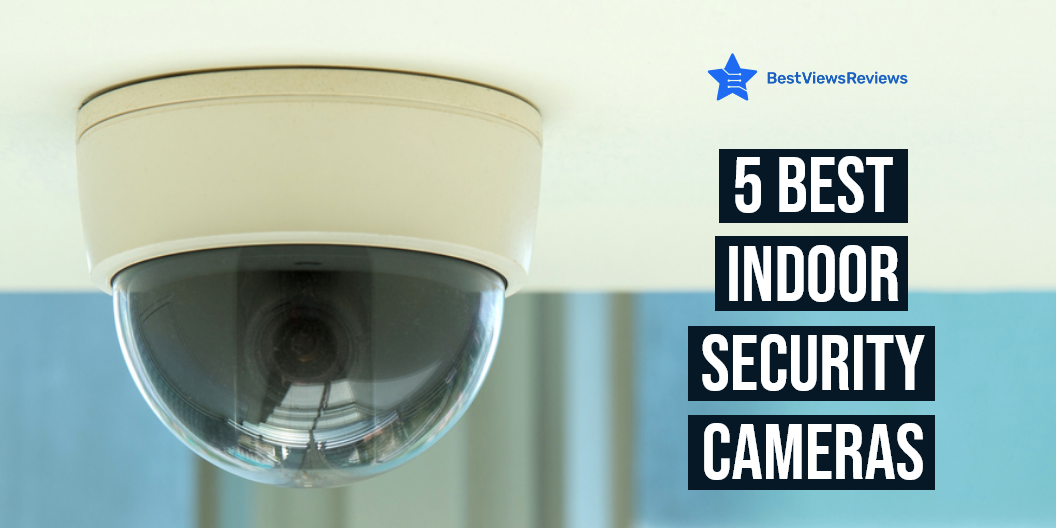
An indoor security camera is a security device that records the ongoing activities inside your house. It is a lightweight gadget that you can place in the living room, bedroom, drawing room, or patio space. You can connect these cameras with your tablets or smartphones to watch live footage of your home space. Installing an indoor security camera is a hassle-free task. Most of these cameras have wi-fi connectivity and offer HD resolution and smartphone alerts. Read our blog to know all about security cameras.

Best Indoor Security Cameras

Wansview Wireless Security Camera

The reviews of Wansview Wireless Security Camera show that it is equipped with advanced features to offer you a high level of safety. It provides you with clear live video at a resolution of 1080P HD. The built-in microphone & speaker allows you to communicate with your loved ones easily. It also has Alexa, the voice assistant that you can use for changing the viewing angles of the camera. 

TETHYS Wireless Security Camera

The TETHYS Wireless Security Camera has got excellent reviews because of its compact lightweight design. You can set up this camera in any preferred room. It has night vision technology that captures the clear image in dark conditions. It has a 350° horizontal & 100° vertical lens rotation range and gives you a 1080P HD quality image.

Ring Indoor Cam

The Ring Indoor Cam is a compact safety device that comes in a modern white design to complement any home decor. You can use the Alexa feature to control your camera options. This camera allows you to see, hear and speak to people and pets from your phone or tablet. You can install this gadget in your office, kitchen, bathroom, as well as living room.

Blink Mini Security Camera

The Blink Mini Security Camera is a plug-in security camera that comes with advanced motion detection technology. It supports two-way audio, which means you will be able to communicate while monitoring the indoors of your house. You can connect it with the blink app to control your camera conveniently. This camera is easy to set up and you are only required to just plug it in the camera and connect to wifi.

Does Security Cameras Need WiFi?

The answer is Yes. A wireless security camera needs an active wifi network to transmit video signals and store live footage on cloud storage. Wired cameras use a wired-set up for the transmission. You can use many camera models without wifi too. Such models will store videos in local storage like SD cards or hard drives. It is good to go with a wifi camera as it allows you to get live footage of your room, on your smartphone anytime.

How Long Do the Batteries Last in Indoor Security Cameras?

Indoor security cameras can either be battery-powered or may require a hardwire connection. The batteries of indoor security cameras can easily last for up to 2 to 3 months on a single charge. These batteries are long-lasting and have a life of around 3 years.

How Far Can a Wireless Security Camera Transmit?

wireless security camera can transmit video signals from 250 to 500 feet in an open space with no interference from trees, buildings, and other objects. Inside your house, the range of wireless security cameras can be around 100 to 165 feet. This is because concrete floors, curtains, and walls can degrade the transmission range of these cameras.

Do Security Cameras Need Power?

The answer is Yes. Security cameras need power for their smooth functioning. Some models are battery-powered while others can be directly plugged into a power outlet. Many hardwired cameras also use battery power as a backup source. Such models give you constant surveillance even when there is a power cut.

Conclusion

Indoor security cameras ensure the high safety of your home indoors. They keep your space protected and let you keep a watch on your kids or pets when you are somewhere outside. Wireless security cameras are smart gadgets that save you from the hassle of wires. You can connect them to your phones or tablets, via wifi.

Choosing between security Vs surveillance cameras can be tough and confusing. Read our blog to know which one is better and why.

BestViewsReviews rates and reviews the best DIY home security systems on the basis of quality, durability, and convenience.
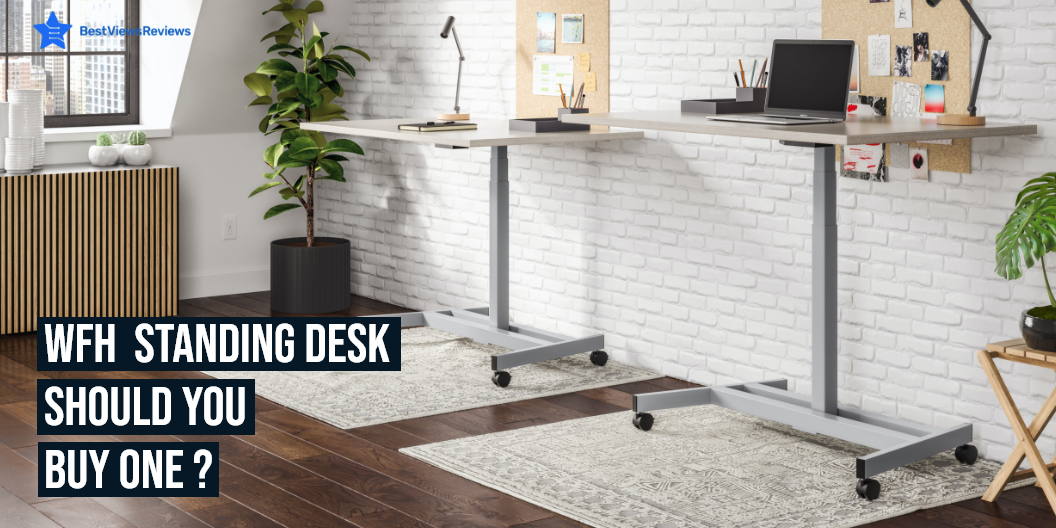
WFH Standing Desk: Should You Buy One?

WFH standing desk

Standing desks may seem like a luxury but they are useful as people these days are looking for ways to save time and improve their health. A WFH (work from home) standing desk is a desk that allows you to stand or sit while working. The main reason for buying a standing desk is to achieve a healthier lifestyle. Standing desks help with joint pain, back pain, and knee pain, improve posture, and give you more energy.

Laptop desks are also a great device to hold your laptop and other accessories. There are many benefits offered by these desks. Read about the benefits of laptop desks in our blog on why should you buy a laptop desk.

What Is WFH Standing Desk?

A standing desk is a desk that comes with an adjustable height. This desk allows you to do your work in a standing position as well. Sitting and working for a long time can cause back and neck pain. It is important to move your body and take a break from the sitting position. Switching your position from sitting to standing will improve your posture and also reduce body pain.

Why Should You Buy WFH Standing Desk?

More Calories Burned

A study shows that working in a standing position helps you shed 88 calories an hour. The sitting position on the other hand will let 80 calories per hour. Burning more calories keeps you fit and reduces weight in the long run.

Less Back Pain

Sitting for long periods of time tightens your muscles and can also cause lower back pain. Standing desks help a lot to ease this back pain. Decreasing your sitting time is essential to reduce back pain.

More Productive

You will be able to make your work more productive if you have fewer health issues like back pain and fatigue. Switching to standing desks will enhance the quality of your work.

Improves Mood And Energy Levels

Sitting for a long time can lead to depression and anxiety issues. Standing desks let you switch your position from sitting to standing which results in regulating your mood. You’ll also feel more energetic when you are in a good mood.

How Often Should You Stand At A Standing Desk?

You should spend 1-hour standing if you are have been in a sitting position for 1-2 hours. It is recommended to switch your position from sitting to standing after every 30-60 minutes. This helps in reducing back pain and also improves your posture.

You can also consider buying gaming desks if you have a love for games. These desks make your gaming experience more fun. Read our blog on gaming desks to learn more about them.

Buy Best Standing Desks

Flexispot EC1 Standing Desk 

Flexispot EC1 Standing Desk is an eco-friendly whole-piece desk that offers a roomy setup for 2 monitors and a laptop. The motor lift mechanism of this desk offers smoother height adjustments from 28″ to 47.6″. This model can handle up to 154 lbs weight capacity.  This desk adjusts your desk to your height and inserts healthy movement into your day.

Sunon Sit Stand Desk

Sunon Sit Stand Desk comes with two motors for lifting. The powerful dual-motor system of this desk offers a smooth and stable desk height. It is designed to hold up to 220LB of weight with no wobble and make less noise during height transition. It also features 3 memory presets to help you save your ideal height.

MONOMI Electric Standing Desk

MONOMI Electric Standing Desk’s reviews claim that it offers space for 2 monitors. It comes with 4 preset buttons to customize your desired heights from 28″ to 47.3″. This model can handle 208 lbs weight capacity to support your ideal workspace setup. It offers a nice stylish design that will enhance the look of your workspace.

SHW Electric Standing Desk

The customer reviews of SHW Electric Standing Desk mark that it is made of high-grade industrial steel that offers extended durability. It features a cable management basket that avoids messy wires and cables hanging from the desk. The built-in sliding drawer of this desk stores stationery items like pens and erasers.

Vari Electric Standing Desk

Vari Electric Standing Desk features sturdy T-styled legs that offer enhanced stability. It is equipped with a contractor-grade laminate finish that makes it easy to clean. This model comes with a dual-motor design that provides increased lift capacity and whisper-quiet movement. It comes in a stylish wooden design that looks attractive.

You will like your workspace more if you have bright and attractive pieces of equipment. You can read our blog on cool white desks if you want to brighten up your workspace.

Conclusion

The WFH standing desk is great for anyone who wants to stay healthy and productive. Standing desks provide a way for people to get more physical activity throughout their day. They can also reduce the risk of many serious health problems, as well as lower the cost of health insurance. A standing desk is a simple, low-cost way to increase energy and reduce stress, and it doesn’t take up much space.

BestViewsReviews rates and reviews hundreds of home office desks and lap desks on the basis of their build quality, sturdiness, and size.

Top Smart TVs For Streaming

Smart TVs for streaming

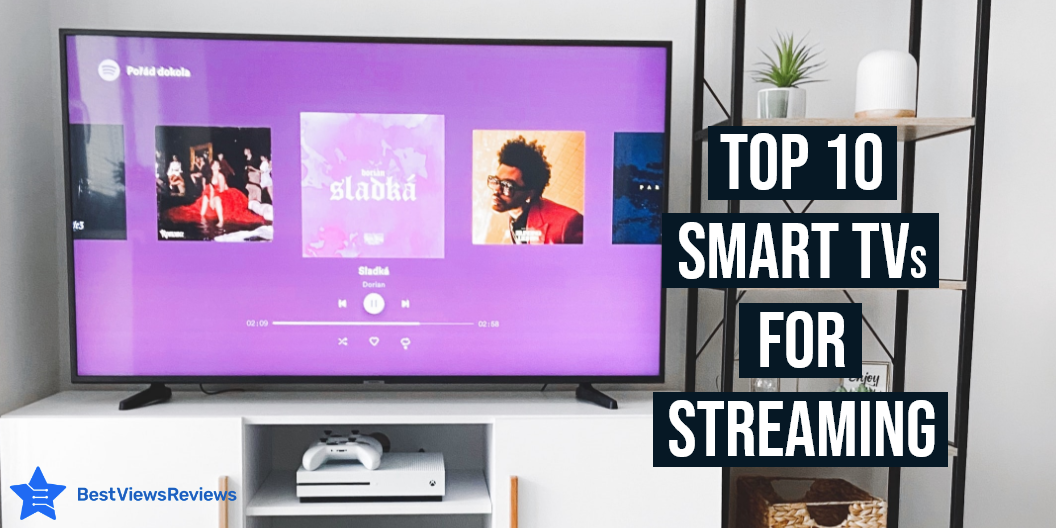
A smart TV comes with advanced features to let you stream your favorite online shows and movies. Smart TVs for streaming have HD displays to provide you with clear and high-quality visuals. You can run media streaming apps, play games, and browse unlimited web content on these top-rated smart TVs. Many models also include a voice-assistant feature that allows you to control your device remotely via your voice commands. Smart TV is an invaluable addition to your home space to improve your picture viewing experience.

Can a Smart TV be Used For Streaming?

The answer is yes. A smart TV includes many in-build streaming apps like Netflix, Disney Plus, Hulu, Prime Video, etc. This allows you to stream your favorite TV shows and movies on your smart TV. You can also access unlimited online content that is available on the internet or other open-source platforms.

Deciding on the best display type can be confusing. You can read our blog to know which display type is better LCD LED Vs OLED.

Top Smart TVs For Streaming

Insignia NS-32DF310NA19 Smart TV

The reviews of Insignia NS-32DF310NA19 Smart TV show that this smart device can deliver a high picture quality at a resolution of 720p with deep blacks and rich colors. This TV measures 28.9” x 17.3” x 3” without a stand. It supports streaming applications like Netflix, Pandora, Amazon Instant Video, and Hulu Plus. You can easily control the functions of this TV via your voice command, Alexa, and an easy-to-use remote.

Sony XBR 48-inch TV BRAVIA

The Sony XBR 48-inch TV BRAVIA promises the best picture quality with the cognitive processor XR for enhanced color, contrast, and clarity. This model can precisely control the brightness and picture settings to deliver a detailed picture with deep blacks and high peak brightness. The reviews of users state that with this Bravia model, you can bring the cinematic experience home.

Sony A80J 55 Inch TV

The Sony A80J 55 Inch TV is an ergonomically-designed TV with a 4K HDR Processor X1. The model features a sleek, minimalist design that blends seamlessly with any home decor. It equips a Tri-Luminous display that has the ability to reproduce more natural colors than a conventional TV. The Sony A80J TV has got excellent reviews because it can easily upscale all the HD content to the near-4K resolution.

Insignia NS-32DF310NA19

The Insignia NS-32DF310NA19 smart TV offers the best way to enjoy stunning and high-[icure quality. It comes with an Alexa voice remote that allows you to control your smart TV with your voice commands. This adds convenience and fun to your home entertainment setup. This TV has got good reviews for its ability to connect hundreds of streaming apps like Hulu, Netflix, Amazon Prime Video, and more.

TCL 50FS3800 Roku Smart LED TV

The reviews of the TCL 50FS3800 Roku Smart LED TV show that this model allows you to enjoy the detail and vibrance of life-like picture quality. You can access more than 4,000 streaming channels on this smart TV. It has a refresh rate of 120 Hz to run complex graphics and pictures, without any lag. This TV measures 44.5″ x 25.8″ x 3.2″ without a stand.

Amazon Fire TV

The Amazon Fire TV features a powerful image processor that creates a stunningly accurate and natural picture. The Fire TV Alexa voice remote can be pressed to find favorite apps, movies, and shows. The model equips 3 HDMI inputs that can easily connect to cable or satellite and video game consoles. It supports 4K UHD resolution to deliver a highly-detailed picture with a perfect combination of contrast and colors.

SAMSUNG Class Crystal AU8000

The smart functionality of the SAMSUNG Class Crystal AU8000 puts you in control of your viewing experience. You can instruct the TV to change the channel, show you what’s on the screen, and more with a simple voice command. The built-in apps allow you to watch your favorite shows, check the weather, play games, and more. It also supports Wi-Fi connectivity, so you can stay connected with your favorite apps.

Hisense 40-Inch 40H5500F

The Hisense 40-Inch 40H5500F uses innovative technology to deliver a picture that’s bright, accurate, and detailed. This TV measures 35.6 x 20.4 x 3.2 inches and weighs just 12.8 pounds, making it easy to install and set up in your home space. It equips two 7-watt speakers and DTS studio sound to make your experience immersive sound quality. 

LG OLED C1 Series TV

The LG OLED C1 Series TV is the best way to enjoy the best of the web, social media, entertainment, and many other apps. The C1 series TV features α9 GEN 4 AI PROCESSOR 4K to deliver content with perfect clarity, blacks, and deep natural colors. It also equips game optimizer settings that allow you to run fast-action games smoothly. The model is an ideal choice if you are looking for the best home cinema experience.

Smart TVs come in different sizes and with different display types. You can go with the best small TVs with a screen size of around 24 inches for compact spaces. Read our blog to know how to choose the best small TV.

Does a Smart TV Need Wi-Fi?

It is not necessary to connect your smart TV with Wi-Fi or an active internet connection to watch movies and shows. You can still watch TV channels and stream videos and movies from local storage. Connecting your TV to the internet allows you to access smart features like streaming online content and using the voice assistant feature.

Conclusion

A smart TV is an ideal way to improve your home entertainment and access unlimited content without any hassle. You can look for smart TV models that deliver high picture quality and an immersive sound experience. Make sure you consider buying TVs only from trusted and reliable brands. If buying a new TV is on your list then you must also read our other blog to know about the best TV brands in the market.

BestViewsReviews helps you find the best products on the market by rating and reviewing them on the basis of quality, convenience, and durability. Get unbiased, honest reviews of products before you buy.

7 Best Big Phones Shortlisted For You

Best big phones

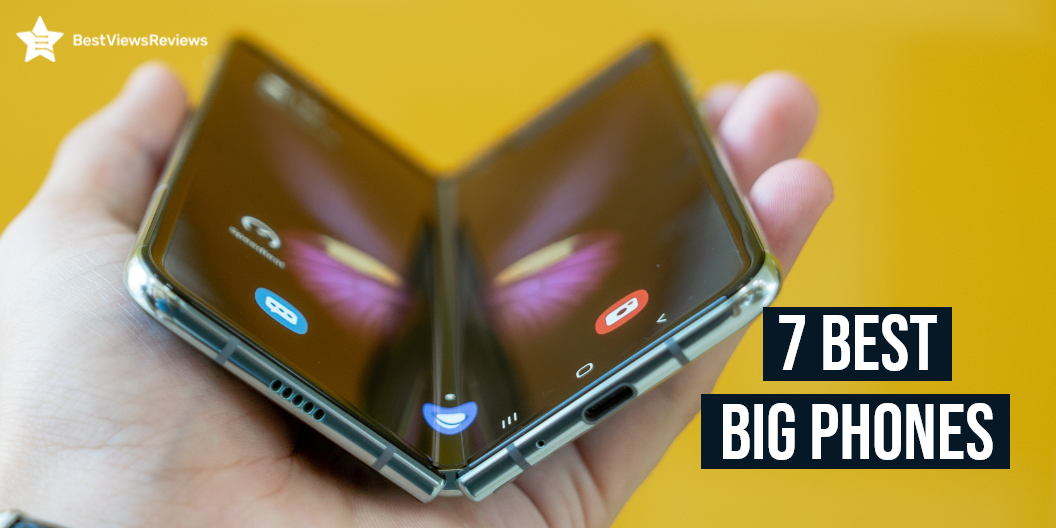
A big phone is a smartphone that has a screen size of around 6.5 inches or more. The best big phones have a large, clear display with a high-quality full HD resolution of 1920 x 1080 pixels. These top-rated smartphones are easy to use because of their large screen size and adjustable brightness settings. Watching videos and movies on a big mobile screen gives you a better picture-viewing experience. Many big phones also have flip-screen designs. You can read through our blog to know what to choose between flip phones vs smartphones.

List of 7 Best Big Phones

OnePlus 10T

The OnePlus 10T has got good reviews for its stunning 6.7-inch screen that has an 18:9 display ratio and barely-there bezel. This smartphone uses an IMX766 sensor with OIS that delivers outstanding clarity and stability. It has 256 GB of internal storage to meet your storage needs. The 4800 mAh battery can easily last for a day, even on heavy usage. This holiday season, grab this top-rated smartphone at a 7% discount.

SAMSUNG Galaxy Z Flip

The reviews of SAMSUNG Galaxy Z Flip mark it as one of the best-selling big phones in the market. It features an ultra-compact design that makes it convenient to keep in a pocket and carry anywhere. The flex mode allows the apps to appear at the top of the screen for hands-free operation. It comes with 12MP wide, 12MP UW, 10x digital zoom, and a 10MP front camera to capture images with high clarity.

Huawei P30 Pro

The Huawei P30 Pro is a high-end smartphone with a 40MP rear camera to capture every picture in detail. The 128GB of internal storage and 8GB RAM make this model a perfect option for heavy multitasking. It has got excellent reviews because of its screen size of 6.3 inches. It is a lightweight model that weighs around 500 grams.

Apple iPhone 13 Pro Max

The reviews of Apple iPhone 13 Pro Max say that it is one of the best all-around options if you are looking for a model with a great camera and high storage. This model comes with a 6.7″ super retina XDR display with ProMotion. It has a cinematic mode in 1080p at 30 fps as well as Dolby Vision HDR video recording up to 4K at 60 fps. This smartphone is water resistant that goes 6 meters down for up to 30 minutes. 

Google Pixel 7 Pro

The Google Pixel 7 Pro is an extraordinary smartphone that comes with a Qualcomm Octa-Core processor to deliver fast and smooth performance. It uses the Android 11 operating system to provide you with an easy-to-use interface. The 8 MP telephoto – 50 MP wide – 12 MP ultrawide – 10.8 MP front camera offers you perfect high-definition pictures effortlessly. It has an internal storage of 128 GB to store your heavy files and software.

SAMSUNG Galaxy Z Flip 4 Cell Phone

The SAMSUNG Galaxy Z Flip 4 Cell Phone can be your best go-to option if you are looking for the best budgeted big phone. It has a screen size of 6.7″ Dynamic AMOLED and supports the android operating system. This model comes in a stylish blue color design that looks attractive and elegant. The 8GB RAM and storage of 128 GB are sufficient enough to handle your heavy usage.

SAMSUNG Galaxy S22 Ultra Cell Phone

The SAMSUNG Galaxy S22 Ultra Cell Phone is a high-quality model that comes with a rear camera of 108MP wide and a front camera of 40MP. This model equips an ultra-large 6.8-inch punch-hole screen. You can use this smartphone for entertainment and high-end multitasking. This is because of its powerful Fast 4nm Processor and 8GB RAM. This festive season, save 24% on this top-rated model.

Conclusion

The best big phones are gadgets with a large screen that is perfect for entertainment, calling, and all-around usage. They have an intuitive touchscreen display to give you easy control of all the phone functions. You should look for models that come with sufficient storage and high-end processors.

BestViewsReviews helps you find the best small smartphones on the market by rating and reviewing them on the basis of quality, convenience, and durability. Get unbiased, honest reviews of products before you buy.

10 Products to Make Your WFH Life Better

WFH life

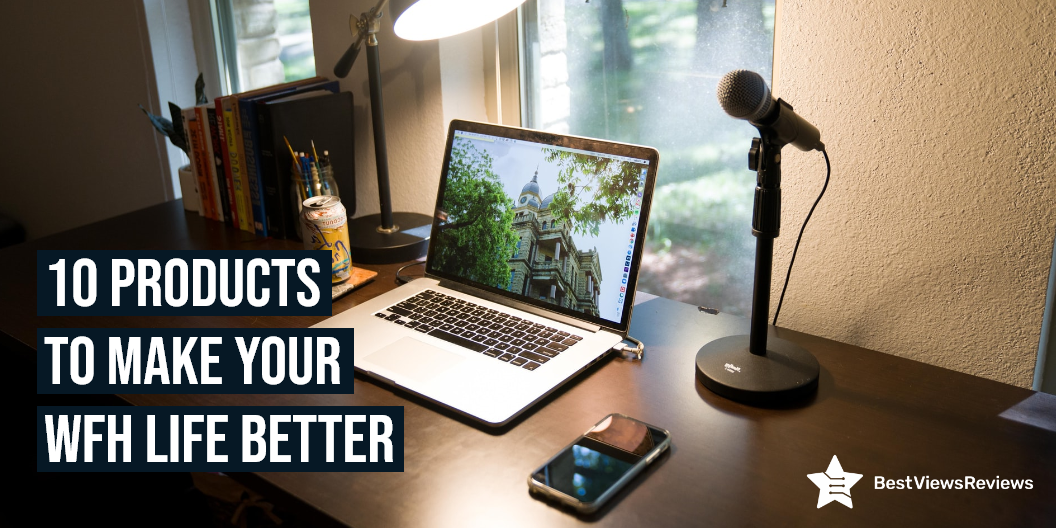
Work from home becomes easy when you have the right WFH gear. WFH gear includes items that help you perform your office tasks conveniently. These items are laptop tables, desk chairs, keyboards, desktop organizers. wifi extender and more. Buying these items will improve your productivity while working and will make your WFH life better. The right WFH gear also keeps you focussed on your work by eliminating other disturbances.

10 Products to Make Your WFH Life Better

Laptop Table

A laptop table is a small table that supports your laptop. It can come in different sizes and shapes and can be used for both home and office. It allows you to use your laptop in a comfortable and convenient way. A laptop table also provides an aesthetic aspect to your computer setup. It is easy to install and can be easily stored. Reviews of Avantree Neetto Adjustable Laptop Table show that this table can be used as a multifunctional workstation. You can read our blog to know how to buy the right laptop table.

Home Desk Office Chair

The Home desk office chair is a type of chair used in the home office. You can use these chairs for various activities including your office tasks, studying, writing a report, and also reading a book. The office chair is an ergonomic chair that helps to prevent joint stiffness, pain, and also sore neck. The customer reviews of Gabrylly Ergonomic Mesh Office Chair claim its lightweight frame and large mesh seat are ideal for work from home scenarios.

Wireless Keyboards

Wireless keyboards are a staple in any office, home, or classroom. They offer a huge range of functionality, from typing to gaming and graphics editing. These keyboards have Bluetooth connectivity, that allows you to connect them wirelessly to computers or other Bluetooth-enabled gadgets. The Arteck HB030B Keyboard is a portable universal keyboard that you can use with iOS, Windows, Mac OS, and Android tablets. Make sure you know how to install wireless keyboards before buying.

Wi-Fi Range Extender

Wi-Fi Range Extender is a device designed to extend the range of a wireless network by creating a hop between the wireless router and the wireless client device. The router acts as a relay between the wireless client’s signal. These extenders allow you to place your routers in a different room or in another building entirely. The TP-Link Deco Mesh WiFi System has got good reviews because it has a coverage of 5,500 Sq.ft.

Headphones

Headphones are electronic devices that are used to play music and also allow you to take calls on the phone. Reviews suggest that models like Sony MDR7506 are convenient because of their lightweight and portable design. You can use them in many ways and in many places like at the gym, at work, at college, and in the car. They are a must-have WFH gear because they help you take professional office meetings at home, by eliminating external noises.

File Folders

A file folder is a type of storage unit that consists of a number of layers in which documents, images, and other items are stored. File folders are used for organizing and storing data, typically in a series. They help you keep your important documents and files, easily accessible. The Rough Enough Folder Bag is made of durable and waterproof 1000D CORDURA fabric, red nylon lining, and strong magic tape.

Desk Lamps

Desk lamps make an important desk companion that is used to illuminate your workspace. These lamps come in different shapes and sizes for various purposes. They are also known as “reading lights” or “task lights”. The mchatte LED Desk Lamp comes with 5 lighting modes and 5 brightness levels to meet your lighting requirement. This light lamp has an auto-timer option that allows you to work at night and improve your WFH life.

Coffee Maker

A coffee maker is a machine that helps you make coffee in just some minutes. You can consider buying a coffee maker machine if you want to stay well-focussed during your work. The Keurig K-Mini Plus Coffee Maker is a single-serve machine that has a capacity of 6 fluid ounces. It has a removable drip tray and has a height of just 7″, making it a travel-friendly coffee maker. You can read through our blog to find the best 10 coffee makers.

Desktop Organizer

desktop organizer is a piece of furniture that is used to keep your desk space organized. You can use the desktop organizer to store your office supplies conveniently. It will keep your desk space free from clutter and mess. It will also increase your work efficiency. The Bamboo Desktop Organizer is a 4-tier durable wood table that comes with 8 compartments and one drawer.

Charging station

A charging station is a device that allows you to charge multiple gadgets at the same time, without any hassle. At a charging station, you can charge multiple smartphones, tablets, laptops, and desktops. Some even have plugs to charge your other electric gadgets, gaming systems, and MP3 players. The Hercules Tuff Charging Station comes with 6 USB fast ports that can charge your devices 58% faster than other models.

Conclusion

A typical home office setup consists of a computer, a printer, a scanner, and maybe a couple of other pieces of office equipment. The right gadgets and equipment will make your WFH life smooth and hassle-free. You can choose the best WFH gear from the above-mentioned list. Make sure you read the customer reviews before making any final purchase.

BestViewsReviews rates and reviews the best lap desks on the basis of quality, convenience, and durability.

5 Best Standing Desk for Laptops

standing desk for laptops

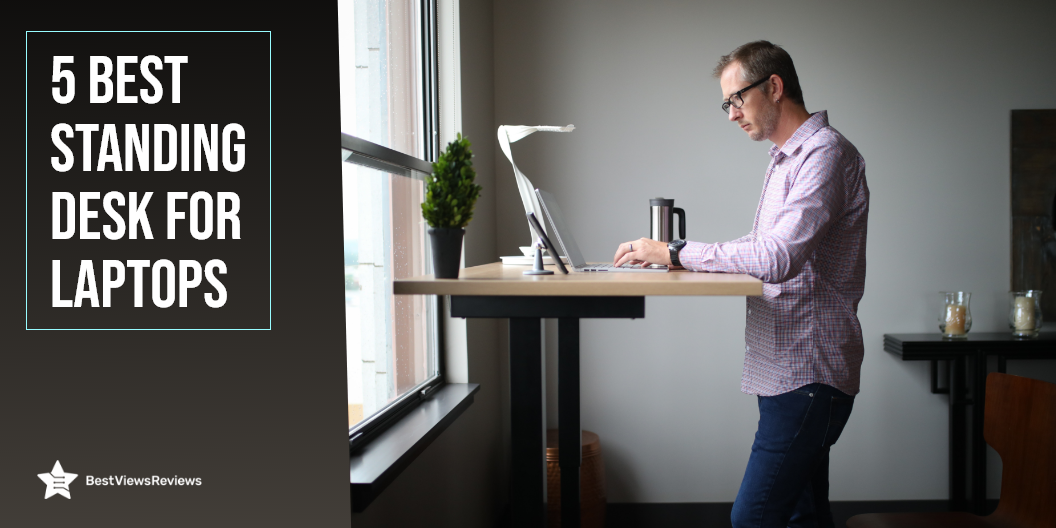
A standing desk for laptops is a convenient way of changing your body posture and position while working in the office or at home. Standing desks have become an important work from home essential because of their added benefits. They help in boosting your overall work productivity and keep you fit by letting you burn more calories. You can change the height of these desks, using an electric motorized system or hand-crank mechanism. They are stable, easy to set up, and offer enough desk space to place your laptops and other gadgets. Read our blog to choose the best laptop desks.

5 Best Standing Desk for Laptops

Vari Electric Desk

The reviews of Vari Standing Desk show that it is the standing desk that provides you with a full electric sit-to-stand workstation. You can easily adjust the height of the desk to any point within the range of 25″ – 50.5″ high. This desk has 3 stage adjustable steel legs that make it perfect for home office, or small business office where users want to stand while they work.

SHW’s Electric Standing Desk

SHW’s electric standing desk has got excellent reviews for its telescopic adjustment system to make height adjustments. It is a perfect addition to your working environment. You can adjust this desk between 28 and 48 inches in height. The height adjustment is powered by a quiet electric motor. This allows you to focus on your work and avoid distractions.

MONOMI Standing Desk

The MONOMI Standing Desk is one of the best-selling desks for laptops in the market, as per the reviews. You can place this desk anywhere to set up 2 monitors, 2 laptops, and other office supplies. This desk allows you to customize the height from 28″ to 47.3″ at a speed of 1″/second. It is made of heavy-duty steel and has a weight handling capacity of 208 lbs.

VIVO Standing Desk

The VIVO standing desk is an electric height adjustable desk that measures 59” x 23.6” to offer you a roomy space for your monitors and laptops. You can adjust the height of this desk using the frame’s powerful motor and telescopic height adjustment system from 29″ to 48.7″. This desk can support up to 154 lbs with maximum stability and sturdiness.

FEZIBO Ergonomic Desk

The FEZIBO Standing Desk is an ergonomic workstation that comes with a drawer to let you keep your office supplies handy. This desk can hold up to 176 pounds of weight which means you can easily place 2 monitors or laptops on this desk. The legs of this desk also equip extra rollers to let you move it conveniently from one place to another. It comes with a detailed instruction manual that makes installation easy.

Is Standing Desk Better for Posture?

Yes, a standing desk allows you to stand as well as sit as per your convenience while working. This means you can change your body posture after every 30 minutes or an hour. It prevents you from neck pain and body strain. You may experience body pain and pressure on your muscles when you are sitting in the same position for many long hours.

How Long Should You Stand at a Standing Desk?

You should stand for about 10 to 15 minutes after every one hour or 30 minutes. Standing for all-day-long or for about 8 hours can cause you back, leg, or foot pain. You can stand at frequent intervals, which will keep changing your body posture and will lead to better blood circulation in your body.

Conclusion

A standing desk for laptops offers the best way to manage body pain and fatigue, without compromising your work productivity. It is a beneficial addition to offices and workspaces. Cool white desks are good for brightening up your space, but you can also consider other models based on your preferences.

Gaming desks can help in providing you better gaming experience, and you can play your favorite games conveniently. Read our blog to know about the benefits of gaming desks.

BestViewsReviews rates and reviews the best lap desks on the basis of quality, convenience, and durability.

Top 10 Tech Products For WFH(Work From Home)

tech products for WFH

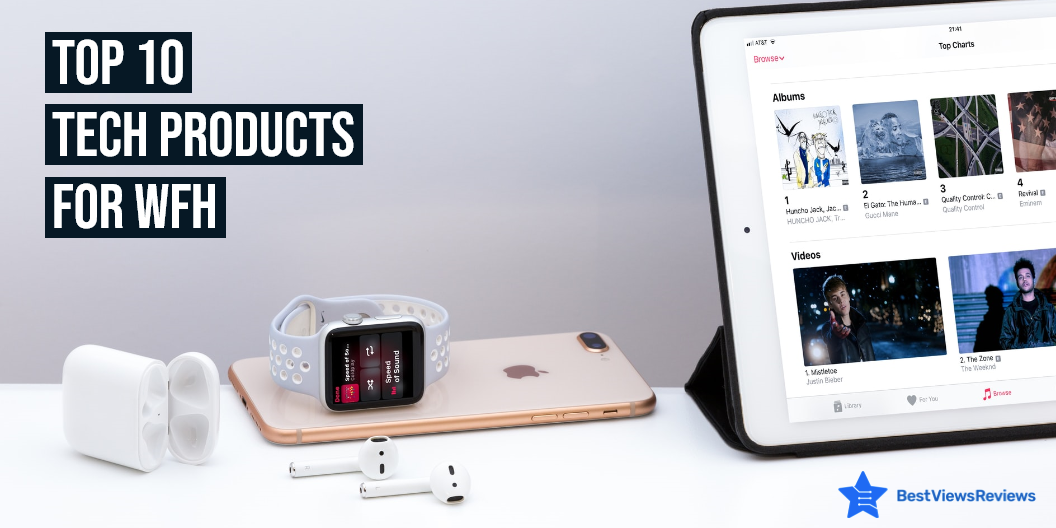
Tech products for WFH are gadgets that help you multi-task and perform efficiently. Work from home has become a new normal and having the best tech products for WFH will make your work from home experience, easy-going and fun. These products mainly include Wi-Fi extenders, wireless keyboards, dual monitors, headphones, and more. This blog lists the top 10 tech products that you can bring home to improve your work efficiency and productivity in work from home environment.

Top 10 Tech Products For WFH

Wireless Keyboards

Wireless keyboards are input devices that offer a huge range of functionality, from typing to gaming and graphics editing. These keyboards come with Bluetooth connectivity, which allows you to connect them wirelessly to computers or other Bluetooth-enabled gadgets. Reviews of Arteck HB030B Universal show that this gadget is compatible with iOS, Windows, Mac OS, and Android tablets.

Smart Speaker

A smart speaker is a loudspeaker device that comes with smart features like voice-assistant features and alarm timers. You can use these speakers to listen to your favorite music and control your home’s other electronic gadgets. The Echo Dot (3rd Gen)-Smart speaker is a compact-sized gadget that has a fabric design and delivers richer and louder sound. It has got good reviews for its voice control features.

Wi-Fi Range Extender

Wi-Fi Range Extender is a device that is used to extend the range of a wireless network by creating a hop between the wireless router and the wireless client device. Installing a Wi-Fi range extender gives you more range of Wi-Fi. These extenders allow you to place your routers in a different room or in another building entirely. The reviews of TP-Link Deco Mesh Wi-Fi System suggest it is a great product when it comes to its coverage of 5,500 Sq.ft.

Headphones

Headphones are electronic devices that are used to play music and take calls on the phone by using hands-free operations. The top-rated Sony MDR7506 has a lightweight and portable design which makes it convenient to use. You can use headphones in many ways and in many places like at the gym, at work, at college, and in the car. They are a must-have WFH gear because they help you take professional office meetings at home, by eliminating external noises.

Robot Vaccum

A robot vacuum is a household cleaning appliance that helps you get rid of dirt and grime in hard-to-reach places like under furniture, in corners, and underneath furniture. You can also use this device to clean and scrub the floor without putting in any human effort. Reviews of Deenkee Wi-Fi/App/Alexa Robot Vacuum Cleaner mark it as one of the best-selling tech products for WFH.

Dual Monitors

Dual monitors allow you to have dual screens, in one computer. You can use them side-by-side, so you can always have the same information on both screens. This lets you do your work more efficiently and be more productive, while also enhancing the user experience. Dual monitors are useful in many areas of computing. They can be useful for productivity, gaming, creativity, and work. The Mobile Pixels Trio Max is a portable monitor that you can use while traveling and connect to your tablet, smartphone, or PC. You can read our blog to know if a touch-screen monitor is a worth-buying device.

Cup Warmer

The Cup Warmer is a small heater that works in the same way as regular kettles and hot water bottles. The warming process in cup warmers is quick and requires less energy. You can also use them in a home or workplace where a full-size kettle or hot water bottle is not required. The VOBAGA Coffee Mug Warmer comes with 3 temperature settings and an auto-shut-off feature that turns off this machine after 4 hours.

Multi-Port Adapter

A multi-port adapter is a connector device that has multiple ports to connect different gadgets at once. It allows you to charge up more than one device at a time. The ZMUIPNG USB C Hub Multiport Adapter has 10 ports with 3 USB ports and 2 HDMI ports. It has a power of 100 watts that allow you to charge laptops, tablets, and mobile phones. You can also use this device to connect hard disk, U-Disk, monitor, and mouse with laptops.

High Tech Office Chair

A high-tech office chair is an ergonomic chair that is designed to offer you a comfortable seating position when you are working. This chair prevents back pain, and muscle fatigue and allows you to sit for long hours. The OFIKA Home Office Chair is a big and tall chair that comes with features like the facility of adjusting height, lumbar back support, and a comfortable armrest. Read our blog to know how to choose the right office chair.

Wireless Charger

A wireless charger is a charging pad that can transfer power via electromagnetic induction. You can use this device to charge your phones, watches, earbuds, and other gadgets wirelessly. The WAITIEE Wireless Charger is a 5W fast-charging station that is compatible with most smartphone models like iPhone 13/12/12 Pro, Max/11 Series/XS, and more. This charger has a charging base with an anti-slip silicone design.

Conclusion

Tech products for WFH are devices that make your work life easier. You can go with gadgets that are equipped with advanced features and help in increasing your productivity. These gadgets will transform your home space into a comfortable workspace where you will get efficient work results. An organized home office is a necessity for any busy professional. A place where everything is organized keeps your work life stress-free.

BestViewsReviews rates and reviews the best products on the basis of quality, convenience, and durability.

Slow Cooker Vs Pressure Cooker: Which Is Better For You?

slow cooker vs pressure cooker

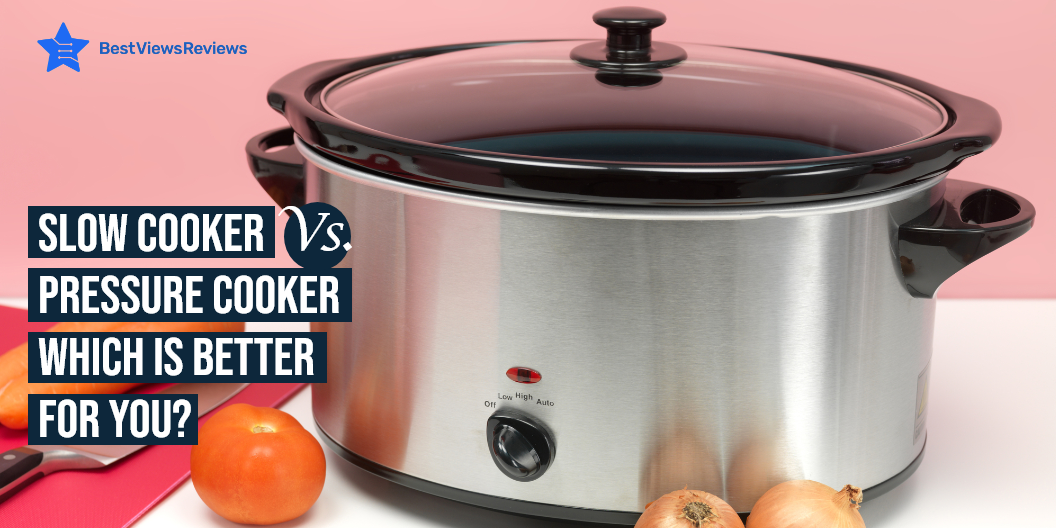
Slow cooker vs pressure cooker are both cooking appliances that you can use for making the process of cooking convenient. The slow cooker is a dish-like container with a long-lasting heating element on the bottom and it cooks food slowly. The pressure cooker is a pot that is used for cooking food quickly and in elevated temperatures. They both come with their pros and cons and choosing between them can be tricky. Read below to know which good between a slow cooker vs pressure cooker.

You can also read our blog on induction cooktops if you’re looking for modern cooking options. These cooktops look stylish and are convenient to use.

Pros Of Slow Cooker

More Flavor

Slow-cooked meals usually have a depth of flavor that you can not get by cooking quickly. You can put the ingredients in the cooker in the morning and come back to a delicious, slow-cooked meal when you return home.

Budget-Friendly

Slow cookers are budget-friendly. They are inexpensive and economical to use. These cookers are also great for making most of the budget ingredients.

Uses Less Energy

Slow cookers use less energy and let you save money in the long run. These cookers can cook meals in bulk so you can save the energy cost of cooking separate meals.

You can look at some of the best slow cookers that we have reviewed on the basis of their build quality, size, and design.

Cons Of Slow Cooker

Long Cooking Time

Slow cookers need a lot of time for cooking meals so you can’t just whip something up at the last minute. They generally require 3-4 hours for cooking a meal.

Takes More Space

Slow cookers require a lot of space. They are bulky and will take up a lot of your cupboard space. These cookers are not a great option for compact kitchens.

Condensation Affects Overall Food Quality

You must be prepared to consume foods soaked in some water due to condensation if you are using these cookers. The closed lid of the cooker traps steam which condenses to water. This results in making your meal somewhat soupy even when making soup wasn’t part of the plan.

Pros Of Pressure Cooker

Reduced Cooking Time

The main advantage of a pressure cooker is that it reduces two-third of the cooking time. They trap more energy and steam which results in faster cooking.

Nutrients Are Retained

Pressure cookers are designed to lock in more goodness of the ingredients than regular cookware. Only a few of the food’s nutrients and vitamins are lost during the pressure cooking process. This makes your meals more healthy and nutritious.

Less Mess

The use of a pressure cooker eliminates mess. Cooking with just one cooker requires less cleaning as compared to washing multiple pots. These cookers also come with a lock-down lid that avoids spillage.

Safety

Pressure cookers also come with safety features that make cooking easier. They prevent the cooker from building up too much steam. Extra steam can result in the top blowing off.

Cons Of Pressure Cooker

Can’t Open To Check For Readiness

A big disadvantage of pressure cookers is that you can’t open their lid in between cooking to check for readiness.

Overcooking Issues

There are chances of overcooking the food especially if you are learning how to use the cooker. This is because the cooking time is much shorter with a pressure cooker.

Only Good for Certain Meals

Different ingredients require different cooking times. You will have to use separate pots and pans in addition to the pressure cooker as you cant cook all the ingredients together.

Buy Slow Cooker, Pressure Cooker

Presto 01264 Pressure Cooker

Presto 01264 Pressure Cooker is designed with strong heavy-gauge aluminum for quick and even heating. It works well on regular and smooth-top ranges. The cover lock indicator of this cooker shows when there is pressure inside the cooker and prevents the cover from being opened until pressure is safely reduced.

Instant Pot DUO Mini Electric Pressure

Instant Pot DUO Mini Electric Pressure’s reviews show that it features 11 one-touch controls that make it easy to operate. The dishwasher-safe lid and pot of this cooker offer easy cleaning and maintenance. Its built-in tri-ply stainless steel inner pot offers quick and even heating performance. It cooks delicious meals up to 70% faster than traditional cooking methods.

All American Canner Pressure Cooker

The customer reviews of All American Canner Pressure Cooker claim that its 2 automatic venting features provide an extra margin of safety. It features positive action clamping wing nuts that permits easy opening and closing. The built-in double-thick edges of this cooker offer additional protection on points of heaviest wear.

Crock-Pot SCCPVL610-S-A

Crock-Pot SCCPVL610-S-A is a 6 quart Cook & Carry Slow Cooker that serves 7+ people. The easy-to-use locking lid of this cooker provides an extra seal for less mess on the go. It comes with a smart control panel that lets you change temperature settings. This pot is also microwave and oven safe.

Ninja Foodi Slow Cooker

Ninja Foodi Slow Cooker’s reviews mark that it comes with 14 safety features. This cooker is ceramic coated and nonstick. It also includes an air fryer basket for cooking healthy meals. The tender-crisp technology of this cooker allows you to cook quickly. You can use this cooker to air fry/air crisp, steam, bake/roast, slow cook, yogurt, and sear/saute.

Reynolds Kitchens Slow Cooker Liners

Reynolds Kitchens Slow Cooker Liners has a BPA-free nylon-blend construction that makes it safe for high temperatures. It comes with a 13 x 21 inches liner to fit 3- to 8-quart round and oval slow cookers. These liner bags help prevent stubborn stains or stuck-on messes on the pots.

Conclusion

Pressure cookers and slow cookers both are useful and offer different features. The slow cooker is great if you like cooking large meals with enhanced flavors. The pressure cooker is great if you are cooking a small amount of food like a small chicken or some vegetables. The pressure cooker is a win between slow cooker vs pressure cooker if you can’t spend much time on cooking and need control over your cooking process for those sumptuous meals.

BestViewsReviews rates and reviews hundreds of pressure cooker accessories and pressure cookers on the basis of their sturdiness, build quality, and size.

How To Prevent Neck Pain While WFH?

prevent neck pain

Neck pain is one of the most common workplace injuries and it affects millions of people every year. Working from home requires sitting in front of your laptop for long hours. This can result in neck pain and problems like cervical in the long run. You can prevent neck pain by exercising regularly. There are also some tips and tricks that let you prevent neck pain during those long hours of work.

How To Prevent Neck Pain While WFH?

Feet Firmly On The Ground

Keep your feet flat on the floor to perform this position. The feet should be slightly ahead of your knees which are bent at a 90- to 120-degree angle. Use a lumbar support cushion or grab a small throw pillow to alleviate back pain.

Shoulders Relaxed and Natural

Keep your shoulders relaxed, let your upper arms fall normally at your sides and elbows close to your body. Keep your head in line with your body and the middle of your computer monitor should be at eye level.

Hands And Forearms Parallel To The Floor

Ensure keeping your hands and forearms parallel to the floor. The ideal keyboard position is a little below the height of your elbows and sloped slightly away from you. This position allows your upper body to relax. It also keeps circulation from being cut off in your lower arms and hands.

Neck-Free When Talking

Always use earbuds, a headset, or a speakerphone while working. This will prevent your head from tilting while talking on the phone as you will not have to hold it between your neck and shoulder.

Keep Moving

You can still get neck pain while sitting for a long time even if you follow the best position. It is important to keep moving after regular intervals to prevent this pain. You can stretch around, walk for while or bend to keep yourself moving.

Neck pillows also help a lot in reducing neck pain and keeping you comfortable. You can read our guide on neck pillows to learn more about them.

Work From Home Products That Help Maintain Correct Body Posture

Ergonomic Office Chair

It is important to go for a chair that delivers support and keeps you comfortable during those long working hours. Ergonomic chairs support your head, back, and arms. The customer reviews of the Gabrylly Ergonomic Mesh Office Chair show that it offers breathability and adjustability. They also provide proper air circulation to provide extra comfort.

Monitor Stand

A monitor stand lets you raise up the height of your monitor. This way you can achieve a better viewing angle. Premium Laptop PC Monitor Stand’s reviews claim that it comes in a stylish design and is made of durable steel. Keeping your monitor at a raised level will help to reduce neck pain. These stands are compact in size and won’t take up much of your desk space.

Footrest

A footrest is designed to provide support to your feet. They are made of high-quality foam and offer perfect firmness. ErgoFoam Ergonomic Foot Rest Under Desk’s customer reviews say that it helps to ensure your sitting position is upright. Using a footrest will improve your posture. It will also reduce fatigue to your back, feet, legs, and knees, and improve circulation.

Standing Desk

A standing desk comes with an adjustable height and allows you to work even in a standing position. You can switch your position from sitting to standing easily with this desk. Standing desks like Flexispot EC1 Electric Standing Desk come with various height adjustments and offer a spacious work area.

Neck Pillow

A neck pillow is a perfect solution for neck pain. They support your neck and eliminate neck pain by keeping ears, shoulders, and spine in perfect alignment. Neck pillows like Desk Jockey pillows also come with a washable cover that makes them easy to use.

Conclusion

It’s important to take regular breaks from sitting at your desk when you are working from home. Standing up, walking around and stretching can help reduce your risk of neck pain that can result from sitting for extended periods. You can prevent neck pain by using devices like a neck pillow or monitor stand also. Your work will become more productive if you are healthy and not facing all these issues.

BestViewsReviews rates and reviews hundreds of home office desk chairs and monitor arms on the basis of their build quality, design and size.

4 Best 4K Curved Monitors

4K curved monitors

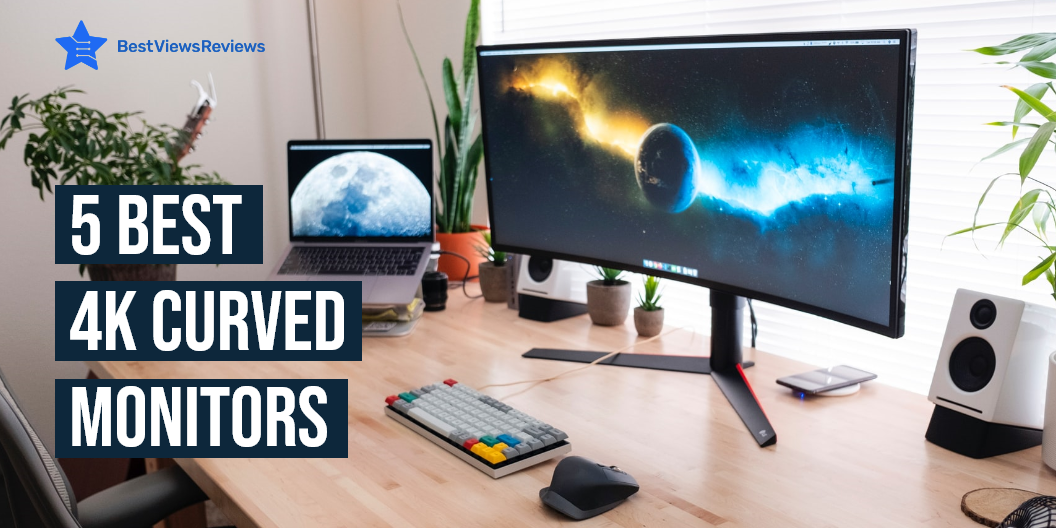
4K curved monitors are a type of display technology that curves the image to the user and can be used to reduce the eyestrain of a flat panel display. They also allow the user to view more content at once which results in a better experience. Curved monitors are also used in applications like gaming where a good view of the action is important. You can find these monitors in different sizes and with advanced features.

4 Best 4K Curved Monitors

Philips 328E1CA Curved Monitor

Philips 328E1CA is a 32 inches 4K UHD monitor with 1500R curvature and 3840×2160 pixels. The mega Infinity Dynamic Contrast Ratio of this monitor offers deeper blacks and brighter colors. This model also comes with effortlessly smooth gameplay with Adaptive-Sync technology. It comes with flicker-free technology and low Blue mode to reduce eye strain.

SAMSUNG UR59 Series

SAMSUNG UR59 Series is a 1500R curvature that delivers an immersive and comfortable viewing experience. This monitor minimizes eye strain during long working hours with Flicker-free and eye saver mode reducing blue light emissions. You can connect this monitor with multiple devices like laptop, PC, desktop computer, mac, and MacBook pro. It is also compatible with Xbox and PS4.

AOC CU32V3 Monitor

AOC CU32V3 monitor is a widescreen monitor with 4K UHD 3840×2160 resolution. It displays more accurate colors with wide-viewing angles that conform better to the natural curvature of your eyes. The low blue mode of this model reduces the amount of harmful blue spectrum of light to help prevent damages.

Dell S3221QS Monitor

Dell S3221QS 4K monitor comes with a curved 1800R screen that expands your field of vision and provides a wrap-around view for an immersive movie experience. It also has a flicker-free screen with ComfortView that reduces harmful blue light emissions and optimizes eye comfort. The customer reviews of Dell S3221QS monitor claim that its 4K UHD resolution offers immersive viewing in incredible clarity and fine details. It also has dual HDMI ports that help switch between streaming and console gaming easily.

What Are The Benefits Of a 4K Curved Monitor?

There are many advantages offered by a curved monitor. These monitors offer a more immersive viewing experience. Curved monitors also take advantage of their shape and reduce distortion. The curvate of these monitors allow your eyes to take everything at once without strain. They also have a wider field of view and are great for gaming purposes as well.

Do Curved Monitors Take Up Less Space?

The answer is No. Curved monitors generally take a lot of space. They take up more space than flat monitors. Curved monitors have a widescreen that’s why they require more space. You can consider buying vertical monitors if you are looking for a space-saving option. Read our blog on vertical monitors to know more about them.

How Far Should You Sit From A Curved Monitor?

You should sit around 3 meters away from the monitor if it has a 3000R curvature. Your viewing experience might get less than perfect if you exceed this distance. You won’t be able to see the screen completely if you reduce this distance.

How Much Do 4K Curved Monitors Cost?

The price of these monitors mainly depends on their size and the features they offer. The cost of 4K curved monitors usually varies between 200-400 dollars. Some high-end models may also go up to 600-700 dollars.

You can also find touch monitors on the market that offer convenience and the latest technologies. You can read our blog on touch screen monitors to know they are worth it or not.

Conclusion

Curved monitors are a great option for users who are looking for an ergonomic display solution. A curved monitor can help reduce neck strain while offering an immersive experience. They are also comfortable on the eyes. Many curved monitors like Samsung 4K monitors are also built with high refresh rates that make them great for gaming.

BestViewsReviews rates and reviews hundreds of top-selling monitor arms and best computer monitors on the basis of their size, build quality, and design.