Blood Glucose Meter: Know Everything About it

Blood Glucose Meter

A blood glucose meter is a portable, handy machine that is used to measure glucose content in the blood or blood sugar level. You can test your blood sugar with this machine in just a few simple steps. This machine comes with a lancet and a pack of testing strips. Lancet pricks your finger and the strip is for holding your blood droplet. A blood glucose meter gives accurate readings and is widely used by diabetic patients.

Benefits of a Blood Glucose Meter

A blood glucose meter is easy to use and is compact in size. You can easily carry this meter on your long trips or even holidays to keep a track of your blood sugar level. The accurate testing ability of this machine allows you to manage your medical conditions and reduce frequent doctor visits. This saves your time and proves to be a cost-effective way of testing your blood sugar level.

Reviews of ABOX Glucose Monitoring Kit show that it includes a compact-sized monitor device with 25 strips, 25 lancets, and a carrying bag.

Market Overview

The market size of blood glucose meters is a huge USD 7,419 million. This market value can reach almost double that is, USD 15,415 million by 2026.

A blood glucose monitor is an important tool that you should have in your medical kit. The Care Touch Diabetes Testing Kit comes with 1 lancing device, 30 gauge Lancets, and a carrying case.

Conclusion

A blood glucose meter is a convenient device that lets you test your blood sugar level, right at your home comfort. You do not require regular appointments with your doctor for blood sugar tests. The market has different models that vary in size, features, and accuracy. Make sure you purchase a model that has a good brand name and value.

You can download the full infographic of Blood Glucose Meters to include us as a reference. BestViewsReviews rates and ranks hundreds of Blood Glucose Meters and Blood Pressure Monitors on the basis of build quality, design, and controls.

The Best Small Smart TV 2022: How to Choose One

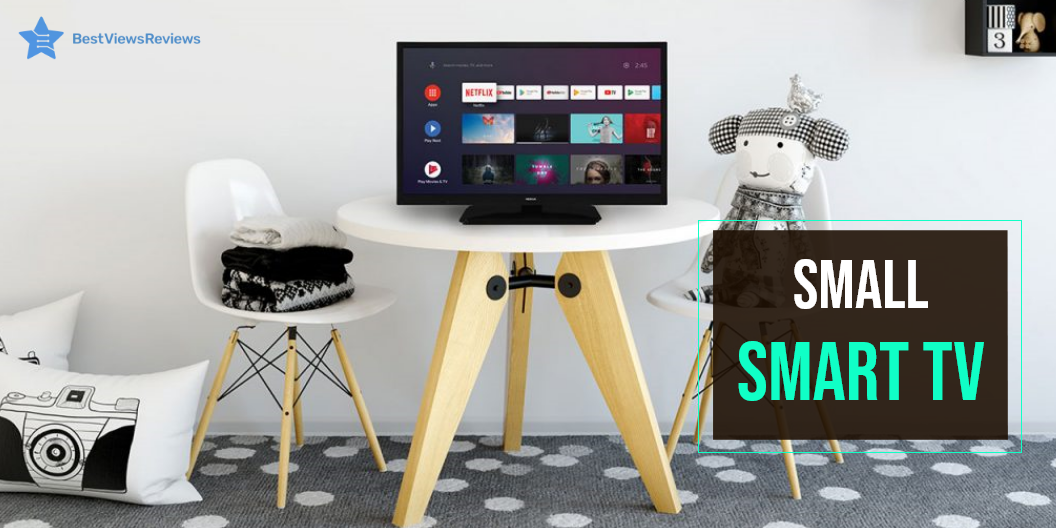
small smart TV

A small smart TV may be modest, but that doesn’t mean it lacks smart features. These 43-inches (or smaller) TVs include the same capabilities as their larger siblings but in a smaller package. The small top-rated smart TVs are ideal for dorm rooms, bedrooms, and studio flats. There are many brands available for small smart TVs. We have our dedicated blog on the best TV brands to consider. Read this blog and know in detail about different brands.

What Size is a Small Smart TV?

The top-rated smart TVs come in a variety of screen sizes, with 24 inches being the smallest. You can wall-mount it behind a desk or mount it on a bookshelf. The modest prices of these offer better savings and experiences than the larger ones.

What to Look For In A Small Smart TV?

Display Type of TV

One of the significant factors to consider when buying a TV is the type of screen you want. LED, QLED, and OLED are the three main alternatives available today. LED and QLED TVs are similar, but LCDs have LED backlights. The QLED TVs contain a “quantum dot layer” that enables a broader color range to be displayed.

OLED televisions are unlike any other television. Each pixel on an OLED display is separately lighted and turned off. The result is better black coloration and a wider viewing angle. The picture is accurate even when viewed from the side due to its individual lighting. LED TVs will typically suit the majority of people, but some might prefer an OLED or QLED television.

Screen Size

Considering the TV size is an essential factor when buying a small smart TV. If you buy the TV for family time, then go with larger screens. Many new models also include a gaming console or a streaming device. Forty-three inches is usually the sweet spot for a medium-sized room.

Screen Resolution

One of the essential selections you’ll have to make when shopping for small smart TV is the resolution. The 4K TVs are popular with many models in the market. These TVs have four times the number of pixels as FHD TVs and are better in quality. If you want to save money, Full HD TVs are suitable for their price.

Connectivity Options

Keep a check for the number of HDMI inputs on a smart small TV set. The more the number of slots, the better connectivity you get. Sometimes the ports can overburden if you already utilized three ports by adding speakers, a decoder, and a game console. To accept future Ultra HD inputs, make sure the set’s ports support HDMI 2.0. It is advisable to select a television with at least four HDMI ports.

Sound

It is important to remember that the more wattage your TV has, the louder the sound output. This is essential if your home is large. Play a few intense action moments to determine whether the sound is low or distorted at high volumes. Make sure the bass is pumping for a thrilling action scene. Take note of TV cabinet rattles and distortions, and listen for peculiar ‘piffling’ sounds under pressure.

Prices

You can find a terrific deal for TVs under $1,000. If you want to splurge on elegance and performance, you can expect to spend approximately $3,000. While paying the total price, ensure that you get the most up-to-date features and capabilities. Many consumers are delaying purchases because they believe current televisions are pricey. The truth is that televisions have never been better, nor have they ever been affordable. Luxury TVs can cost more than $2,000. Many terrific TVs for far less include 4K resolution, HDR compatibility, and smart features.

You can check models like SAMSUNG 32 Streaming TV that comes with special features like height adjustment, USB hub, High Dynamic Range as well as built-in Speakers. This year on Amazon you will get an 18% discount on this particular model.

How to Output Video From a Small Smart TV Onto a Big screen TV?

The small smart TV must feature an HDMI port to display a video on a Big screen. It will allow you to connect multiple devices to it. Connect the port to the gadget and begin streaming.

Buy the Best Small Smart TV.

VIZIO Full HD Smart TV

The VIZIO Full HD Smart TV lets you enjoy a bright, clear picture quality of 1080p high-definition resolution with a 60Hz refresh rate. It equips USB and HDMI ports for seamless connectivity. This model has evenly distributed LEDs across the screen’s backlight to deliver superior light uniformity. It is highly responsive with auto game mode, variable refresh rate with AMD FreeSync, and D-Series lowest input lag.  

Insignia F20 Series Fire TV

The Insignia F20 Series Fire TV show that this TV delivers a 720p picture resolution with deep black and rich colors. The immersive picture quality makes it quite realistic. This smart TV easily integrates live over-the-air TV channels and streaming channels on a unified home screen. You can easily control this TV with voice commands using the Alexa feature.

Hisense 50-inch ULED

The Hisense 50-inch ULED features Google’s innovative TV platform. An intuitive, easy-to-use interface and incredible picture quality combine to create the best smart TV experience. It has a 60Hz native refresh rate for a more smooth experience. You can enjoy a world of entertainment from apps like Prime Video, Netflix, Disney+, Hulu, and HBO Max.

Toshiba V35 Series HD Smart Fire TV

The Toshiba V35 Series HD Smart Fire TV delivers superb picture and sound along with access to full Smart TV content. It includes streaming from Netflix, Amazon Instant Video, and more. It provides brilliant picture quality with a 60Hz refresh rate. The TV also offers a dynamic contrast ratio for a crisp and clear picture.

TCL 32S305 32-Inch 720p Roku Smart

The TCL 32S305 32-Inch 720p Roku Smart has got excellent reviews for its smart functionality that allows you to access over 4,000 streaming channels. It offers a 720p HD resolution for a crisp picture. It features an LED backlight and stunningly realistic colors with Dolby digital technology. This TV lets you stream and watch all of your favorite entertainment in one place. We have a blog where we have compared a RokuTV with a smart TV. Read through to know the product better.

Conclusion

Smart TVs are your best bet for endless entertainment and connectivity on a big screen. You may find the best deals on shopping sites like Flipkart, Amazon, and eBay. Small smart TVs are sleek, modern, and feature excellent graphics for a great viewing experience. You can also check our other blog on smart TVs for streaming and check the top options.

BestViewsReviews rates and ranks hundreds of top-selling TVs. Our reviews are based on audio & video quality, controls, and overall performance.


Everything You Need to Know About PC Cube Case

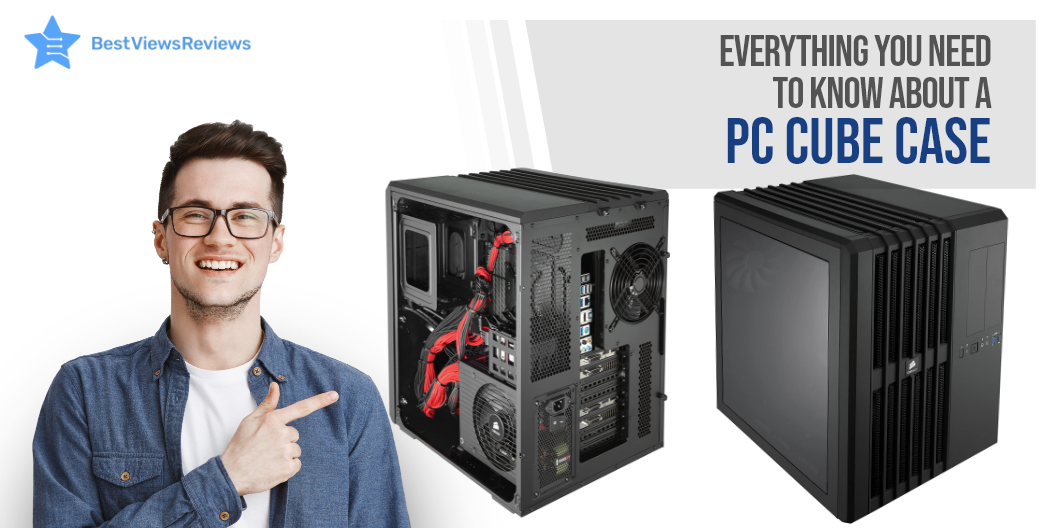
PC cube case

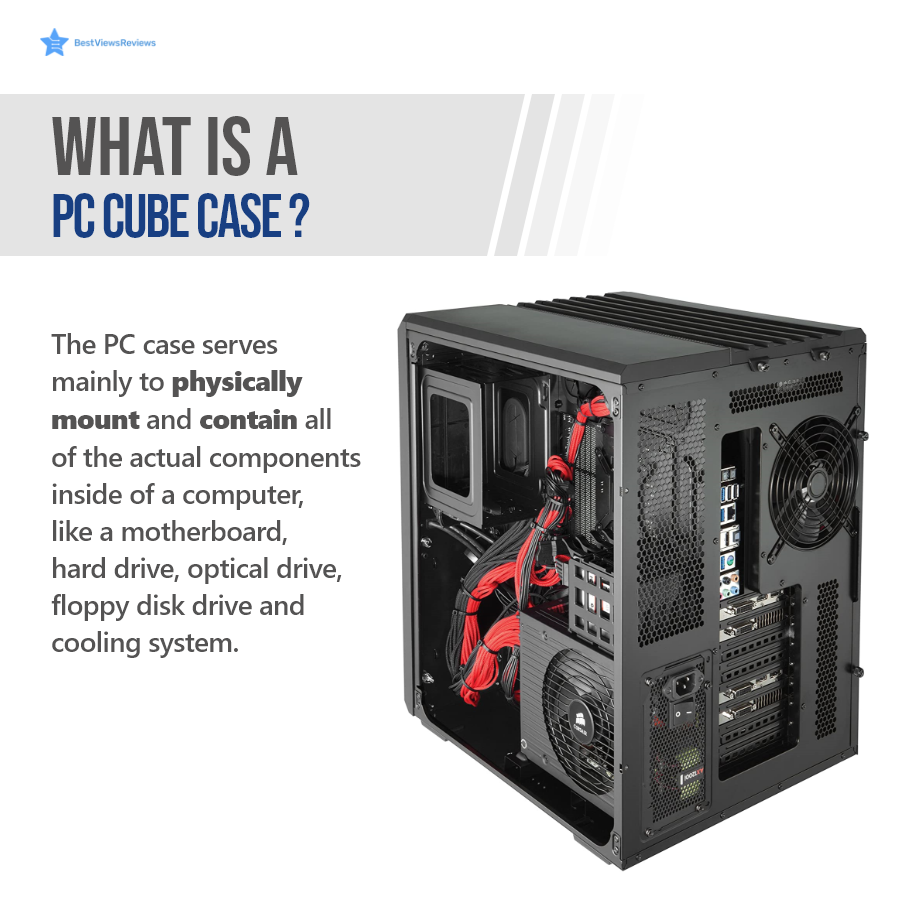
A PC cube case is a cube-style, compact PC case that houses computer components like E-ATX, ATX, Micro ATX, and Mini ITX motherboards, hard drives, GPU, etc. This case can come in small form factors and include transparent tempered glass panels. It stays cool and prevents overheating issues by supporting CPU cooler fans and liquid cooling. Some cube cases also feature a dual-chamber design that gives more room for internal parts.

Parts of a PC Cube Case

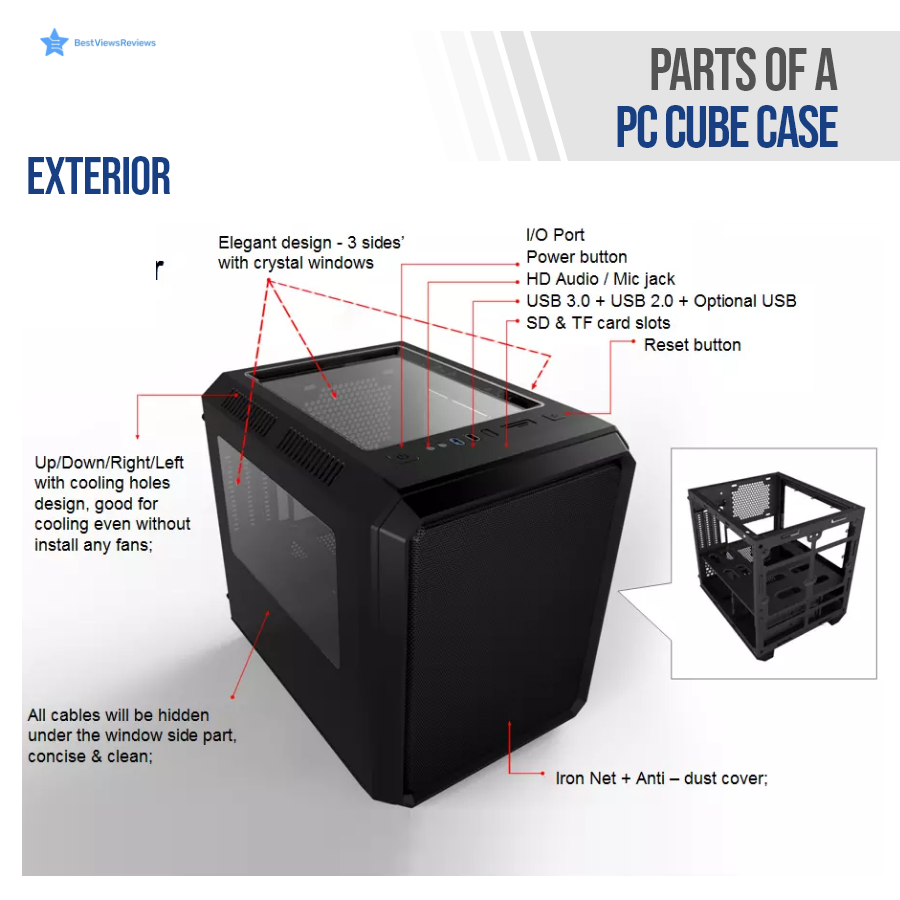
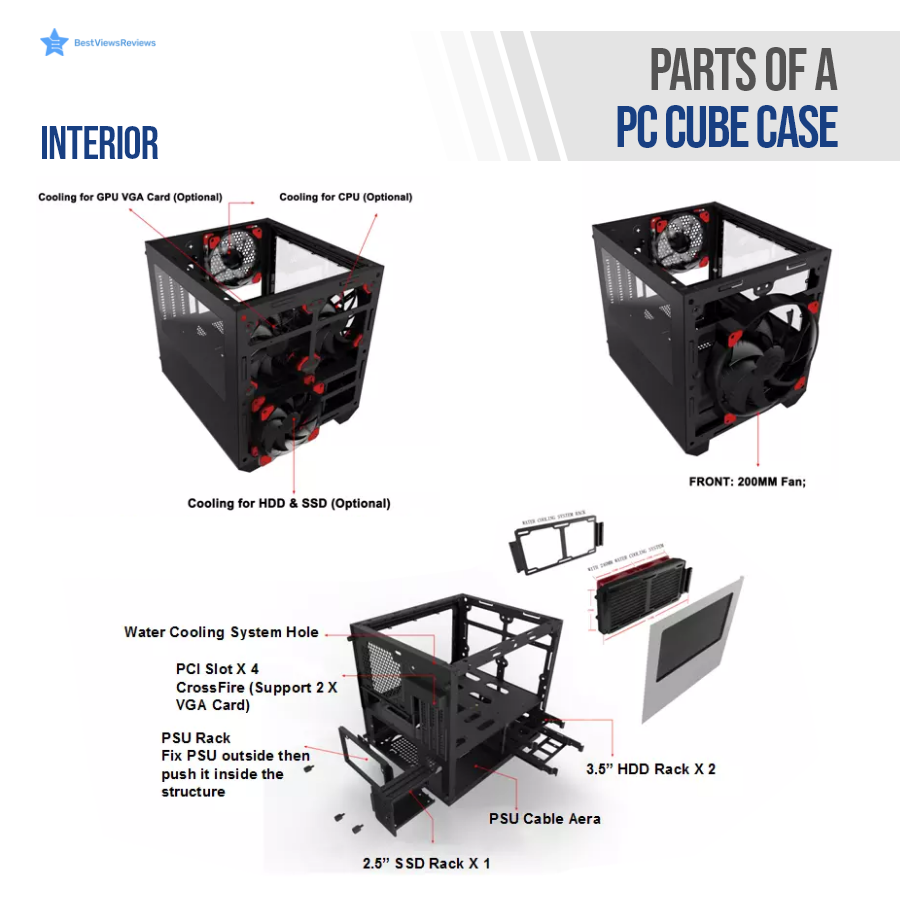
A PC case has exterior and interior parts. The interior of a cube case has enough room to accommodate all computer units, while the exterior parts have an elegant design and sturdy build. Continue Reading to know more in detail.

Exterior

The exterior parts mainly include I/O ports, glass panels at sides, operation buttons, cooling vents or holes, and an anti-dust cover.

Interior

A PC cube case in the interior can house a lot of parts. The major parts that are common in every cube are CPU coolers, SSD rack, HDD rack, PSU rack, and PCI slots.

Benefits of a PC Cube Case

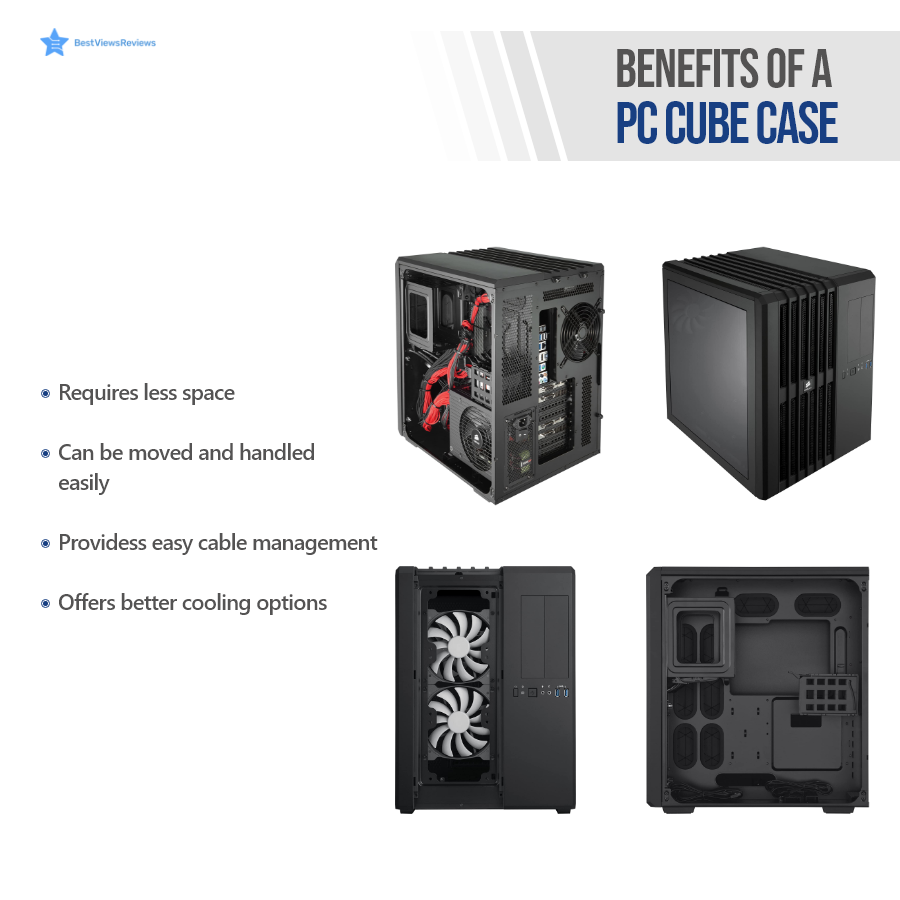
A PC cube case is the best way to boost your computer’s performance. This case offers sufficient room to accommodate high-end graphic cards and motherboards. It offers better cooling options and helps you manage CPU cables easily. The direct airflow path cooling design of the Corsair CC-9011030-WW Carbide keeps the CPU, graphics cards, motherboard, and memory unit of your PC cool.

The Thermaltake Core is perfect to use in either a vertical or horizontal orientation on the motherboard. It has 5 expansion slots and 2 USB ports.

PC Case- Market Overview

PC case market is currently booming and was valued at USD 10.6 billion in 2019. The overall market size is expected to grow at a CAGR of 7.6% from 2020 to 2027.

Conclusion

The right PC cube case can improve your PC gaming experience. It is also useful if you want an elegant PC case with better cooling capabilities. This case is available in different sizes. Make sure you choose the one that fits best in your limited space and can house all your desired components.

You can download the full infographics of PC cases to include us as a reference. BestViewsReviews rates and ranks hundreds of PC games on the basis of build, design, and material quality.

How Should You Reheat Pizza in An Air Fryer?

reheat pizza in air fryer

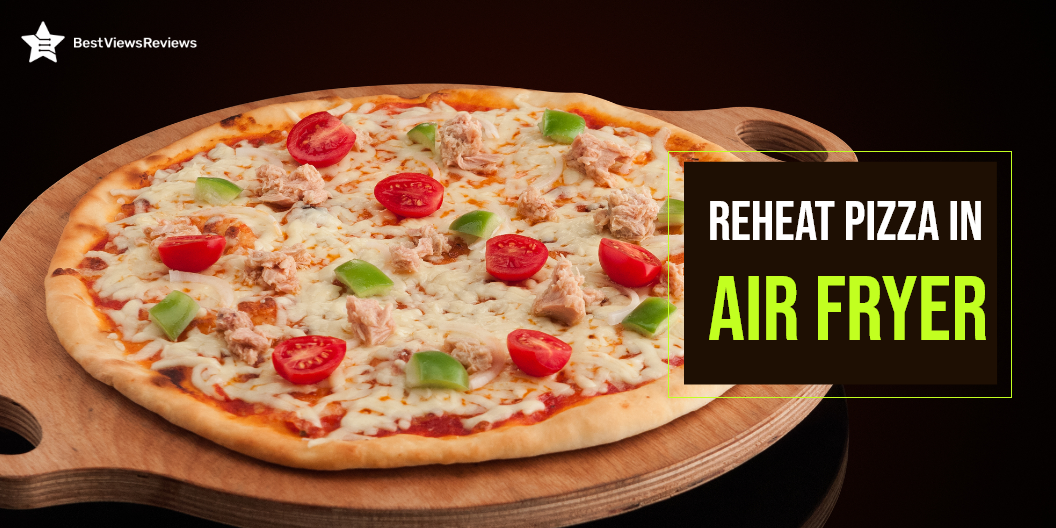
Air fryers are a convenient and quick way to reheat leftover pizza. This pizza tastes freshly made, and it’s hot and crispy. Air fryers are small kitchen appliances that cook food using hot air. An air fryer is a gadget that lets you cook foods quickly and in a healthier manner than traditional deep fat fryers or using a normal oven. It is great for making crispy fried snacks but it can also be used to reheat your favorite foods. There are air fryers for reheating pizza, french fries, chicken nuggets, etc.

You can also use air fryers to cook frozen foods. Frozen foods like fish fingers and chicken wings are tasty and act as great snacking options. You can read our blog on air fryer frozen foods to learn more.

Can I Reheat Pizza in an Air Fryer?

The results of reheating a pizza in an air fryer like Philips Premium Digital Airfryer are far superior to those of a microwave or a convection oven. The best feature about an air fryer is that it functions identically to a traditional deep fryer. An air fryer allows the food to transform into a delicious dish that is crispier without becoming dry or dull.

Some people believe leftover pizza is spoiled, but that’s not true at all if you reheat it properly. You must make sure that your pizza is edible. It’s not a good idea to eat your refrigerator-stored pizza a few days after purchase.

If I Want To Reheat Pizza In Air Fryer, Do I Need To Use Any Oil?

No, you don’t have to use oil to reheat your pizza, but you certainly can. Spray some oil on the air fryer basket or tray first. You can use the spray bottle to coat the pizza base in olive oil before cooking lightly if you want a crispy base. Oil also prevents the food from sticking into the basket.

The customer reviews of Proscenic T21 Smart Air Fryer claim that it comes with rapid hot air technology that penetrates hot air through thick food particles.

How to Reheat Pizza in an Air Fryer?

The reheating and making of a pizza in an air fryer depends on the kind of crusts you are making. Preheat the air fryer to 325 degrees if you are making thin crust pizza. Preheat a thick crust pizza to 350 degrees.

Air fryers these days come with the latest technology like LCD display, smart controls, etc. Ultrean 4.2 Quart Air Fryer’s reviews show that it has an innovative heating system-rapid air technology allows to grill, roast, and bake the food.

Layer Style

Stack the slices in a single layer in the basket if there are many slices. Remove the case from the air fryer after 3 to 4 minutes and enjoy.

Basket/Bucket Style

This method is excellent for 1-2 pieces of pizza at a time depending on your air fryer type.

Oven Style

You can reheat many slices of pizza at once in an oven-style air fryer. The pizza fits on the rack or tray in an oversized oven style or toaster style air fryer. Ensure that the tray is in the center of the heating element and not too near to it.

Pizza rolls are another amazing recipe that you can try making in an air fryer. You can read our blog on how to cook pizza rolls in air fryer to know more.

How Long to Reheat Pizza in an Air Fryer?

The process to reheat pizza in an air fryer like CHEFMAN Air Fryer depends on the temperature you use and the style of pizza you’re making. Crusts are either thin or thick. Follow the instructions in the guide you’re reading. Reheating pizza in 4-5 minutes will make it ideal for eating. Check the pizza after 3-4 minutes if you are not sure about it. Try reheating the food for 1-2 minutes at a time if it isn’t hot enough. Check and repeat the cycle three to four times.

Conclusion

Pizza is a delicious dish with various flavors in it. Many times the leftover pizza is not as tasty or crunchy to eat and loses its flavor. Reheating pizza in an air fryer is an excellent way to bring back the taste. An air fryer can convert soggy and tasteless pizza to a delicious recipe. You can make many more delicious recipes in an air fryer. Read about the lip-smacking vegetarian air fryer recipes that we have for you.

BestViewsReviews rates and reviews hundreds of air fryers and microwave ovens on the basis of their build quality, temperature control, and design.

What is a USB Port Hub? A Quick Guide

USB Port Hub

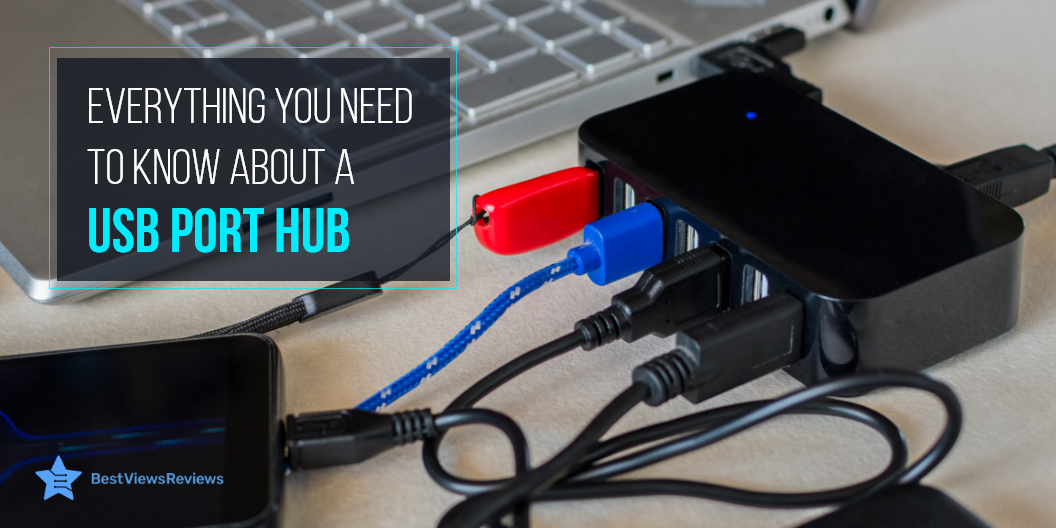
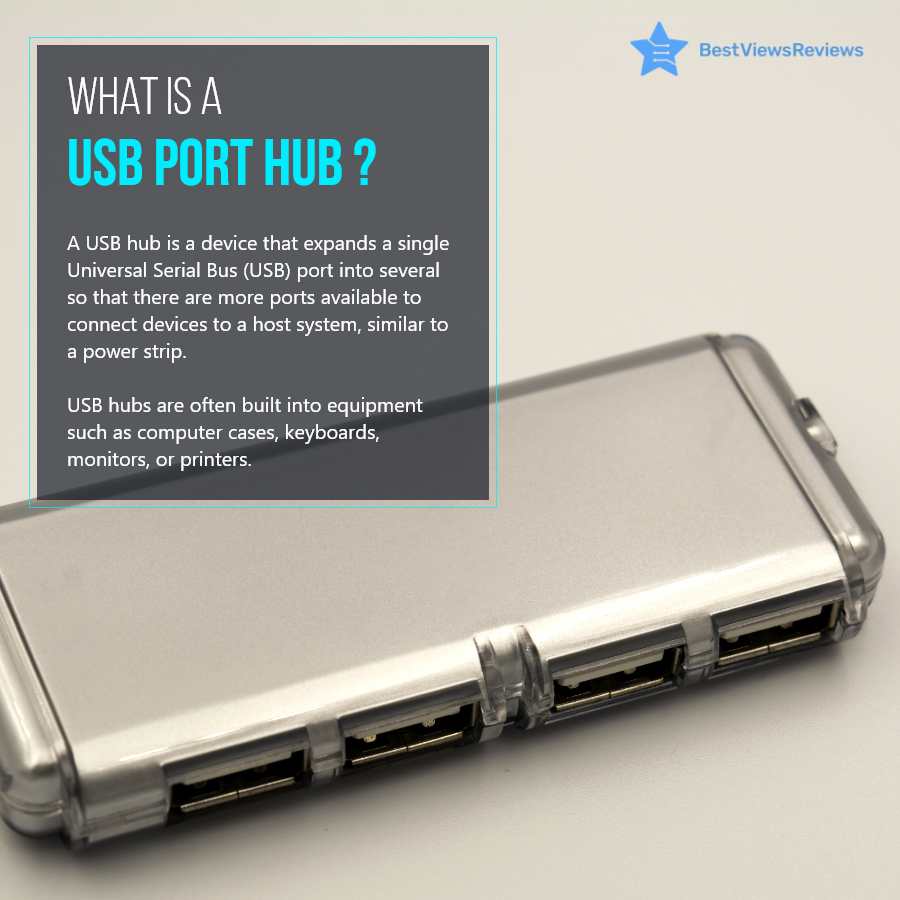
A USB port hub is a device that connects to your laptop, computer, or other machine and expands its capability of connecting to multiple USB devices simultaneously. It lets you connect to different USB devices via multiple USB ports. It houses up to 7 USB ports that share the same bandwidth as that of a USB Hub.

Types of USB Port Hub

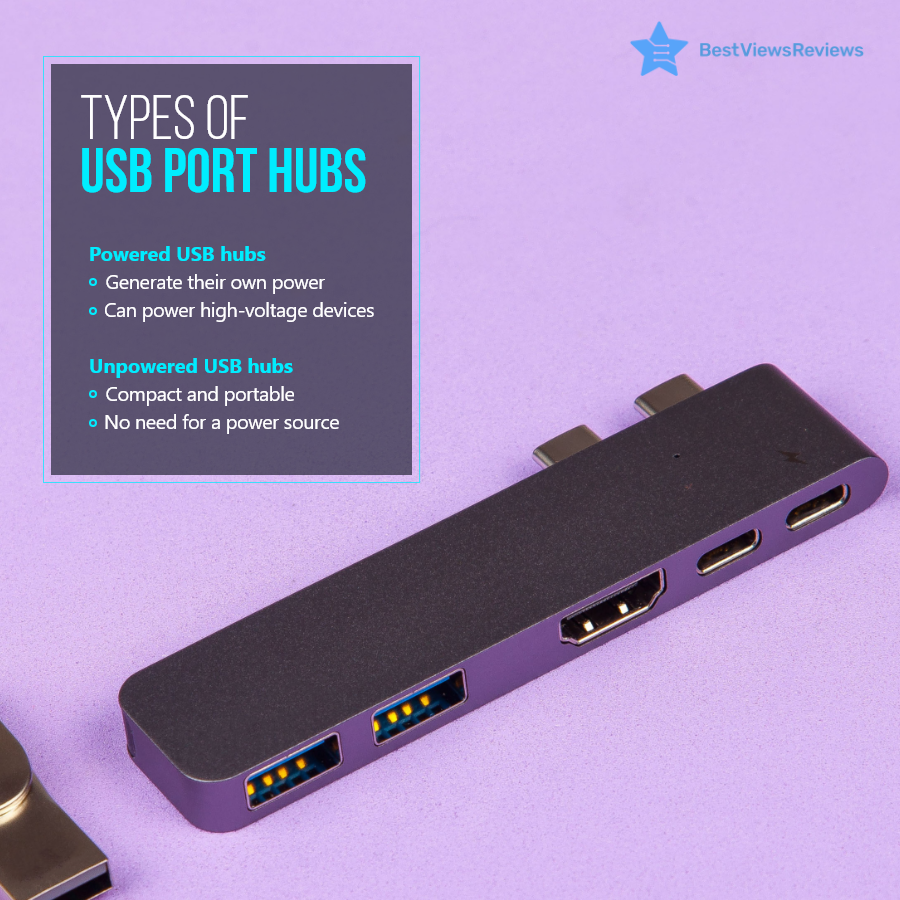
A USB port hub is available in two different types; powered and unpowered USB hub. A powered USB hub is self-powered and does not draw power from the machine system to run connected USB devices. This type is suitable for connecting high-voltage devices, like printers, scanners, and hard drives.

An Unpowered USB hub relies on a machine power unit for supplying power to USB devices. It is suitable for connecting low-power devices, like keyboards, chargers, and flash drives. Connecting heavy devices with an unpowered USB hub can affect the system’s performance and overall efficiency. The best part about an unpowered USB hub is that it is compact, portable, and does not require an additional power source.

Benefits of USB Port Hub

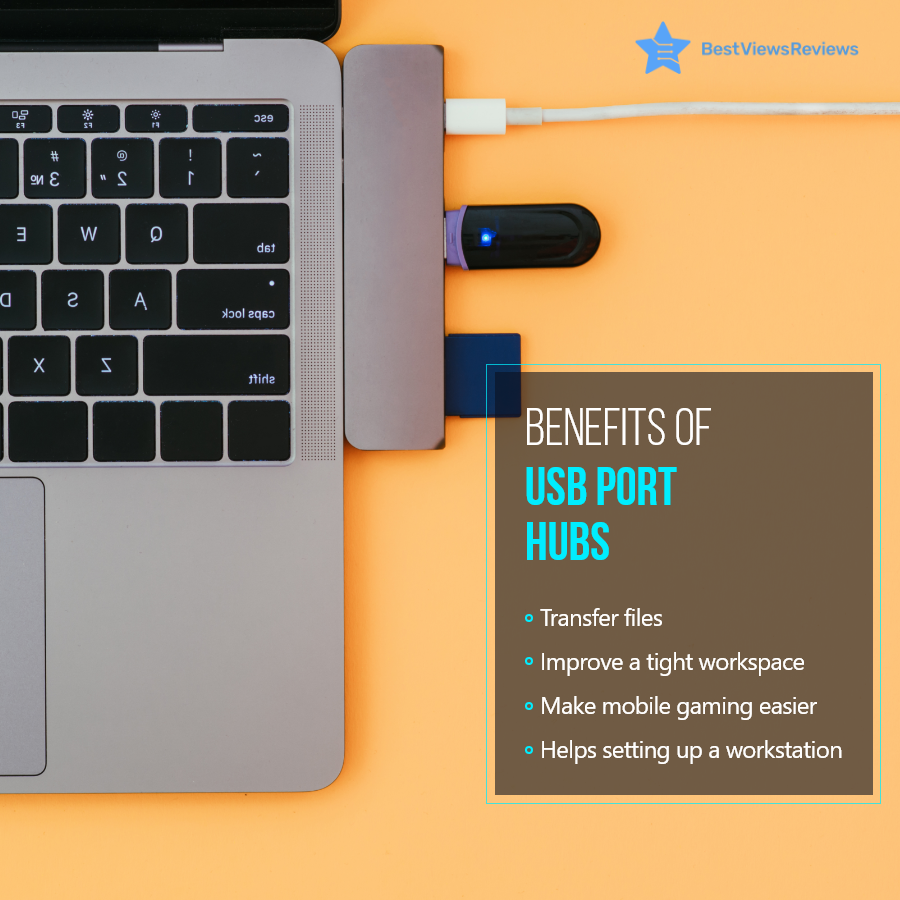
A USB port hub like Anker 4-Port USB is a versatile addition to your laptops and computers. It allows you to connect multiple devices, including storage drives, pen drives, keyboards, or any other device with USB compatibility. This allows you to transfer heavy files and applications with ease. You can set up your workstation and install a variety of accessories without any hassle.

Considerations When Buying a USB Port Hub

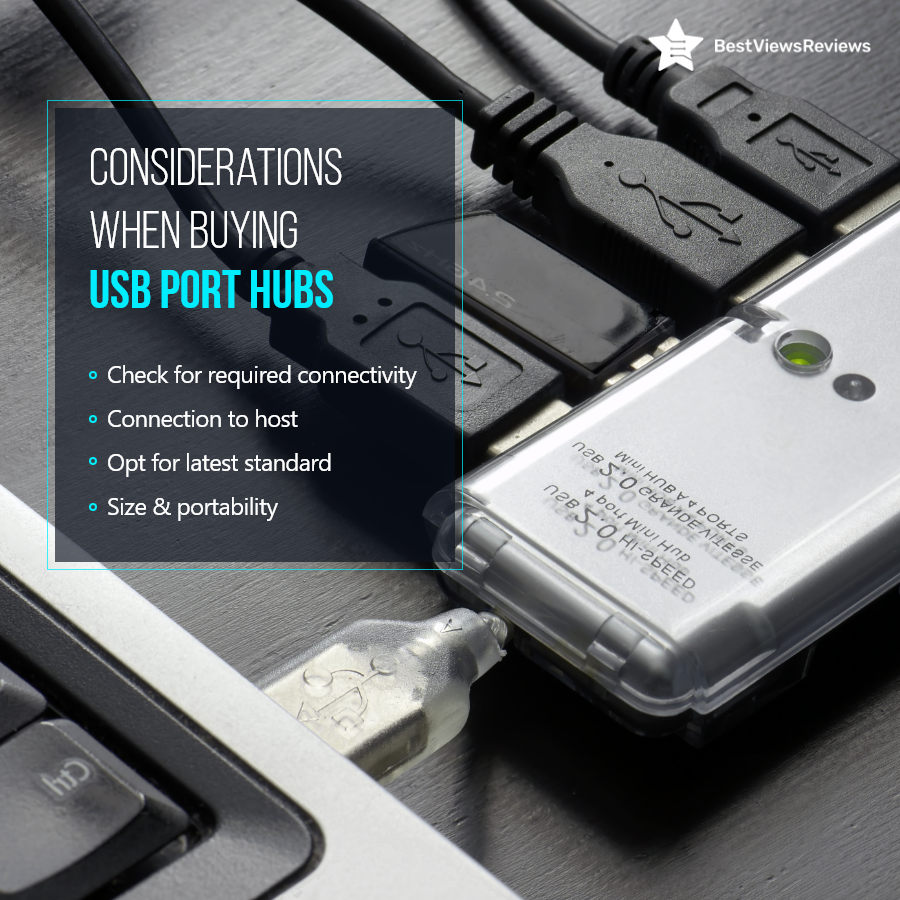
You should consider a few important factors before buying a USB hub.

  • The primary step is to check the connectivity options. You can go with 4 or 5 ports for average use.
  • Check the connection to the host and make sure you buy the right type of hub.
  • Always opt for the latest standard USB. The outdated USB versions can lag while transferring data.
  • It is important to consider size and portability. Make sure you buy compact models that are easy to set up and carry.

Reviews of Hiearcool USB show that this model is compact-sized and easy to carry. It comes with two high-speed USB-A 3.0 ports that are capable of 5Gb/s transfer speed for quick data transfer.

Conclusion

A USB port hub is a must-have computer accessory, especially when you have to connect multiple USB devices through a single machine USB port. The right type of USB hub can help you improve your efficiency and work productivity. Make sure you consider the above points and types before buying a USB hub.

You can download the full infographic of USB Port Hubs to include us as a reference. BestViewsReviews rates and ranks hundreds of USB hubs and USB to USB adapters on the basis of portability, build quality, and connectivity.