What is the Basic Difference Between Laser Printer and Inkjet?

inkjet vs laser printer

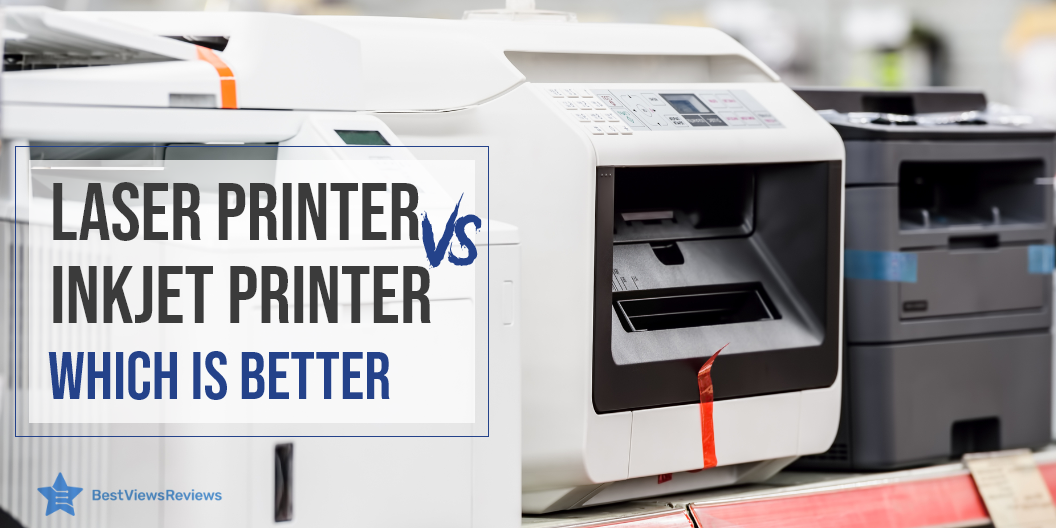
The most basic question to ask when choosing a new printer is whether you should get a laser printer or inkjet printer. The results of laser and inkjet printers are both good if you buy the right model. Both have their advantages and disadvantages, which will be helpful to you in making your decision. Read our blog on inkjet printers in order to better understand and learn about them. Our blog on Canon vs HP printers will also help you choose a printer as per need.

Laser Printer vs Inkjet

Inkjet Vs. Laser Printer: Process

Inkjet printers work on liquid ink, which is deposited onto the page with the help of a print head. The print uses many micro nozzles and the ink droplets transfer to the paper. The laser generates an electrostatic charge to transfer toner in laser printers. Heat bonds this power to the surface.

Inkjet Vs. Laser Printer: Price

The cost difference between the two printer types is one of the most important factors. Inkjet printers like the Brother HL-2270DW are less expensive than laser printers. Their technology differs from one another. Laser printers are complex devices and are therefore more expensive to manufacture. Inkjet printers tend to have a higher cost for ink replacement. The cost of printing black and white text on inkjet printers is around 5-10 cents per page. You can expect to pay up to 25 cents a page for color prints. Laser printers use more affordable toner cartridges. A laser printer can print black and white documents for less than 5 cents per page. The colored prints do not cost more than 15 cents per page. It is also easier to store toner cartridges, as they do not dry out when left out. 

Printing Technology

The fundamental definition of printing is the same for inkjet and laser printers. The placement of letters and images on paper — the two systems do this in quite different ways.

Inkjet printers like Canon LBP6000 use liquid ink that is deposited on the paper by a print head. This contains dozens of micro-nozzles. It prints by splashing small ink drops onto the paper. Depending on whether the ink is dye or pigment-based. The ink can either affect the color of the paper or dry as a deposit on the paper’s surface. Laser printers like HP LaserJet Pro M15w use toner, which is a powder.

Upfront Costs

Price plays a significant role in printer purchasing decisions. You may want certain features. The choice usually depends on your budget. The cost of inkjet printers is lower than laser printers. There is less complexity in the technology, and it is less expensive to manufacture. Most inkjet printers makers offer them at a loss. Buying a new printer like Brother MFC-J1205W is sometimes less expensive than buying a full set of fresh ink cartridges. Laser printers are rarely available for under $200, and even the most affordable ones cost $150 or more.

Inkjet Vs. Laser: Print Quality 

Inkjet printers are good for printing photos and images. This is due to dye and pigment-based ink. Laser printers require compatible papers for the best graphics. The Epson WorkForce WF-3520 laser printer does a better job printing text than an inkjet printer, as the ink may bleed with the latter. Smearing and drying of ink generally take a few seconds. 

Printer Speed

The printing speed of inkjet printers is slower, around 15 pages per minute. Laser printers, on the other hand, can print at speeds of up to 100 pages per minute. A laser printer’s faster speed makes it more suitable for use in an office setting.

Inkjet Vs. Laser: Printer Size

Compactness and portability are important while buying a printer and should be considered. Laser printers are generally larger and heavier. A small printer like the Canon Pixma TR150 is easier to fit if you have limited space. Laser printers have a large print drum and multifunction features that make them bulkier.

Key Takeaway

Inkjet printers are a better choice for occasional printing due to their low upfront costs. Inkjet printers are better for graphics and laser printers are better for text. An inkjet printer is a usually smaller and more compact than a laser printer. Our hope is that by comparing these parameters, you will be able to make an informed purchasing decision. 

Our blog on most reliable printer lists top printer brands that offer high-quality printers, reading through will help you choose the best one as per your needs. For more buying options, head over to BestViewsReviews. We rate and review the best inkjet and laser printers based on their quality, performance, and durability.
Top 10 Best Coffee Makers 2022

best-coffee-makers

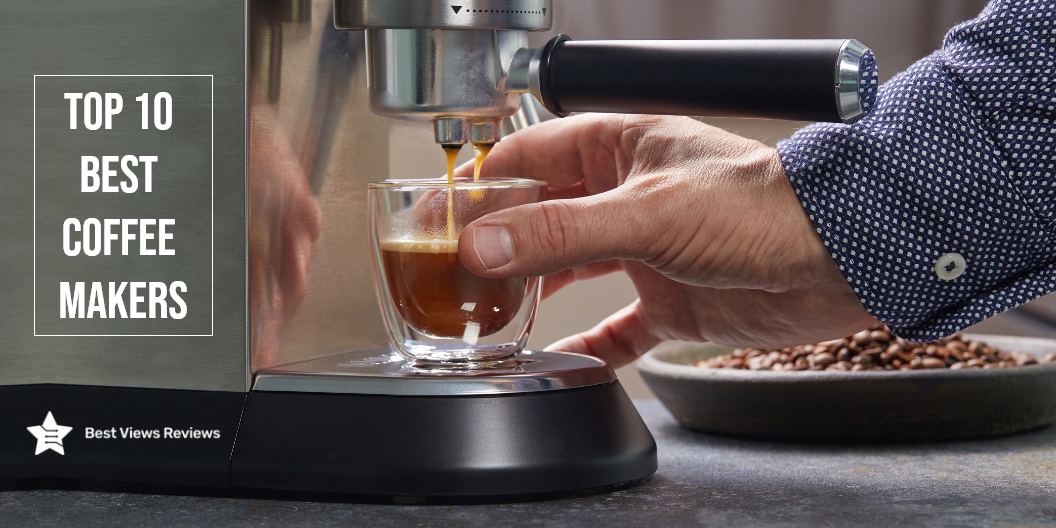
A coffee maker is a machine that brews coffee. There are many different types and styles of best coffee makers, and each one brews coffee in a unique way. Some coffee makers use ground coffee, while others use whole beans. You can also find models that are automatic as well as coffee makers that require manual input. No matter what type of coffee maker you use, the goal is to brew coffee that is hot, flavorful, and aromatic.

Coffee makers today, are a common sight in households. This blog is all about the best coffee makers, one can bring home to savor freshly brewed coffee every time. The concept of owning coffee machines has grown as a trend. With this, the majority of the users believe in buying a coffee maker to satisfy their coffee cravings. The best-rated coffee makers come in a wide selection of variants ranging from top-end variants to budgeted products.

Pour-over coffee makers prepare a coffee that is bursting with flavors and has a great consistency. Read our buying guide and know everything about pour over coffee maker.

List of Best Coffee Makers 2022

Keurig K-Elite Coffee Maker

The Keurig K-Elite coffee maker is a single-serve coffee brewer that is capable of making iced coffee. It has a capacity of 0.5 gallons and features a brushed silver finish. The coffee maker is made of plastic and has a manual control panel. This coffee maker is compatible with K-Cup pods and features a removable filter basket. The coffee maker gets good reviews because it also has a pause and serves a function. The dimensions of the coffee maker are 12.8 x 9.3 x 13.3 inches and it weighs 4.3 pounds.

Mr. Coffee 10 Cup Coffee Maker

The Mr. Coffee 10 Cup Coffee Maker is the perfect coffee maker for those who want the perfect cup of coffee. Its optimal brew thermal system ensures that your coffee is brewed at the perfect temperature, while the removable filter basket allows you to easily clean the coffee maker. The pause & serve function allows you to pause the coffee maker so you can pour a cup of coffee, while the Delay Start function allows you to set the coffee maker to start brewing at a later time.

Hamilton Beach 2-Way Brewer Coffee Maker

The Hamilton Beach 2-Way Brewer Coffee Maker can brew both single-serve and 12-cup pots of coffee. It is made of black/stainless steel and has a removable filter basket. The coffee maker also has a pause & serve feature, an optiBrew system, and a delay start function. You can pause the brew cycle to pour a cup of coffee using the clock and auto-pause feature. The coffee maker is also dishwasher safe.

Ninja CM401 Specialty 10-Cup Coffee Maker

The Ninja CM401 Specialty Coffee Maker is a versatile and convenient coffee maker that can brew four different styles of coffee. It has a built-in water reservoir and a fold-away frother for convenience and comes with a glass carafe. This coffee maker also features a pause and serve a function, as well as a delay start function.

Keurig K-Duo Coffee Maker

This Keurig coffee maker is versatile, convenient, and easy to use. It can brew a single cup or a 12-cup carafe, and is compatible with K-Cup pods and ground coffee. The black and brushed silver design will look great on your countertop, and the manual controls make it easy to use. The removable filter basket and coffee maker make it easy to clean, and the pause and serve function lets you enjoy your coffee when you want it.

Mueller French Press Double Coffee Maker

The Mueller French Press sleek and stylish coffee maker is made of double-insulated 304 stainless steel, making it both durable and rust-resistant. It also features a 4-level filtration system that eliminates coffee grounds, ensuring a smooth cup of coffee every time. Plus, it’s dishwasher-safe for easy cleaning.

BLACK+DECKER Mill and Brew Coffeemaker

The BLACK+DECKER 12-Cup Mill and Brew Coffeemaker make your favorite fresh ground coffee right in your own home. This coffeemaker has a built-in grinder that lets you choose your preferred coarseness. The Optimal Brew system ensures your coffee is brewed at just the right temperature for the best flavor and aroma. And with the Pause & Serve feature, you can pour a cup before the brewing cycle is finished.

Cuisinart SS-15P1 Coffeemaker

The Cuisinart SS-15P1 Coffeemaker has a built-in coffee grinder and a thermal carafe. It also has a programmable brew start time so you can have your coffee ready when you wake up in the morning. This model is the perfect coffee maker for those who want the convenience of a single-serve coffee maker with the added bonus of a built-in coffee grinder.

Cuisinart DGB-900BC Automatic Coffeemaker

The Cuisinart DGB-900BC Automatic Coffeemaker is a great addition to any kitchen. This coffeemaker features a built-in coffee grinder, permanent filter, and thermal carafe. It is also programmable so you can set it to brew your coffee at the perfect time. The carafe holds up to 12 cups of coffee, making it perfect for large gatherings. The Cuisinart DGB-900BC is made from durable stainless steel and comes in a sleek silver color.

BUNN GRB Velocity Home Coffee Brewer

The BUNN GRB Velocity Home Coffee Brewer can brew enough coffee for the whole family with its 10-cup capacity. The special feature of this coffee maker is its velocity brew system, which can brew coffee in just 3 minutes. This model has a removable filter basket that makes it easy to clean, and the dishwasher-safe design makes it even easier. The stainless steel design looks great in any kitchen, and the black color is perfect for those who want a sleek and modern look.

Conclusion 

A good coffee maker is signified by its versatility, flexibility, and ergonomic nature. Another factor that highly influences your coffee is the coffee grind. It is always best to use fresh ground to make coffee. Ninja coffee makers are one of the premium brands of coffee makers on the market today. Read our blog on ninja coffee maker and get the best option for yourself.

A single-serve coffee maker is the best way to achieve the even consistency of the ground easily. Make sure you only buy the best single-serve coffee maker after considering factors like brew time, size, and ease of use.

BestViewsReviews rates and reviews the best products on the basis of quality, convenience, and durability.

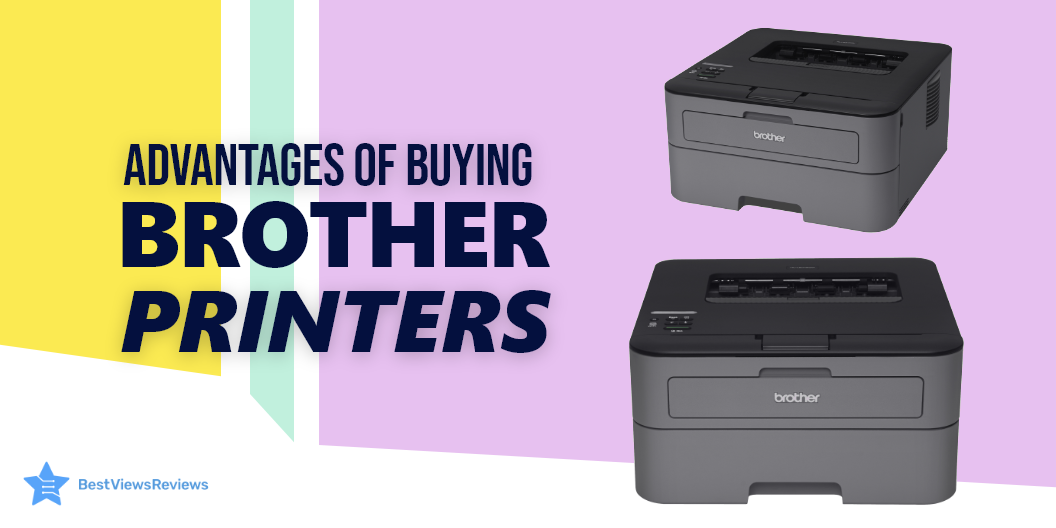
Advantages of Buying Brother Printer

brother printer

Brother is a popular brand in the world of printers. It was established in the 1960s and is popular for its innovative features. Brother printers offer excellent quality, durability, and reliability. They are easy to use and connect. You can connect them to your PC, laptop, or phone via the USB or Wi-Fi interface.

This allows you to print wirelessly from a remote location. These printers also support cloud printing. You can print from popular cloud storage like Dropbox, Google Drive, and more. An inkjet printer is a suitable buying option, but make sure you know what factors make this unit a must-buy item.

High-Quality Output  

Brother printers produce the best prints with their technology. Their quality output makes them a popular choice among graphic designers. Consumers use Brother toner to maximize the yield for the best results. A model like Brother HL-L8360CDW gives you high-quality color printing.

Wireless Printing  

There are many Brother printers with wireless and cloud printing capability, such as Brother MFCL2750DWXL has excellent reviews. This can be extremely useful as you can conveniently scan your documents from your devices and send the file to your printer directly.  

Hassle-free Installation and Easy Use  

Brother printers are extremely easy to install and use. This makes Brother HLL2395DW an absolute favorite among consumers. The intuitive interface and comprehensive manuals help you set up this gadget in just some minutes.   

Brother also offers free assistance for a period of two weeks after your purchase to resolve any issues you might run into.  

Reliable Driver Support  

The support that Brother provides is exceptional if your driver version has become outdated. Updates can be downloaded regularly using the driver software. It is also straightforward and easy to follow.  

Faster Printing Rate  

Brother printers have a fast printing rate. They also maintain the quality of your prints while printing them fast. If your work is hectic, brother printers like Brother MFCJ450DW can print up to 7000 copies without requiring you to change the toner.  

Integrated Features 

Most brother variants also work as scanners and fax machines. This compatibility helps you save money as well as space. It provides you with everything in one single machine. The advanced reliable system of your Brother printer can fulfill all your needs.  

Brother Printer FAQs

How Many Pages can a Brother Printer Cartridge Print?

A brother cartridge printer is a cost-effective solution to your printing needs. Your new brother printer can come with a starter, standard, and high-yield toner cartridge. The starter cartridge is the most basic one and can easily give you 1,000 A4 size printouts. The standard cartridge can print up to 1,500 A4 size sheets. Look for a high-yield toner cartridge to print approx 2500 A4 size sheets.  

Does Brother Printer Come with Toner?

The answer is yes. Most brother printer models include toner cartridges for convenient printing. The toner cartridge can vary from starter to high yield, depending on the model and price. The Brother MFC-J1205W model comes with a starter toner cartridge but contains only black, cyan, magenta, and yellow color.

Conclusion  

Brother printers are must-have gadgets for maintaining high productivity in your offices and workspace. The accessible customer support, durable quality, and ease of use make Brother, one of the most reliable brands in the market.

Choosing between Canon vs HP printer can be a tough buying decision. Check our blog to understand which brand is better before making any final selection.

BestViewsReviews rates and ranks hundreds of laser printers and computer printers on the basis of ease of use, compatibility, and overall performance.

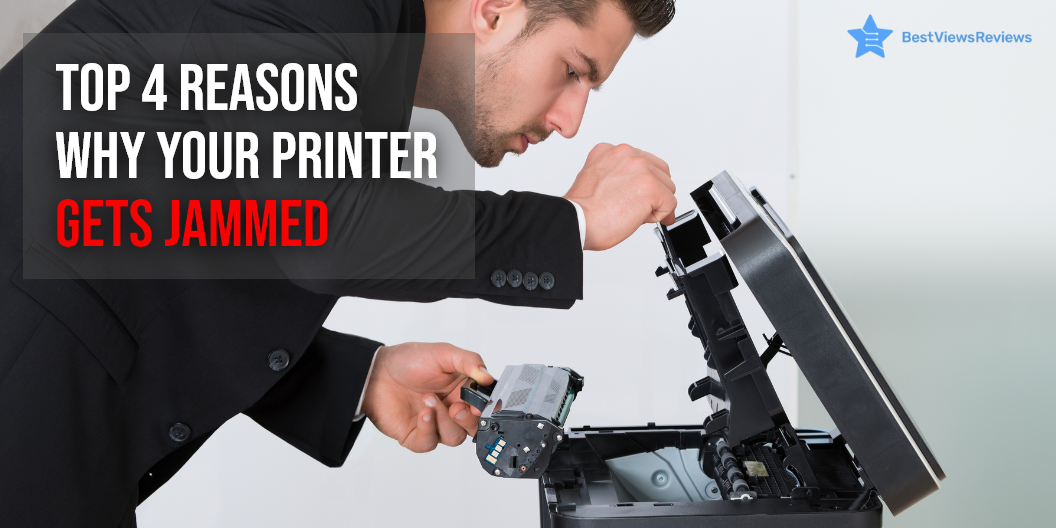
Printer Jam Causes and Solutions

printer jam

A printer is an output device that connects with your PC, tab, and phones for generating graphical printouts. This device is crucial for your day-to-day tasks. A functional printer is important for maintaining high productivity and efficiency. Most printers offer functions such as printing, scanning, faxing, and copying. They are convenient to use but regular usage can cause printer jam problems. The printer will malfunction as a result, causing time and productivity loss.

The reasons for the malfunctioning of printers are often minor and can be fixed with easy hacks. The common problems with printers are paper jams, low responsiveness, and streaky prints. You should know the causes and solutions of printer jams. You can also go for the laser printer like Brother Compact Monochrome Laser Printer have great reviews because it allows you smooth printing with no difficulty.

Common Cause of Printer Jam and How to Fix Them

Paper Jams  

Paper jam is a common issue that can occur if the papers are misaligned or overloaded on the paper tray.  

To resolve this, repeat the following steps: 

  • Open your tray and ensure that the paper is aligned
  • Remove the complete stack of papers and align it again properly
  • Ensure that you’ve loaded the sheets as per your printer’s paper capacity
  • Adjust the paper-type setting in your printer for using a different type of paper
  • Try to reboot your printer if all these steps do not resolve your issue.

Small pieces of paper can get stuck inside the rollers during the jam. Remove the duplexer and check inside the roller.

A model like HP DeskJet 2755e Wireless inkjet printer comes with HP+ that adds additional functionality to your printer, making it easier to print from any device or app with no paper jam.

Printer Driver Version  

The printer driver is the software that converts the data into a format that the printer can understand. You may encounter a problem if the version of your printer driver has become outdated. To fix this, download the new version and uninstall the older one to reestablish the smooth connection again.  

The reviews of the Epson WorkForce Wireless All-in-One Color Inkjet Printer are positive because it has both wired and wireless connectivity, making it easy to connect.

Overloaded Printer Queue  

A print queue is the list of printer output jobs. It maintains a log of pending and active printing jobs by storing the status in a reserved memory area. The queue can get confused if you delete, reorder or postpone your printer jobs. This causes your driver to halt its operations. 

Some quick fixes to resolve this issue include deleting the jobs, turning off your printer, and turning it ON again. You can also open Windows Services if you’re using Windows. Find the Print spooler option to stop all the jobs which might be confusing your printer.  

Clogged Printhead 

The printer ink can dry up in your printer head and clog the parts. You can consider cleaning your cartridge with a microfiber dishcloth absorbent. Let the cartridge get dry for reloading. You can also run the printhead cleaning option for using your software to resolve this problem. We recommend you go with only reliable printer brands.

How Do You Reset Your Printer?

The printer settings when changed can cause trouble while printing. Resetting your printer to the default setting is a good move. Follow the below-listed steps to reset your printer.

  • Find the menu option on the control panel of your printer
  • Click on the menu button and navigate using up/down arrow keys
  • Select the printer option.
  • Navigate to the reset printer option under the menu bar
  • Press 1 to select yes
  • Click on “reset all” and press okay

Conclusion

A printer is an important addition to your office or home workspace. Knowing the quick fixes to common problems like printer jams can help you save from the hassle of printer repair. These tips are effective on almost all printers. Read our blog to know more about common DIY printer repair hacks.

You should consider a few important factors while deciding on the final inkjet printer model.

BestViewsReviews rates and ranks hundreds of computer printers and inkjet printers based on build quality, ease of use, and portability.

How To Choose Blu-Ray Player?

blu-ray player

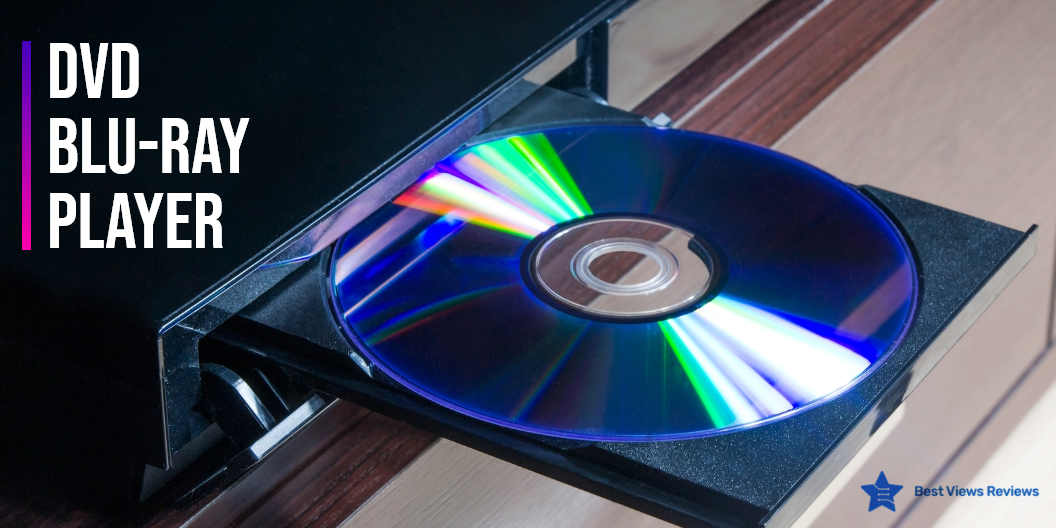
A Blu-ray player is a stand-alone device that plays Blu-ray and DVD movie discs. This player is the perfect way to watch your favorite movie or show in 4K with a great viewing experience. It allows you to watch the content of your standard DVDs and Blu-ray discs to a beautiful, high-quality resolution, resulting in a great viewing experience. It is important to note that Blu-ray is the only HD disc format available in the market today. The majority of the Blu-ray players can conveniently play commercial Blu-ray discs and standard DVDs. This is because most of them contain a red as well as a blue laser that equips the Blu-ray to play two different formats easily.

DVD players are also great devices for watching movies. You can have a look at some of the best DVD players if you want a DVD player that is portable as well as durable.

Things To Look For While Choosing A Blu-Ray Player 

4K Upscaling  

Many Blu-ray players and A/V receivers can do 4K upscaling. 4K upscaling allows you to view your content in four times better quality as compared to the regular HD. DID A R Upgrade Mini Blu-Ray DVD Player’s reviews claim that it is portable and offers high definition picture quality. The stunning clarity and vivid pictures are absolutely a delight to watch.

3D Functionality 

Some Blu-pay players also offer 3D compatibility. This reduces the need of going to the theater. You can comfortably watch your favorite movie from the comforts of your home.

Wi-Fi

Blu-ray players also come with a wireless connectivity feature. This enables you to connect your Blu-ray player easily with any home theater without the use of any USB cord or other external connections. The customer reviews of OPPO Digital BDP-83 Blu-ray Disc Player show that it is one of the best Blu-ray players available.

Audio/Video Connections 

You should make sure that your selected player plays your DVD collection comfortably before finalizing your purchase. Go with a player that has a good rating for both audio and video connections. Most of the Blu-ray players specifically play Blu-ray CDs only but there are some players which contain both blue and red lasers. Such Blu-ray players can conveniently play both Blu-ray as well as DVDs easily. You can also find Blu-ray players like Tojock New Blu-Ray DVD Player with digital optical or digital coaxial audio connections.

Video Streaming Options

An internet-enabled Blu-ray player lets you enjoy video streaming features. Different players are compatible with different video services. Make sure to select a model that supports the movie services of interest to you. Universal 3D Blu-ray Player’s customer reviews say that this model is compatible with various devices. It comes with built-in dual 3.0 HDMI input options. You can enjoy these services even if your TV does not have internet capabilities.

Form Factors

Large players are great for bigger spaces like home theaters. You can also find sleek and compact players if you have a small space to keep them. They can perfectly fit into compact spaces like a bedroom or small TV setups. You can read our blog to know about 10 popular blu-ray players.

What Does A Blue-ray Player Do?

Blu-ray players are devices that can play Blu-ray discs. These players can also play standard DVDs or CDs. They can even play CDs burned with MP3 files. Blu-ray players provide better picture quality for playing old DVDs as compared to a basic DVD player. You can browse through our featured section to find some of the best Blu-ray players to make a better purchase.

Does A Blu-ray Player Require Internet?

Blu-ray players like G EO.YEAO Blu-Ray DVD Player do not need an internet connection for playing Blu-ray discs or DVDs. You might need an internet connection if you want to enjoy video streaming features on a blu-ray player. Smart players these days can also be connected to WiFi.

Conclusion

Blu-ray players are modern-day gadgets that offer a great resolution of 1920p x 1080. They come with features like increased disc capacity, enhanced connectivity, quick transfer technology, faster playback, and improved disc playing mechanism. Blu-ray players are gradually replacing the concept of DVD players entirely.

BestViewsReviews rates and reviews hundreds of best CD players and top-selling DVD players on the basis of their portability, design, and battery efficiency.